
AI Bigfoot Video GeneratorNew
Make an AI Bigfoot vlog: Bigfoot talks to the camera in a vertical 8-second clip with voice and forest sound, made with Veo 3.1 Fast. See the quote first.
- From 100 credits per clip
- Text to video
- 4s / 6s / 8s
- 720p
- Audio available
Veo 3.1 Fast
What scene would you like to create?
Choose a scene to fill in the subject, setting and motion. No image upload needed. These are editable prompt drafts, not recorded outputs.
More settings · 9:16 · 8s · Audio
Checking generation and private storage configuration.
Sample result
8s · MP4About AI Bigfoot video on Cicadas
Write what Bigfoot does and says, and Veo 3.1 Fast turns it into a vertical 8-second vlog with his voice and the forest around him. Keep the lines short: in our tests Veo spoke one line word for word but dropped the second sentence of another. The 300-credit quote shows before anything is charged.
AI Bigfoot video examples made on Cicadas
Bigfoot’s morning vlog.
Veo 3.1 Fast, 8 seconds with sound, vertical. Bigfoot holds the camera at arm’s length in a sunlit pine forest and says the whole line word for word, with footsteps and heavy breathing under it.
Use this recipe ↗Pancakes, don’t tell the rangers.
Veo 3.1 Fast, 8 seconds with sound, vertical. Bigfoot flips a blueberry pancake over the fire and whispers “Don’t tell the rangers”; the second sentence of the line is not spoken.
Use this recipe ↗Why use Cicadas for AI Bigfoot video
Make a Bigfoot vlog that talks to the camera
Describe a selfie-style shot and give Bigfoot one or two short lines. Veo 3.1 Fast generates his voice, footsteps and the forest sound with the picture.
Vertical AI Bigfoot videos for Shorts, Reels and TikTok
Clips are 9:16 by default, up to 8 seconds at 720p; switch to 16:9 for YouTube. Each clip is one shot, so join several in an editor for a longer vlog.
See the price of every Bigfoot clip first
8 seconds with sound is 300 credits and 4 seconds is 150. A failed generation returns its credits.
How to use AI Bigfoot video
- 01
Write one scene: where Bigfoot is, what he does and one short line he says.
- 02
Keep 9:16 and 8 seconds for a vlog, then check the quote.
- 03
Generate, download the MP4 from My videos and post it with an AI label.
AI Bigfoot video prompt ideas
Copy one into the prompt box above and adapt it to your shot.
“Handheld selfie vlog, vertical. A friendly, shaggy Bigfoot holds the camera at arm's length in a misty pine forest at sunrise and says in a deep, cheerful voice: "Morning, everybody. Big day. I'm finally trying the trail mix you all keep leaving out." Birdsong, soft wind and twigs crunching under his feet. Natural phone-camera shake, one continuous shot, no text or logos.”
“Handheld selfie vlog, vertical. A shaggy Bigfoot crouches by a small campfire at dusk, flipping pancakes in a cast-iron pan, and whispers to the camera: "Don't tell the rangers. Blueberry pancakes, extra syrup." Crackling fire, a sizzling pan and a distant owl. Warm firelight, slight camera shake, one continuous shot, no text or logos.”
AI Bigfoot video FAQ
Tested on Cicadas · reviewed 2026-09-30
Recorded on Cicadas on 2026-09-30: two Veo 3.1 Fast Bigfoot vlogs, 8 seconds, 9:16, 720p, with sound, 300 credits each. In the forest clip Bigfoot said the whole three-sentence line word for word; in the campfire clip he whispered the first sentence and skipped the second. Both are single shots; longer vlogs need several clips joined in an editor.
Updated Sep 30, 2026 · How we test
Related tools
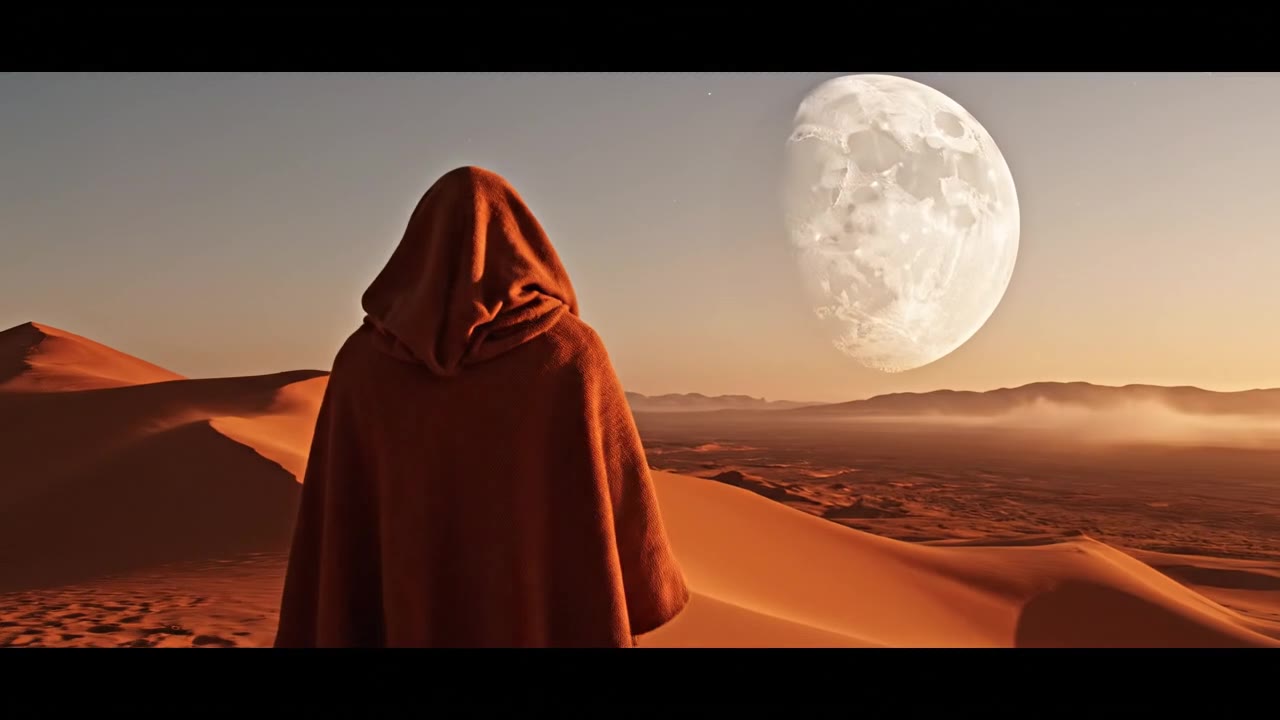 Veo 3.1 Fast · Recorded Cicadas sample
Veo 3.1 Fast AI Video Generator
Turn text, one image or a first and last frame into a 4-, 6- or 8-second Veo 3.1 Fast video at 720p or 1080p, sound optional. See the credit quote first.
Veo 3.1 Fast · from 100 credits
Tested 2026-09-30
Veo 3.1 Fast · Recorded Cicadas sampleAI Video Generator with Sound
Describe the action and the sound, and get a 4, 6 or 8 second Veo 3.1 Fast MP4 with an audio track. AI video with sound effects, ambience or dialogue.
Veo 3.1 Fast · from 100 credits
Tested 2026-09-30
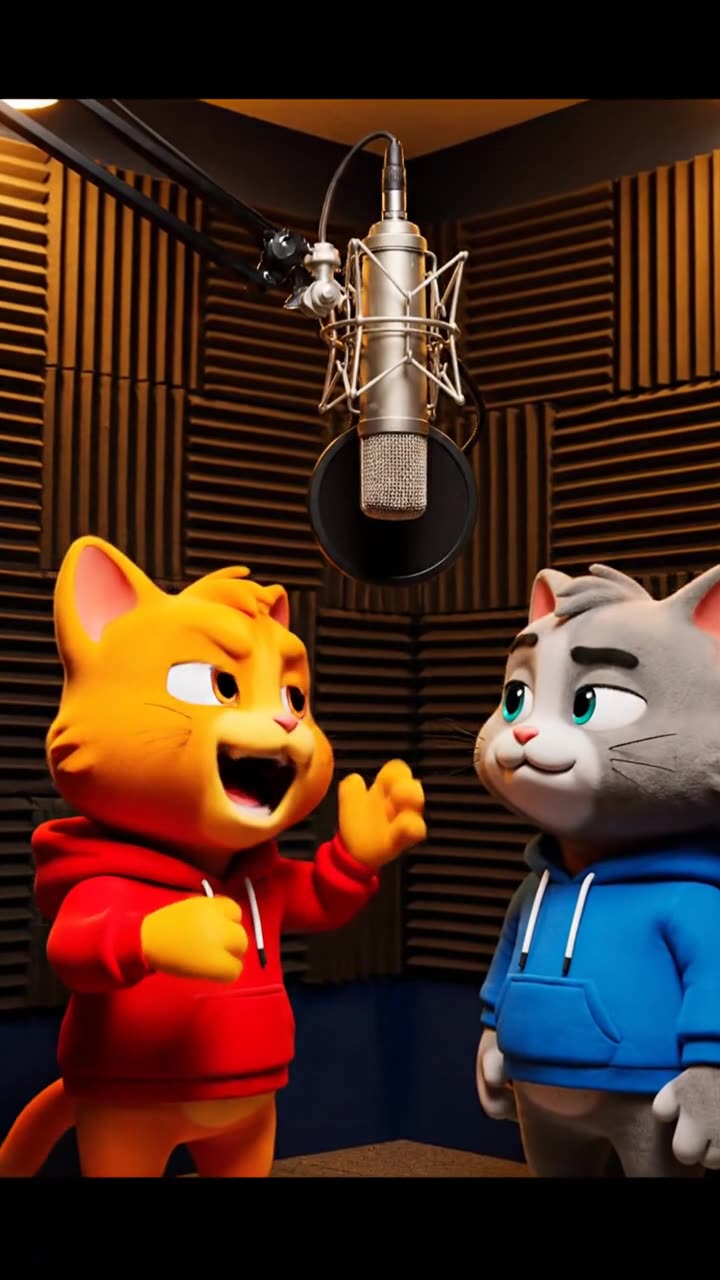 Veo 3.1 Fast · Recorded Cicadas sample
AI Rap Video Generator
Write the bars and get an AI rap video with the beat, voices and characters rapping on screen, made with Veo 3.1 Fast. Original characters only; quote first.
Veo 3.1 Fast · from 100 credits
Tested 2026-09-30