
AI Motion Graphics Generator: Type It, Get an Animated MP4
AI motion graphics generator: free templates and MP4 export. Optional AI writing: 25 credits, changes 20. Account needed; unusable scenes refunded.
- Free export
- optional paid AI
Loading the editor…
Real results (2026-10-10, Chrome): each video below is a file this page exported. The companies and products in them are made up.
About AI motion graphics on Cicadas
The free manual workflow: Make a short animated video from text and numbers: an explainer in steps, a figure that counts up, a bar chart that grows, a launch teaser or a quote. Start from one of five templates, type your words, pick a shape and colours, and download an MP4. Or switch to the chat-model route: copy the prompt, let Claude or another model write a custom scene, and paste it back. Everything is drawn in your browser from shapes and text, not generated footage, so your words and numbers appear exactly as you typed them. It is free, with no watermark, no upload and no account. In our test on 2026-10-10 in Chrome, six template videos of 6 to 16 seconds took 1 to 5 seconds each to make. Templates, manually pasted scenes, browser rendering and MP4 export are free; image files stay on your device. Optional onsite AI writing costs 25 credits, a change 20, and needs an account. Your description and scene text go to Cicadas and fal/Claude and are saved privately to your account. An unusable scene, or a new scene with the wrong shape or length, returns the credits.
Nearby pages on the same renderer: the AI explainer video generator for step-by-step videos, Claude motion graphics for scenes written by a chat model, the Higgsfield Katana alternative and the logo animation maker. Which template fits which job, and when a chat model should write the scene instead, is in how to make motion graphics with AI. To animate words rather than a logo file, the text animation maker sets your text in a font and moves it in your browser; how to animate a logo walks through the logo tool step by step.
Why use Cicadas for AI motion graphics
Five templates that need no AI
Steps (a title and two to four steps shown one at a time), Big number (a figure that counts up, with a caption), Bar chart (up to eight bars that grow in turn), Launch teaser (name, tagline, three features, closing line) and Quote (typed out, then the author). Each lays itself out for 16:9, 9:16 or 1:1 in four colour sets. The templates do not use AI: they place what you type.
Or let a chat model design the scene
For something the templates do not cover, copy the prompt on the second tab and paste it into Claude or another chat model. It answers with a scene description that this page checks and draws. In our test on 2026-10-10, six answers from Claude Opus, Sonnet and Haiku were all valid on the first try; the two from Haiku had layout faults, so use Sonnet or Opus. Other models are untested.
Exact text, exact numbers
Video models that generate footage often misspell on-screen text and cannot be trusted with figures. Here every letter and number is drawn as text, the counter ends on the number you entered, and bar heights are computed from your values. In our test the counter for 61,400 ended on 61,400 and stayed there, and a three-bar chart of 1.2, 1.4 and 1.6 drew bars in those proportions.
How to use AI motion graphics
- 01
Pick a template and fill in its fields. The preview appears as soon as the required ones are filled.
- 02
Choose the shape (16:9, 9:16 or 1:1) and a colour set, and watch the preview.
- 03
Click Make MP4 and download the file.
Example briefs to start from
Choose “Written by a chat model”, then copy an example into step 1 and replace it with your own content. Or fill in a template directly.
“Steps: "How a URL shortener works" with three steps, for a product page or an onboarding email.”
“Big number: "61,400 subscribers, up 18% on last quarter", square, for a LinkedIn post.”
“Bar chart: monthly revenue for the last three months, 16:9, to drop into a board deck.”
What it costs
| This page: templates, checking and MP4 export | Free | No account, no watermark, no limit on exports. It runs on your device. |
|---|---|---|
| Have Cicadas write the scene | 25 credits a scene, 20 credits a change | Written on this page by Claude Sonnet in about a minute. Credits are returned if no usable scene comes back. Needs an account. |
| A chat model to write a custom scene | Whatever plan you already have | The prompt is a normal chat message of about 3,000 characters. We tested Claude Opus, Sonnet and Haiku. |
| Claude Motion (Anthropic, beta) | Team: $20 per seat a month billed annually, 2 seats minimum | Included in Team and Enterprise plans only; counts toward the plan's usage limits. Not on Free, Pro or Max. |
| AI video with generated footage on Cicadas | Credits, shown before each generation | For scenes, people and camera moves rather than text and charts. |
Claude prices are from Anthropic's pricing page as read on 2026-10-10 and can change; check the page before you buy.
AI motion graphics FAQ
Tested on Cicadas · reviewed 2026-10-10
Tested on 2026-10-10 in Chrome; not tested in Safari or Firefox or on a real phone. Each of the five templates was filled in through this site's form the way a visitor would and exported: six videos (Steps in English at 1920 × 1080 and in Chinese at 1080 × 1920, Big number at 1080 × 1080, Bar chart at 1920 × 1080, Launch teaser at 1080 × 1920, Quote in Chinese at 1080 × 1080). They run 6 to 16 seconds, took 1 to 5 seconds each to make and weigh 0.17 to 1.5 MB; ffmpeg read each as H.264 at 30 frames per second with no sound track, and no network request was sent while exporting. A half-filled form and a bar line without a number were refused with a message. Every template was also built in all three shapes and all four colour sets by an automated test that checks each result against the scene rules and that nothing is placed outside the frame. The layout warning was run on the six scenes Claude models wrote: it flagged three texts in the two Claude Haiku scenes, the same faults we had seen by eye, and none in the four from Opus and Sonnet. Fonts come from the device, so wrapping can differ elsewhere. The chat-model route was tested with Claude models only; see the Claude motion graphics page.
Updated Nov 14, 2026 · How we test
Related guides
Related tools
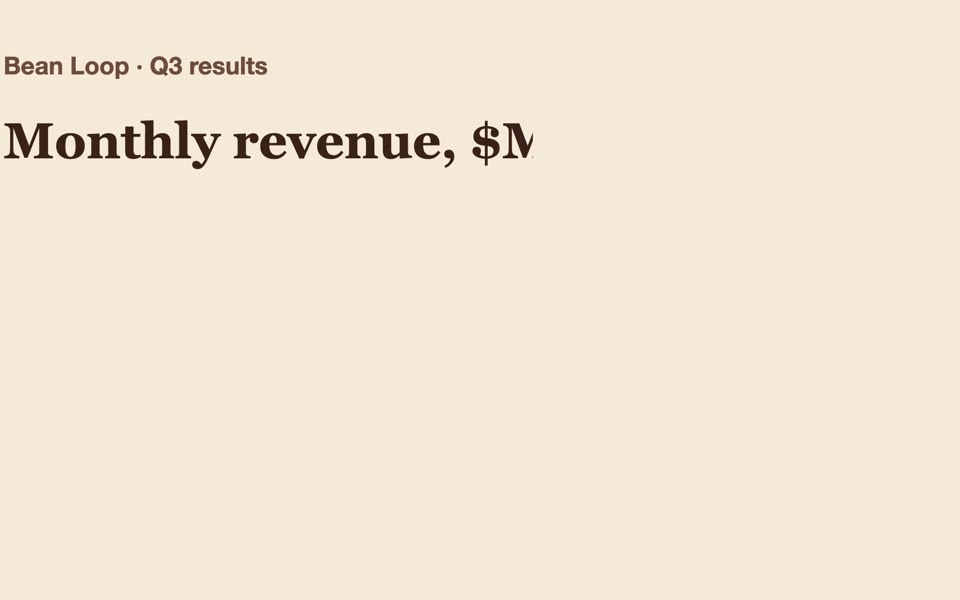 A scene Claude wrote, rendered here
Claude Motion Graphics Without a Team Plan: Prompt In, MP4 Out
Claude Motion is Team and Enterprise only. This free page gives you a prompt that makes Claude on any plan write an animated explainer, then renders it to MP4.
Free · runs in your browser
Tested 2026-10-10
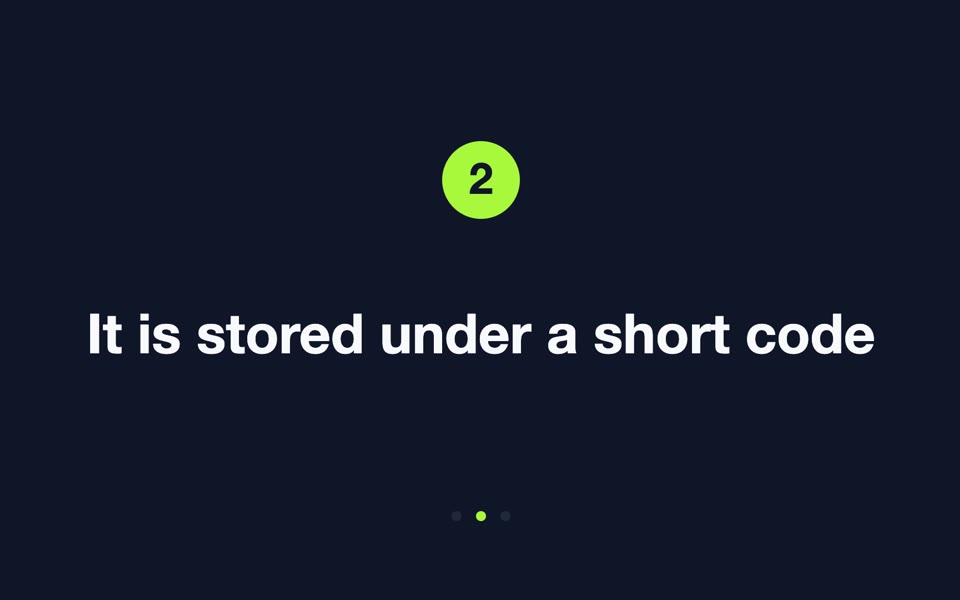 A step-by-step explainer from a template
AI Explainer Video Generator: Explain It in Steps, Download an MP4
Free AI explainer video generator: type a title and two to four steps and get an animated explainer, or have a chat model write one. No watermark, no upload.
Free · runs in your browser
Tested 2026-10-10
 Intros and outros from your own logo file
Logo Animation Maker: Animate Your Logo, Letters Untouched
Free logo animation maker: upload a PNG or SVG, pick fade, pop, rise, wipe, focus or shine, and download an MP4 intro or outro. No watermark, no upload.
Free · runs in your browser
Tested 2026-10-18
Higgsfield Katana Alternative
A free Higgsfield Katana alternative: Claude on any plan writes a motion-graphics video and this page renders the MP4. No subscription, manual browser rendering.
Free · runs in your browser
Tested 2026-10-14