
AI Grow Up Video Generator
AI grow up video generator: a photo of your child, or of you as a child, grows up into an adult in a 5-second portrait clip. 63 credits. Fixed scenes only.
- From 63 credits per clip
- From your photos
- 5s / 10s / 15s
- 480P
- Audio available
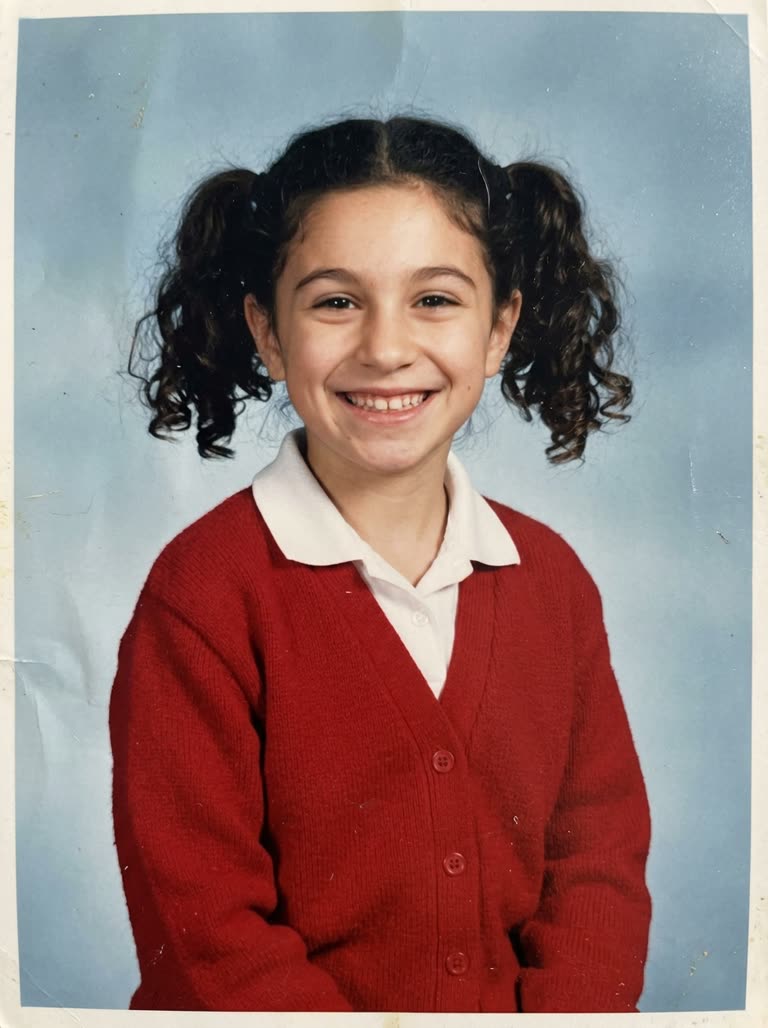 As a child
Sample result
5s · MP4- As a child
About AI grow up video on Cicadas
The AI grow up video generator takes one photo of a child and draws a short clip in which that child grows up: a head-and-shoulders portrait that starts on the child and ends on an adult. Use a photo of your own child if you are their parent or legal guardian, or a photo of yourself as a child. With one photo the grown-up is imagined by the model; add a photo of the same person today and the clip ends on that face instead. Cicadas makes it with MiniMax H3 Max: vertical, 5 seconds for 63 credits. The page runs only its own two scenes and the prompt cannot be edited. The result is a drawing, not a forecast of how a child will look.
AI grow up video examples made on Cicadas
A school photo grows up.
MiniMax H3 Max, 5 seconds with sound, vertical, from one photo of a girl of about eight; back in 13 seconds. The portrait starts on the child and, after about a second and a half, blends into a woman of about thirty who smiles at the camera; for a moment the pigtails and the red cardigan fade like a double exposure. The model imagined the adult: the child has tight curls and the woman long waves. The backdrop and the framing do not change. The track is close to silent.
- As a child
A toddler grows into a young man.
MiniMax H3 Max, 5 seconds with sound, vertical, from one photo of a toddler of about two; back in 14 seconds. The portrait starts on the toddler in dungarees, becomes an older boy and blends into a young man in a cream sweatshirt who smiles at the camera; the dungarees fade like a double exposure on the way. He ends at about twenty, younger than the thirty the prompt asks for. The hair stays brown. The sound is a sigh and a low whoosh, with no speech or music.
 As a child
From the school photo to today.
MiniMax H3 Max, 5 seconds with sound, vertical, from two photos of the same person, as a child and as an adult; back in 29 seconds. The portrait starts on the child; the pigtails come down, the face matures step by step, the red cardigan turns into a yellow jumper, and the clip ends on the adult from the second photo, smiling. The backdrop and the framing do not change. The model redraws both pictures: it does not animate the photos themselves. The track is close to silent.
- As a child
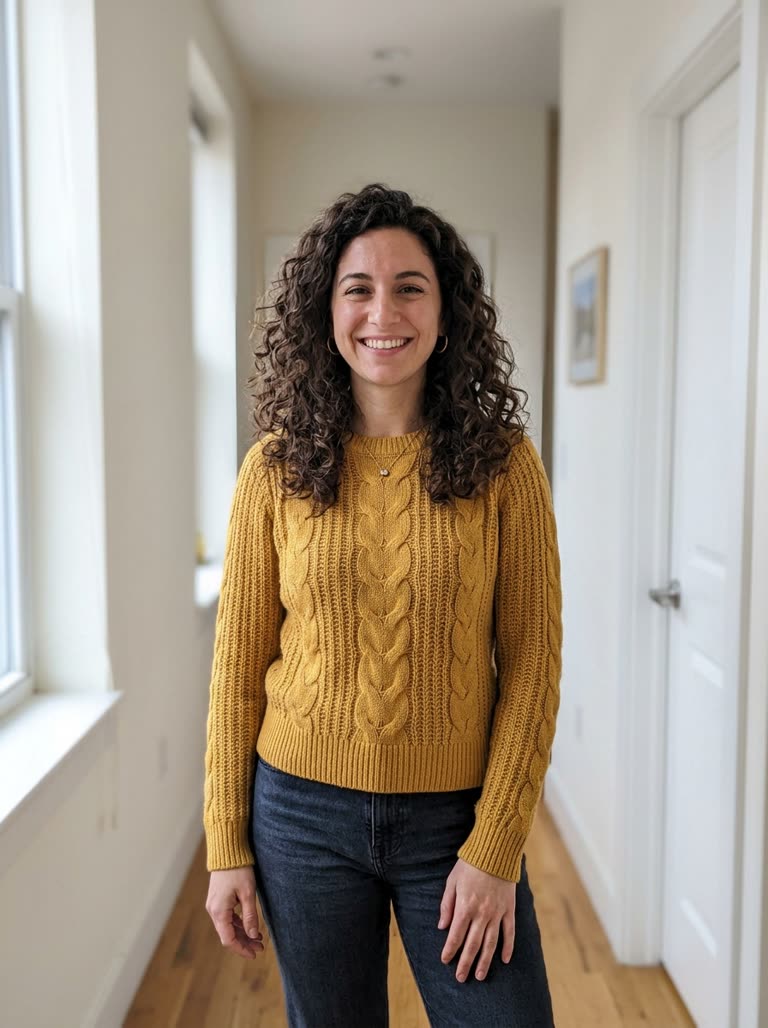 The same person today
Why use Cicadas for AI grow up video
A child photo grows up in one take
From one photo, the model draws the child against a plain backdrop and lets the face mature into an adult. In our recorded clips a girl of about eight became a woman of about thirty, and a toddler became a young man of about twenty. Each clip passes through about a second of blend in which the earlier hair and clothes fade like a double exposure.
With a second photo, it ends on the real adult
Add a photo of the same person today and pick the then-to-now scene: the clip starts on the childhood photo and grows into the adult from the second photo. In our recorded clip the pigtails come down, the face matures step by step and the red cardigan turns into her yellow jumper.
Fixed scenes, and the price first
Because this page takes photos of children, it runs only its own two portrait scenes: the prompt is shown but cannot be changed. At 480P, 5 seconds is 63 credits, 10 seconds is 125 and 15 seconds is 188; at 768P they are 100, 200 and 300. A failed generation returns its credits.
How to use AI grow up video
- 01
Sign in and add one clear photo of the child with the whole face visible, alone in the picture. For the then-to-now scene, add a photo of the same person today.
- 02
Pick a scene, keep 5 seconds, and check the quote.
- 03
Tick the photo confirmation and generate. Save the MP4 from the result or from My videos.
AI grow up video prompt ideas
Choose a fixed scene above; this page does not accept custom or edited prompts.
“A head-and-shoulders portrait against a plain soft-blue studio backdrop, vertical. The clip begins on the child from Image 1 and, in one smooth take, the child grows up into an adult of about thirty, the same person years later: the face matures gradually, the hair changes with the years, and the clothes change into a plain everyday jumper. It ends on the adult smiling at the camera. The framing does not change. The camera stays still, one continuous shot, no cuts. Sound: quiet room tone, no music, no voices. No text.”
“A head-and-shoulders portrait against a plain soft-blue studio backdrop, vertical. The clip begins on the child from Image 1 and, in one smooth take, the child grows up into the adult from Image 2, the same person years later: the face matures gradually, the hair and clothes change with it, and it ends on the adult smiling at the camera. The framing does not change. The camera stays still, one continuous shot, no cuts. Sound: quiet room tone, no music, no voices. No text.”
AI grow up video FAQ
Tested on Cicadas · reviewed 2026-10-12
Recorded on 2026-10-12 with MiniMax H3 Max reference-to-video through fal.ai, each request sent once with the exact scene prompt of this page: 5 seconds, 9:16, 480P with sound. Grow up, from one photo of a girl of about eight: back in 13 seconds; she becomes a woman of about thirty with long wavy hair where the child had tight curls. Grow up, from one photo of a toddler of about two: back in 14 seconds; he becomes a young man of about twenty, younger than the prompt asks for. Both pass through about a second of blend in which the earlier hair and clothes fade like a double exposure. Then to now, from the girl's photo and a photo of the same person as an adult: back in 29 seconds; the pigtails come down, the face matures step by step and the clip ends on the adult from the second photo. All three keep a plain blue backdrop and a still camera, and the tracks are close to silent (two automated listeners). Tested and not used: wording that named the ages in between showed a clearer growing-up but ended on a teenager, and with the toddler it changed the child into a different one; a scene by a window ended on an older child. Babies under two, real photos, 10 and 15 seconds and 768P were not run. The photos are AI-made and fictional: no real child's photo was used in any test.
Updated Oct 12, 2026 · How we test
Related tools
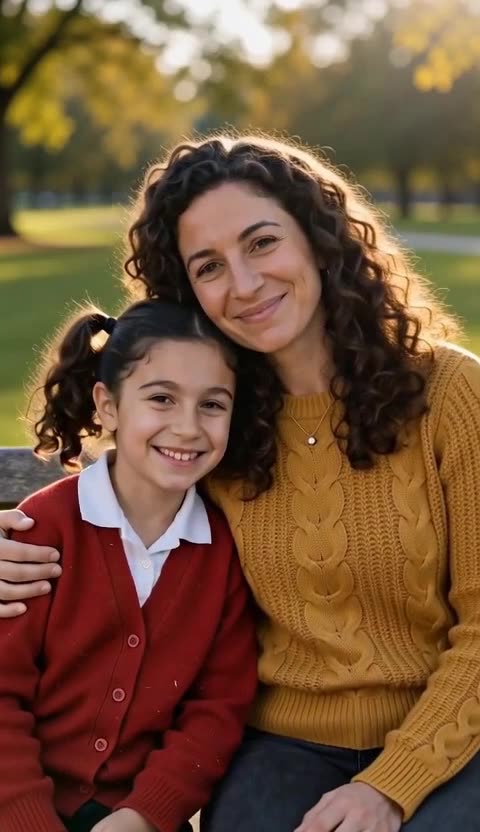 MiniMax H3 Max · Recorded Cicadas sample
Hug My Younger Self AI Video
Make a hug my younger self AI video from two photos, you now and you as a child. A 5-second park-bench hug costs 63 credits. Both photos must be of you.
MiniMax H3 Max · from 63 credits
Tested 2026-10-12
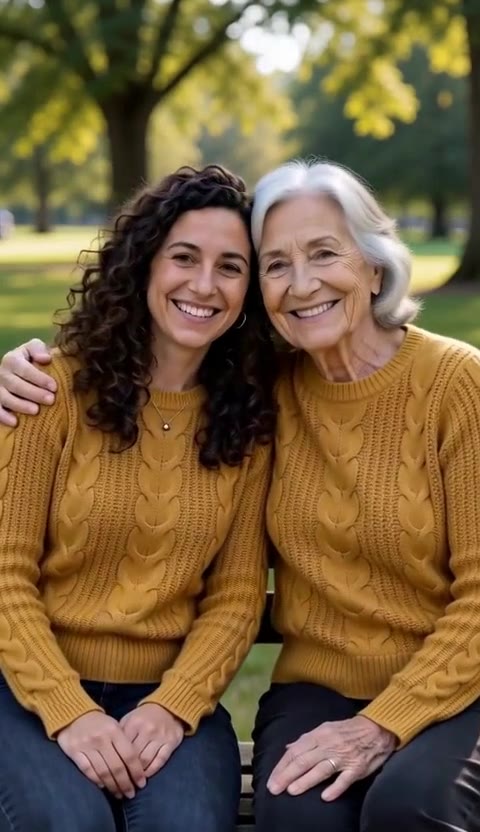 MiniMax H3 Max · Recorded Cicadas sample
Meet Your Older Self AI Video
Meet your older self AI video from one photo: sit on a bench, walk a beach or hug the you of seventy-five. 5 seconds is 63 credits. Adults only.
MiniMax H3 Max · from 63 credits
Tested 2026-10-12
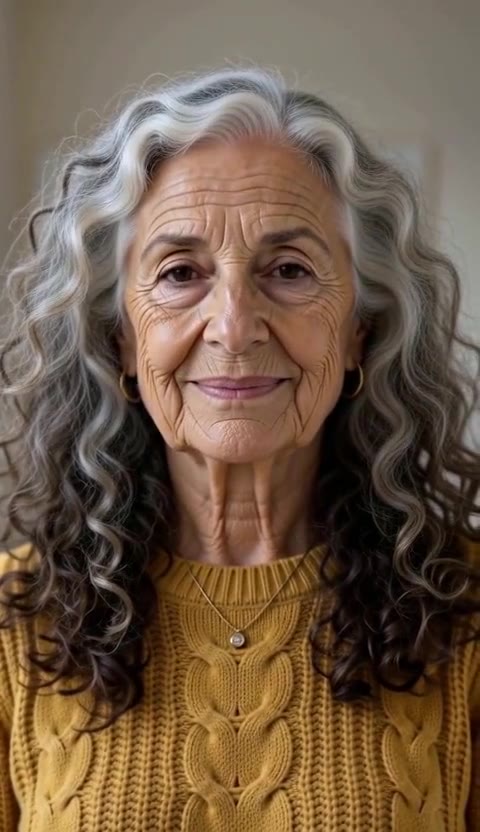 MiniMax H3 Max · Recorded Cicadas sample
AI Age Progression Video Generator
AI age progression video from one photo: watch yourself grow old in one take, in a portrait or by a window. 5 seconds is 63 credits. Adults only.
MiniMax H3 Max · from 63 credits
Tested 2026-10-12
 MiniMax H3 Max · Recorded Cicadas sample
AI Birthday Video Maker
AI birthday video maker: one photo becomes a 5-second clip of blowing out candles, a confetti toast or a surprise party. 63 credits. No song included.
MiniMax H3 Max · from 63 credits
Tested 2026-10-12
More AI video trends
- Hug My Younger Self AI
- Meet Your Older Self AI
- AI Hug Video Generator
- AI Birthday Video Maker
- Talking Pet AI
- Pet to Human AI
- Rainbow Bridge AI Video
- AI Age Progression Video
- AI Cat Video Generator
- AI Dog Video Generator
- AI Halloween Video Generator
- Rumpelstiltskin AI video
- AI Santa Video Generator
- AI Diwali Video Generator
- AI Thanksgiving Video
- AI Christmas Video Generator
- AI New Year Video Generator
- Chinese New Year AI Video
- Bulin 47 AI
- Gender Reveal Video Maker
- Raindance AI
- Babydoll Dance AI
- AI dance video
- Gas Station Dance AI
- Hotel Lobby AI
- AI Zombie Trend
- Human Pigeon AI
- Heads Will Roll Dance AI
- Popcorn Volcano AI Video
- AI ASMR video
- AI Bigfoot video
- AI rap video
- All AI video trends