
Talking Pet AI Video Generator
Talking pet AI: add one photo of your pet, write a line, and it says it in a short video with a voice. From 63 credits on MiniMax H3 Max. Pets only.
- From 63 credits per clip
- Image to video
- 5s / 10s / 15s
- 480P
- Audio available
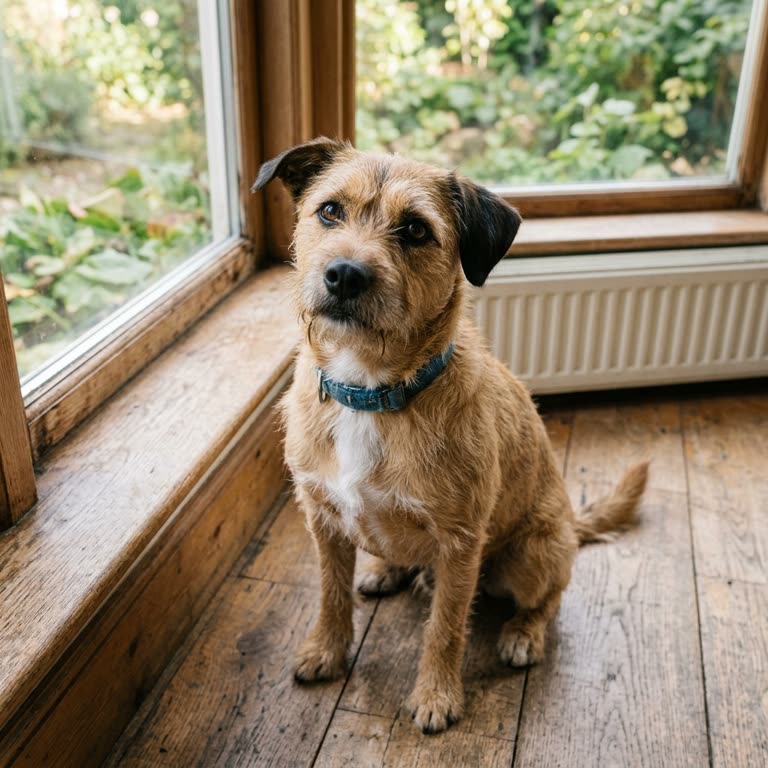 Your pet
Sample result
5s · MP4About talking pet AI video on Cicadas
Talking pet AI turns one photo of your dog or cat into a short clip in which it looks at the camera and says the line you wrote, in a voice the model generates. Cicadas makes it with MiniMax H3 Max: 5 seconds for 63 credits, and the clip keeps the shape of your photo. In our four recorded clips a terrier, a puppy and a cat each said their line word for word, in four different voices. You do not record or upload a voice, and the page is for animals, not for photos of people.
Talking pet AI video examples made on Cicadas
“Is it breakfast time yet?” on MiniMax H3 Max.
MiniMax H3 Max, 5 seconds with sound, from one square photo of a dog; back in 26 seconds as a square clip with the photo's framing. The dog tilts its head and, after a sniff, a friendly woman's voice says "Good morning. Is it breakfast time yet?" The mouth opens on some of the words, not on every one. No music.
Use this recipe ↗The same dog, in a deep voice.
MiniMax H3 Max, 5 seconds with sound, from the same square photo of a dog as the first clip; back in 17 seconds. The dog looks to the side for the first second, turns to the camera and a deep male voice says "I did not chew the sofa. Honest." Its mouth opens and closes through the first sentence, rests, and opens again for the last word. No music.
Use this recipe ↗A puppy asks for a walk.
MiniMax H3 Max, 5 seconds with sound, from one upright photo of a puppy; back in 14 seconds as an upright 480 by 672 clip with the photo's framing. The puppy tilts its head and a high-pitched, child-like voice asks "Is it walk time? Please say yes!" Its mouth opens wide with the words and stays open, as if panting, for much of the clip. No music.
Use this recipe ↗A cat with a complaint.
MiniMax H3 Max, 5 seconds with sound, from one square photo of a cat; back in 12 seconds as a square clip with the photo's framing. The cat stays on the sofa, looks at the camera and a woman's voice says "Excuse me, my bowl is empty again." Its mouth opens and closes in two stretches as the two sentences are spoken. We asked for a dry, unimpressed voice; the two listeners describe a clear, polite one, with soft purring behind it. No music.
Use this recipe ↗Why use Cicadas for talking pet AI video
Your pet says your line
Write what your pet should say between the quotation marks in the prompt. Our four clips use lines of seven or eight words in 5 seconds: a terrier asks "Good morning! Is it breakfast time yet?" and, in a second clip, says "I did not chew the sofa. Honest."; a puppy asks "Is it walk time? Please say yes!"; a cat says "Excuse me. My bowl is empty again." Two automated listeners heard every word in all four.
Pick a voice, or describe your own
The four scene buttons differ in the voice and the line, and both can be rewritten. In our clips "a warm, friendly voice" came out as a friendly woman's voice, "a deep, slow voice" as a deep male voice and "a high, squeaky, excited voice" as a high, child-like one. "A dry, unimpressed voice" for the cat came out clear and polite, so that tone did not come through. In all four the mouth moves while the line is spoken; it is not matched word by word.
See the price of every clip first
MiniMax H3 Max: 5 seconds is 63 credits at 480P and 100 at 768P; 10 and 15 seconds are 125 and 188 at 480P. A failed generation returns its credits.
How to use talking pet AI video
- 01
Sign in and add one clear photo of your pet with its whole face visible.
- 02
Pick a voice, change the line in quotes to what your pet should say, and check the quote.
- 03
Generate. Save the MP4 from the result or from My videos.
Talking pet AI video prompt ideas
Copy one into the prompt box above and adapt it to your shot. Or write your own shot by shot in the prompt generator.
“The pet in the photo looks into the camera, tilts its head and says in a warm, friendly voice: "Good morning! Is it breakfast time yet?" Its mouth opens and closes clearly with every word. The camera stays still, one continuous shot. No music. No text.”
“The pet in the photo looks into the camera, tilts its head and says in a deep, slow voice: "I did not chew the sofa. Honest." Its mouth opens and closes clearly with every word. The camera stays still, one continuous shot. No music. No text.”
“The pet in the photo looks into the camera, tilts its head and says in a high, squeaky, excited voice: "Is it walk time? Please say yes!" Its mouth opens and closes clearly with every word. The camera stays still, one continuous shot. No music. No text.”
“The pet in the photo looks into the camera, tilts its head and says in a dry, unimpressed voice: "Excuse me. My bowl is empty again." Its mouth opens and closes clearly with every word. The camera stays still, one continuous shot. No music. No text.”
Talking pet AI video FAQ
Tested on Cicadas · reviewed 2026-10-13
Recorded through fal.ai with MiniMax H3 Max image-to-video (5 seconds, 480P, sound always on), each request sent once with a scene of this page. 2026-10-12, a square photo of a terrier, warm voice: back in 26 seconds as a 480 by 480 clip with the photo's framing; a woman's voice says "Good morning. Is it breakfast time yet?" after a sniff, and the mouth opens on some of the words. 2026-10-13, three more. The same terrier, deep voice: 17 seconds; "I did not chew the sofa. Honest." in a deep male voice; the dog looks aside for the first second. An upright photo of a puppy, squeaky voice: 14 seconds, a 480 by 672 clip; "Is it walk time? Please say yes!" in a high, child-like voice; the mouth stays open for much of the clip. A square photo of a cat, dry voice asked for: 12 seconds; "Excuse me, my bowl is empty again." in a clear, polite woman's voice with soft purring; the mouth opens and closes in two stretches. All four lines were heard word for word by two automated listeners, not by a person. The photos are AI-made and fictional. Veo 3.1 Fast was offered here until 2026-10-13 and was taken off because its provider marks that endpoint as deprecated on 2026-10-22; its clip is no longer shown. Gemini Omni Flash 1.1 barely moved the mouth on 2026-10-12 and was never offered. Not run: other animals, longer lines, other languages, 768P and 10 or 15 seconds.
Updated Oct 13, 2026 · How we test
Related tools
 MiniMax H3 Max · Recorded Cicadas sample
Pet to Human AI Video Generator
Pet to human AI video: one photo of your dog or cat turns into an adult with its colouring in a 5-second clip. 63 credits on MiniMax H3 Max.
MiniMax H3 Max · from 63 credits
Tested 2026-10-12
 MiniMax H3 Max · Recorded Cicadas sample
AI Cat Video Generator
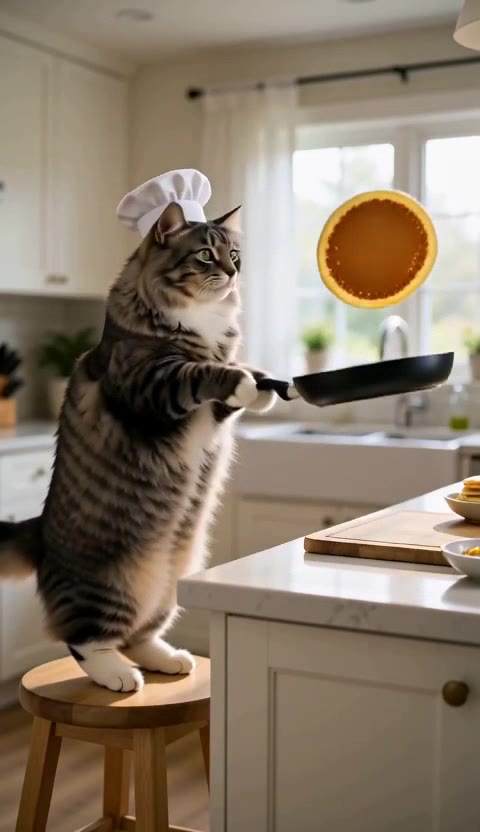
AI cat video generator: add one photo of your cat and it flips pancakes, rides a skateboard or types at the office in a 5-second clip with sound. 63 credits.
MiniMax H3 Max · from 63 credits
Tested 2026-10-12
 MiniMax H3 Max · Recorded Cicadas sample
AI Dog Video Generator
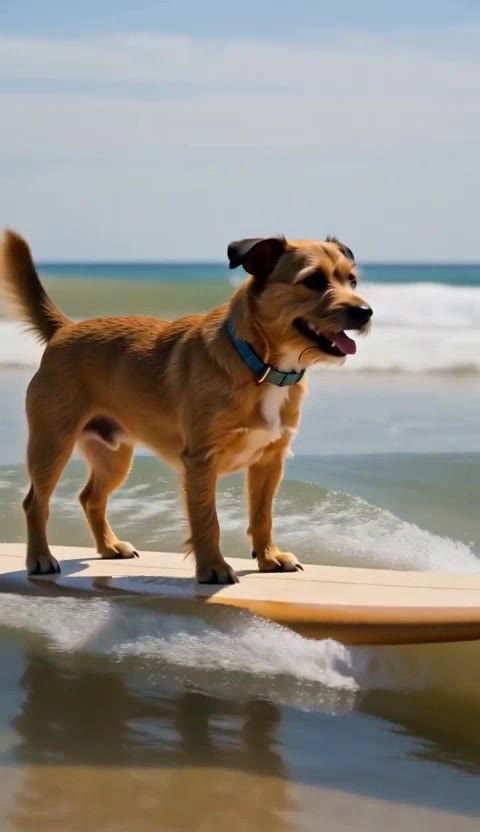
AI dog video generator: add one photo of your dog and it surfs, opens a Christmas present or paints at an easel in a 5-second clip with sound. 63 credits.
MiniMax H3 Max · from 63 credits
Tested 2026-10-12
 MiniMax H3 Max · Recorded Cicadas sample
Rainbow Bridge AI Video for Your Pet
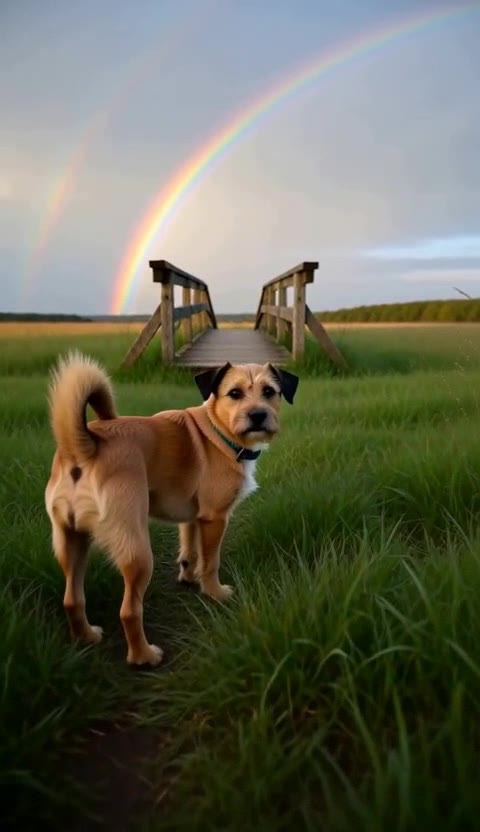
Make a rainbow bridge AI video from one photo of your pet: a meadow, a rainbow, one look back. 5 seconds is 63 credits. Add your photo for a hug scene.
MiniMax H3 Max · from 63 credits
Tested 2026-10-12
More AI video trends
- Hug My Younger Self AI
- Meet Your Older Self AI
- AI Grow Up Video Generator
- AI Hug Video Generator
- AI Birthday Video Maker
- Pet to Human AI
- Rainbow Bridge AI Video
- AI Age Progression Video
- AI Cat Video Generator
- AI Dog Video Generator
- AI Halloween Video Generator
- Rumpelstiltskin AI video
- AI Santa Video Generator
- AI Diwali Video Generator
- AI Thanksgiving Video
- AI Christmas Video Generator
- AI New Year Video Generator
- Chinese New Year AI Video
- Bulin 47 AI
- Gender Reveal Video Maker
- Raindance AI
- Babydoll Dance AI
- AI dance video
- Gas Station Dance AI
- Hotel Lobby AI
- AI Zombie Trend
- Human Pigeon AI
- Heads Will Roll Dance AI
- Popcorn Volcano AI Video
- AI ASMR video
- AI Bigfoot video
- AI rap video
- All AI video trends