
AI Memorial Video Generator
Animate a family-authorized photo into a gentle memorial clip. No voice cloning. Eligible free 5s 480p watermarked preview.
MiniMax H3 Max costs 63 credits for 5s at 480p, 125 for 10s and 188 for 15s; 768p costs 100/200/300. Eligible new accounts may use one free 5s 480p watermarked trial, subject to availability and verification.
- From 63 credits per clip
- From your photos
- 5s / 10s / 15s
- 480P
- Audio available
Your video
5s · MP4Your next video starts here.
Add a prompt or choose an idea above. Your result will appear here.
About AI Memorial Video Generator on Cicadas
Create a gentle 5-second animated remembrance from one family-authorized photo. Choose subtle expression, a small head turn or soft light. This makes one short tribute clip, not a complete funeral slideshow or a recording of what someone really did.
Why use Cicadas for AI Memorial Video Generator
An original short clip
Create a gentle 5-second animated remembrance from one family-authorized photo. Choose subtle expression, a small head turn or soft light. This makes one short tribute clip, not a complete funeral slideshow or a recording of what someone really did.
See the quote before Generate
The server checks trial eligibility and billing. Technical failures refund credits through the existing service; a completed result you dislike is still charged.
Download and retrieve your MP4
Finished clips stay in the account-owned My videos flow, so you can return after signing in. Review AI changes before sharing.
How to use AI Memorial Video Generator
- 01
Sign in and upload a clear photo you have permission to use.
- 02
Choose a scene, confirm photo rights and review trial eligibility and the credit quote.
- 03
Generate, play and download your MP4; return to My videos to retrieve it.
A respectful remembrance
Discuss the animation with family before showing it. Add a disclosure such as “AI-animated from a family photograph.” This does not restore memories or recreate a person. No voice cloning, fabricated messages or reunion scenes are offered.
Prepare an old print for animation
Scan the original in even light. Crop to one clear face without glare; repair major damage in a separate photo editor first. Test the least movement and review facial changes with family.
Use the clip in a memorial slideshow
Download your MP4 and combine it with still photos, dates and music you have permission to use in your own editor. Test playback offline at the venue. This page does not assemble a multi-minute slideshow.
Retention and privacy support
Account projects and media are retained for retrieval; there is no blanket 30-day photo deletion promise. Browser draft expiry does not delete account media. Providers have separate policies. Use the contact in our Privacy Policy for privacy requests or abuse reports.
AI Memorial Video Generator prompt ideas
These are the tested scenes on this page. Each scene is fixed and its prompt is read-only: pick one above, or press “Use this prompt”.
“The person from Image 1 is remembered in a respectful portrait. Very subtle blink and a faint warm smile, still head and camera. Preserve their age, face, clothing and photograph composition. No speech, no lip sync, no music, no new people, no text.”
“Respectfully animate the person from Image 1 with a tiny gentle head turn and a quiet expression. Preserve their age, face and clothes. Locked portrait framing. No speech, no lip sync, no music, no other people, no text.”
“A remembrance portrait of the person from Image 1 with a very slow camera drift and soft light changing gently. Keep the person still and preserve their age, expression and features. No speech, no lip sync, no music, no other people, no text.”
AI Memorial Video Generator FAQ
Related tools
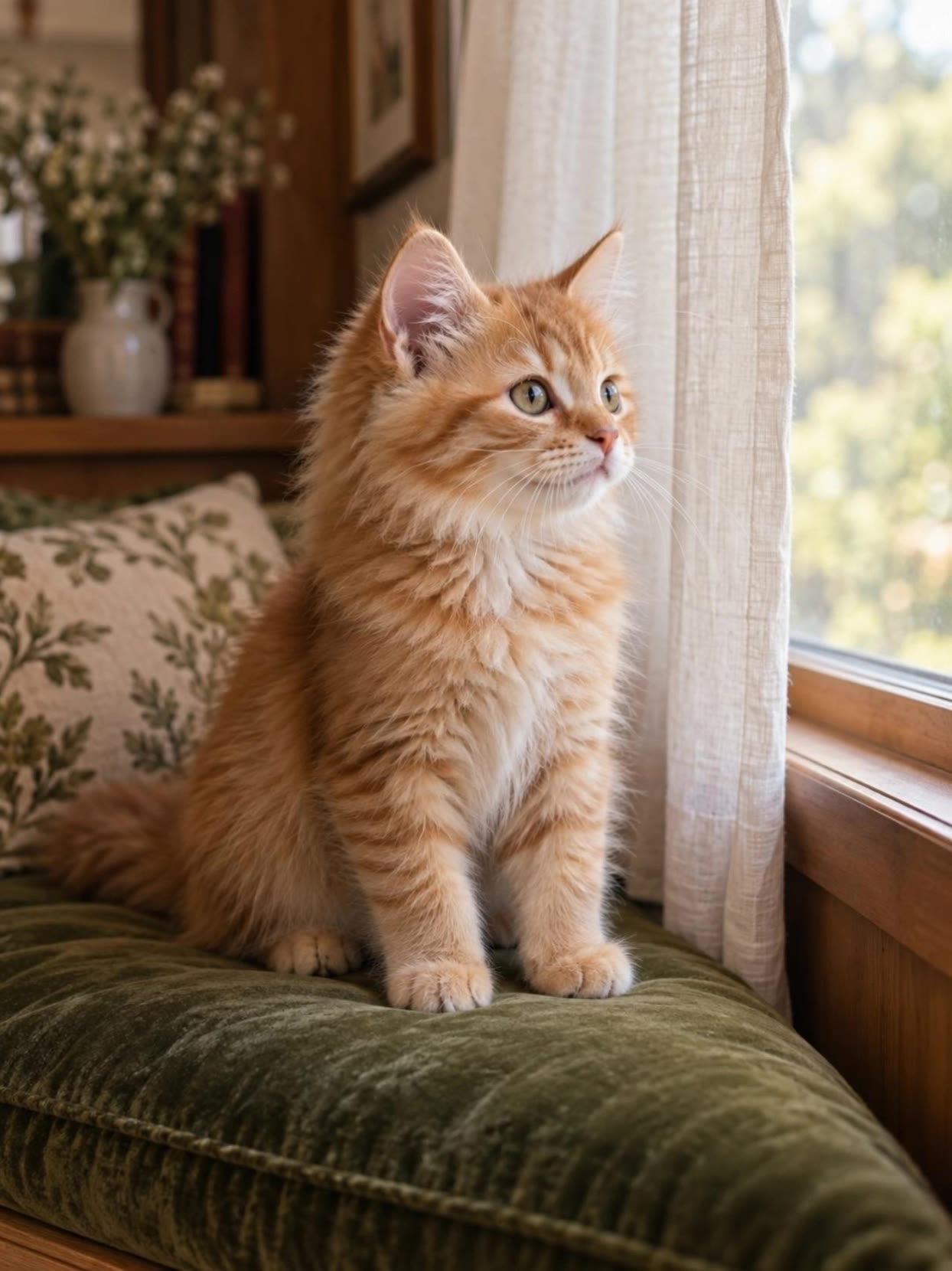 Kling 3.0 Pro · Recorded Cicadas sample
Animate Photo AI
Animate photos with AI: one photo becomes a silent 5- or 10-second MP4 with one small motion you pick. AI photo animation on Kling 3.0 Pro, price shown first.
Kling 3.0 Pro · from 140 credits
Tested 2026-09-29
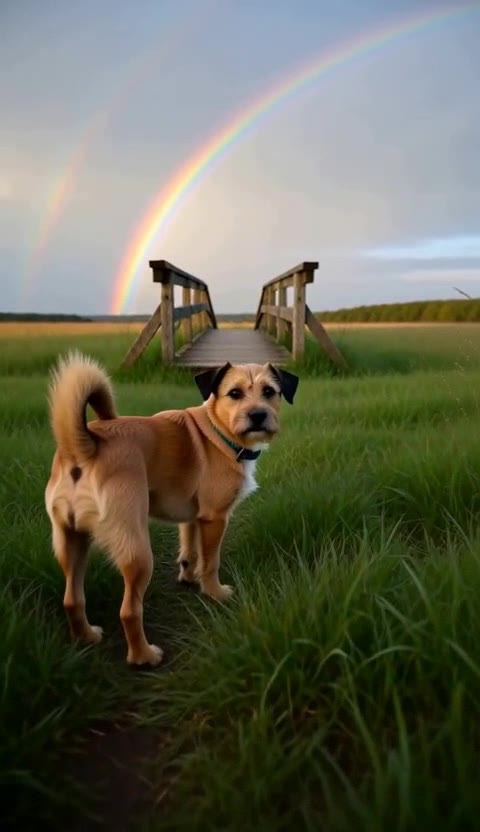 MiniMax H3 Max · Recorded Cicadas sample
Rainbow Bridge AI Video for Your Pet
Make a rainbow bridge AI video from one photo of your pet: a meadow, a rainbow, one look back. 5 seconds is 63 credits. Add your photo for a hug scene.
MiniMax H3 Max · from 63 credits
Tested 2026-10-12
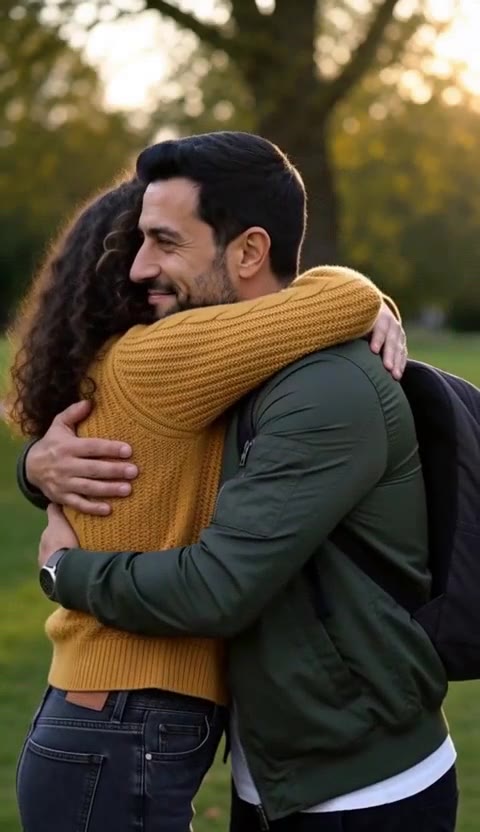 MiniMax H3 Max · Recorded Cicadas sample
AI Hug Video Generator
AI hug generator: add two photos and get a 5-second video of the two of you hugging, in a park, on a sofa or at the door. 63 credits. Adults only.
MiniMax H3 Max · from 63 credits
Tested 2026-10-12