
AI ASMR Video GeneratorNew
Make an AI ASMR video: glass fruit cutting, kinetic sand or soap carving with crisp sound, in a vertical 8-second Veo 3.1 Fast clip. See the quote first.
- From 100 credits per clip
- Text to video
- 4s / 6s / 8s
- 720p
- Audio available
Veo 3.1 Fast
What scene would you like to create?
Choose a scene to fill in the subject, setting and motion. No image upload needed. These are editable prompt drafts, not recorded outputs.
More settings · 9:16 · 8s · Audio
Checking generation and private storage configuration.
Sample result
8s · MP4About AI ASMR video on Cicadas
Describe one close-up and the sound it should make, and Veo 3.1 Fast generates the picture and the sound together: a knife through glass fruit, a palette knife through kinetic sand, a blade curling soap. Clips are vertical, 8 seconds at 720p. In our tests the cuts looked right, but the sound did not always match the prompt, so listen before you post. The 300-credit quote shows before anything is charged.
AI ASMR video examples made on Cicadas
Glass kiwi, sliced.
Veo 3.1 Fast, 8 seconds, 9:16, with sound. A knife cuts one slice off a translucent kiwi, which falls flat onto the board; a hand steadies the fruit. Our listener heard a thump and a light clatter rather than the crisp glassy crunch the prompt asked for.
Use this recipe ↗Kinetic sand, cut.
Veo 3.1 Fast, 8 seconds, 9:16, with sound. A palette knife slices into a purple sand cube and a slab crumbles onto the tray, with rustling and crackling and no music. It cuts one thick slab rather than several thin slices.
Use this recipe ↗Why use Cicadas for AI ASMR video
Picture and sound in one ASMR clip
Veo 3.1 Fast generates the sound with the picture, so the crunch comes from the same shot as the cut. Describe the material, the tool and the sound you want, and ask for no music or speech.
Vertical ASMR videos for Shorts, Reels and TikTok
Clips are 9:16 by default, up to 8 seconds at 720p; switch to 16:9 for YouTube. Each clip is one shot, so join several in an editor for a longer video.
See the price of every ASMR clip first
8 seconds with sound is 300 credits and 4 seconds is 150. A failed generation returns its credits.
How to use AI ASMR video
- 01
Describe one close-up: the material, the tool, the motion and the sound.
- 02
Keep 9:16 and 8 seconds with sound, then check the quote.
- 03
Generate, listen with headphones, then download the MP4 from My videos.
AI ASMR video prompt ideas
Copy one into the prompt box above and adapt it to your shot.
“Extreme macro close-up, vertical. A sharp chef's knife slowly slices a translucent glass kiwi on a dark wooden board. Each slice cracks with a crisp, glassy crunch and falls with a delicate clink. Soft studio light, shallow depth of field, locked camera, one continuous shot, no music, no speech, no text.”
“Extreme macro close-up, vertical. A small palette knife slowly cuts thin slices from a cube of pastel purple kinetic sand on a white tray. Soft, grainy crunching and a gentle crumbling hiss as each slice falls. Bright soft light, locked camera, one continuous shot, no music, no speech, no text.”
AI ASMR video FAQ
Tested on Cicadas · reviewed 2026-10-01
Recorded on Cicadas on 2026-10-01: two Veo 3.1 Fast ASMR clips made through this page, 8 seconds, 9:16, 720p, with sound, 300 credits each. The knife cut one slice from a translucent glass kiwi, but our automated listener heard a thump and a clatter rather than a glassy crunch; the kinetic sand clip had rustling and crackling and cut one thick slab instead of thin slices. Neither had music or speech. Whispering, tapping and eating sounds were not tested.
Updated Oct 1, 2026 · How we test
Related tools
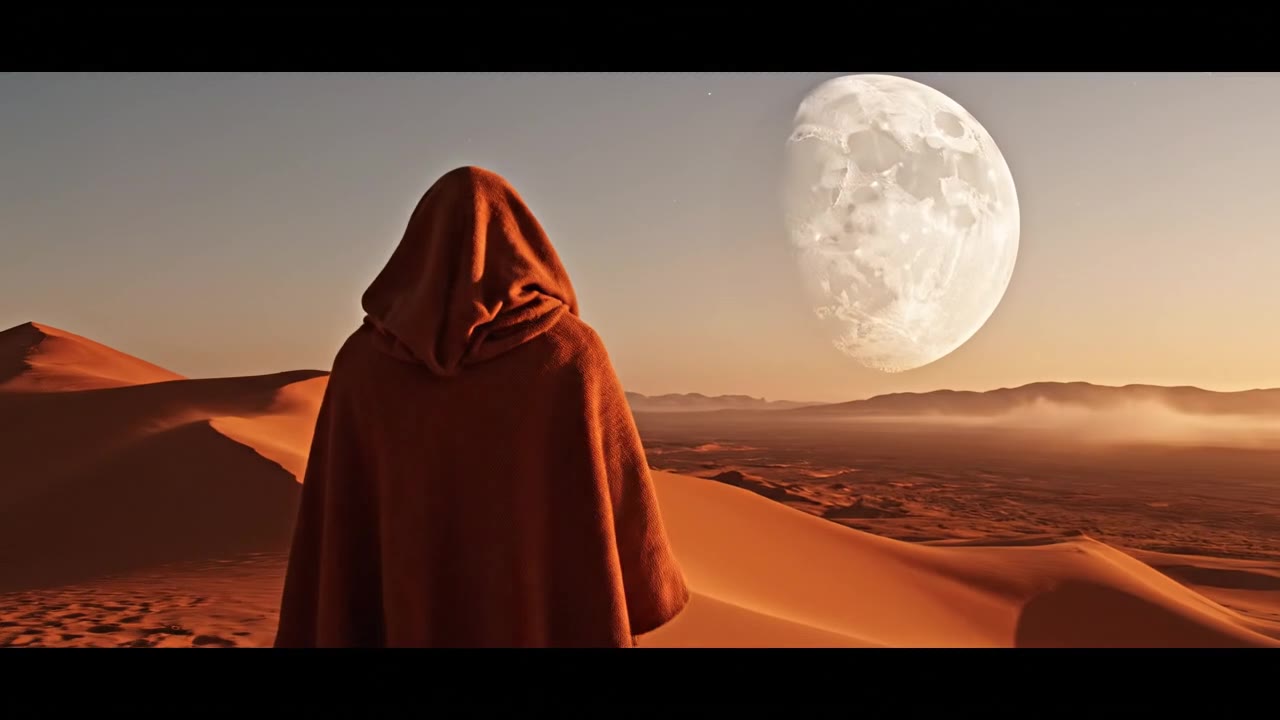 Veo 3.1 Fast · Recorded Cicadas sample
AI Video Generator with Sound
Describe the action and the sound, and get a 4, 6 or 8 second Veo 3.1 Fast MP4 with an audio track. AI video with sound effects, ambience or dialogue.
Veo 3.1 Fast · from 100 credits
Tested 2026-09-30
Veo 3.1 Fast · Recorded Cicadas sampleVeo 3.1 Fast AI Video Generator
Turn text, one image or a first and last frame into a 4-, 6- or 8-second Veo 3.1 Fast video at 720p or 1080p, sound optional. See the credit quote first.
Veo 3.1 Fast · from 100 credits
Tested 2026-09-30
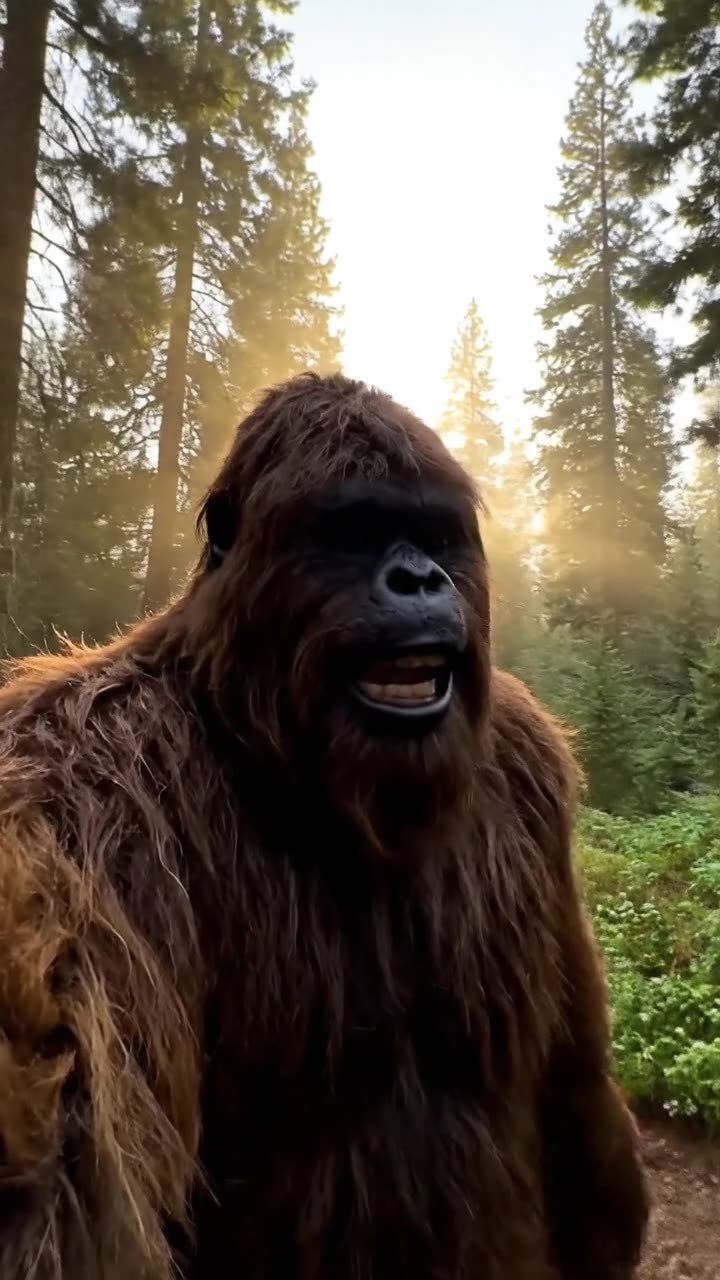 Veo 3.1 Fast · Recorded Cicadas sample
AI Bigfoot Video Generator
Make an AI Bigfoot vlog: Bigfoot talks to the camera in a vertical 8-second clip with voice and forest sound, made with Veo 3.1 Fast. See the quote first.
Veo 3.1 Fast · from 100 credits
Tested 2026-09-30