
AI Cat Video Generator
AI cat video generator: add one photo of your cat and it flips pancakes, rides a skateboard or types at the office in a 5-second clip with sound. 63 credits.
- From 63 credits per clip
- From your photos
- 5s / 10s / 15s
- 480P
- Audio available
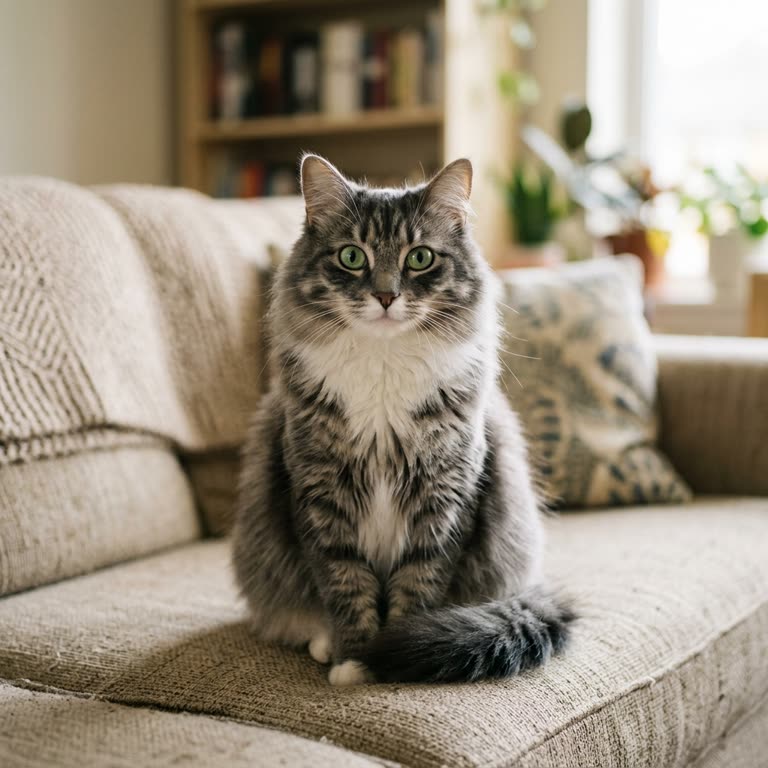 Your cat
Sample result
5s · MP4- Your cat
About AI cat video on Cicadas
The AI cat video generator takes one photo of a cat and draws a short clip of that cat in a new scene: flipping a pancake in a chef's hat, riding a skateboard down the street, or typing on a laptop in glasses and a tie. Cicadas makes it with MiniMax H3 Max: vertical, 5, 10 or 15 seconds, with sound. Use your own cat, or the sample cat on this page if you have no photo at hand; because every clip starts from the same photo, the same cat appears in each one. Scenes are editable, so you can write your own. A 5-second clip is 63 credits.
AI cat video examples made on Cicadas
The pancake goes up, and lands.
MiniMax H3 Max, 5 seconds with sound, vertical, from one photo of a cat; back in 37 seconds. A grey tabby in a small chef's hat stands on a stool at a kitchen counter, holds a frying pan in its front paws and flips a pancake, which lands back in the pan; then it looks at the camera. The coat, the white chest and the green eyes follow the photo. The camera stays still, in one shot. The sound is clinking dishes and a meow rather than the sizzling pan the prompt asked for.
- Your cat
Down the street on a skateboard.
MiniMax H3 Max, 5 seconds with sound, vertical, from the same photo of a cat; back in 35 seconds. The tabby stands on a skateboard with all four paws and rolls along a quiet street toward the camera in low, warm sun, its tail up, while the camera backs away in front of it. The coat and the white chest follow the photo. The sound is rolling wheels with a short squeak; one of the two listeners described it as growling.
- Your cat
Typing, then a look over the glasses.
MiniMax H3 Max, 5 seconds with sound, vertical, from the same photo of a cat; back in 37 seconds. The tabby sits at a desk by a window in small round glasses and a striped tie, types on a laptop with its front paws, then lifts its head and looks at the camera. The coat, the white chest and the green eyes follow the photo. The camera stays still, in one shot. The sound is quick keyboard clicks, with no speech or music.
- Your cat
Why use Cicadas for AI cat video
The cat in the clip is the cat in the photo
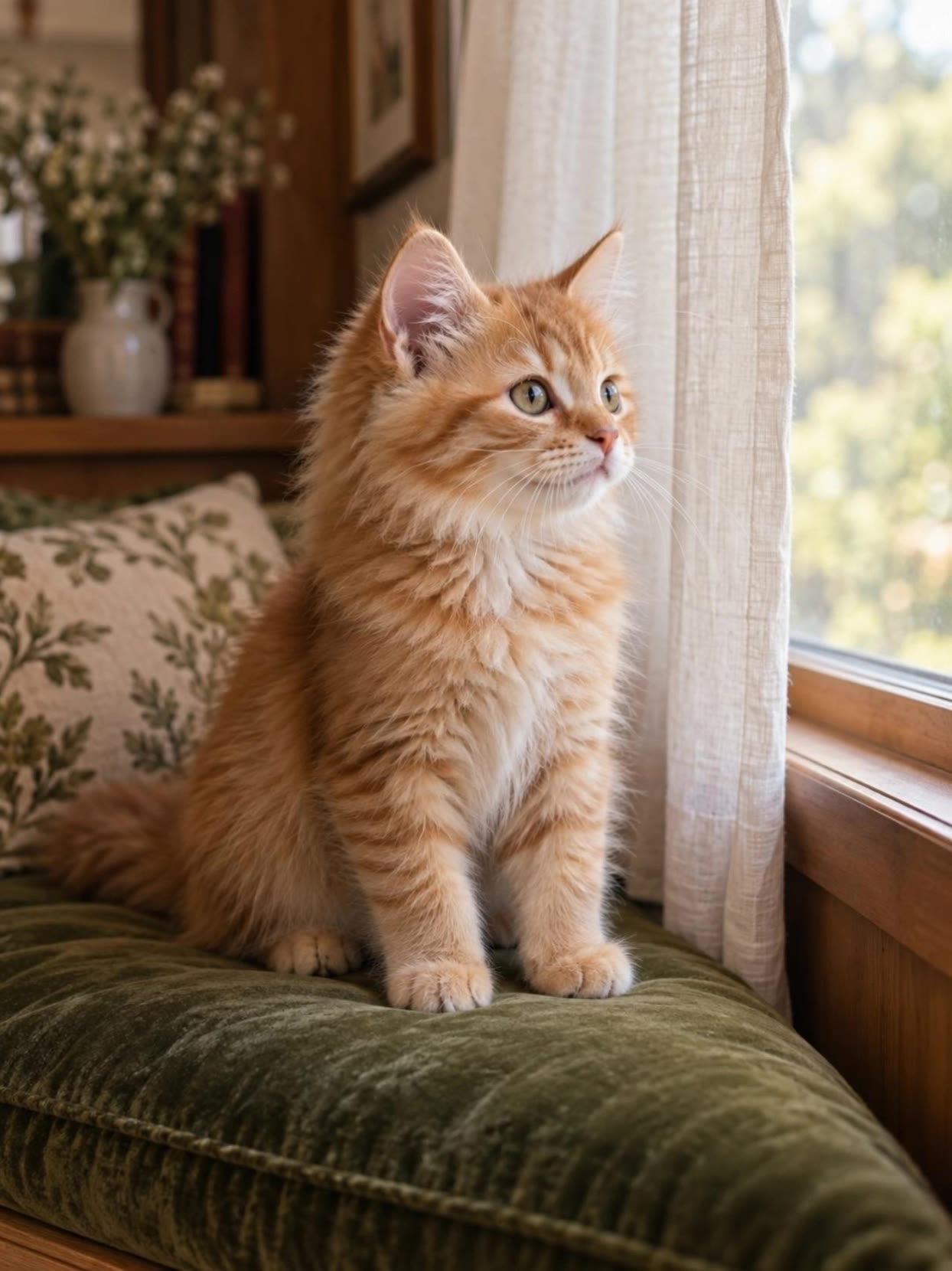
The photo tells the model which cat to draw: coat, markings and eye colour. In our three recorded clips the grey tabby with the white chest and green eyes from the sample photo appears in a kitchen, on a street and at a desk. The photo is not animated itself: the model draws a new scene around the same cat.
Three scenes to start from: chef, skateboard, office
The chef flips a pancake that lands back in the pan. The skateboarder rolls toward the camera in low sun. The office cat types, then looks up over its glasses. Each scene fills an editable prompt: change the place, the outfit or the action, and keep "the cat from Image 1".
See the price of every clip first
At 480P, 5 seconds is 63 credits, 10 seconds is 125 and 15 seconds is 188; at 768P they are 100, 200 and 300. A failed generation returns its credits.
How to use AI cat video
- 01
Sign in and add one clear photo of a cat, or use the sample photo.
- 02
Pick a scene or edit the prompt, keep 5 seconds, and check the quote.
- 03
Tick the photo confirmation and generate. Save the MP4 from the result or from My videos.
AI cat video prompt ideas
Copy one into the prompt box above and adapt it to your shot. Or write your own shot by shot in the prompt generator.
“A bright home kitchen in morning light, vertical. The cat from Image 1 stands on its hind legs on a stool at the counter in a tiny white chef's hat, holds a small frying pan in its front paws and flips a pancake, which lands back in the pan. Then it looks at the camera, pleased with itself. Keep the coat, markings, eye colour and size exactly as in the photo. The camera stays still, one continuous shot, no cuts. Sound: a sizzling pan and one soft meow, no music, no voices. No people, no text.”
“A quiet street on a sunny afternoon, vertical. The cat from Image 1 stands on a small skateboard with all four paws and rolls smoothly along the pavement toward the camera, fur ruffling in the wind, then leans into a gentle turn. Keep the coat, markings, eye colour and size exactly as in the photo. The camera stays low and moves back slowly, one continuous shot, no cuts. Sound: skateboard wheels on the pavement and a light breeze, no music, no voices. No people, no text.”
“A tidy desk by an office window, vertical. The cat from Image 1 sits upright in an office chair wearing small round glasses and a loose tie, types on a laptop with its front paws, then stops and looks up at the camera over its glasses with a serious face. Keep the coat, markings, eye colour and size exactly as in the photo. The camera stays still, one continuous shot, no cuts. Sound: quick keyboard clicks and a quiet office hum, no music, no voices. No people, no text.”
AI cat video FAQ
Tested on Cicadas · reviewed 2026-10-12
Recorded on 2026-10-12 with MiniMax H3 Max reference-to-video through fal.ai, each request sent once with the exact scene prompt of this page: 5 seconds, 9:16, 480P with sound, each from the same AI-made, fictional photo of a grey tabby with a white chest. Chef: back in 37 seconds; the cat stands on a stool in a chef's hat and flips a pancake that lands back in the pan. Skateboard: 35 seconds; it rolls toward the camera on a street in low sun. Office: 37 seconds; round glasses and a striped tie, typing, then a look up at the camera. The coat, the white chest and the green eyes followed the photo in all three. Sound (two automated listeners): clinking dishes and a meow instead of a sizzle; rolling wheels and a squeak, which one listener called growling; keyboard clicks; no speech or music in any. Not tested: real photos, other cats, kittens, two animals in one photo, 10 and 15 seconds, 768P, and scenes written by visitors.
Updated Oct 12, 2026 · How we test
Related tools
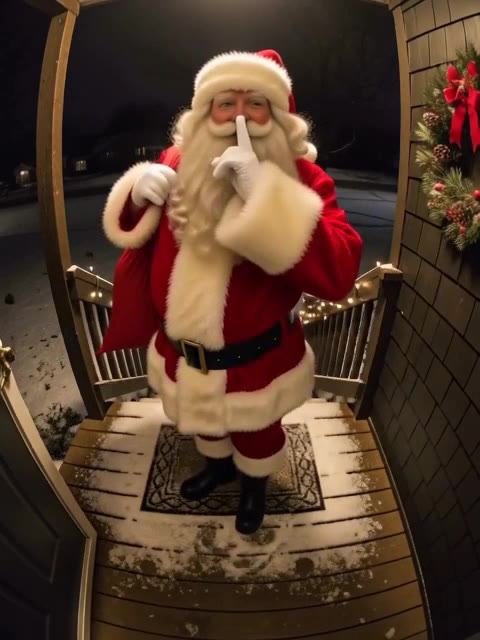 MiniMax H3 Max · Recorded Cicadas sample
AI Santa Video Generator
AI Santa video generator: add a photo of your living room or front door and Santa walks in, leaves a present or says a name. From 63 credits, with sound.
MiniMax H3 Max · from 63 credits
Tested 2026-10-12
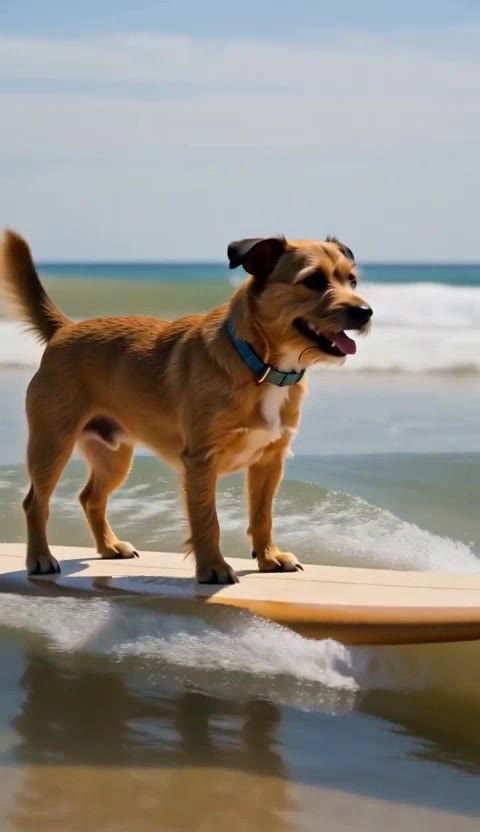 MiniMax H3 Max · Recorded Cicadas sample
AI Dog Video Generator
AI dog video generator: add one photo of your dog and it surfs, opens a Christmas present or paints at an easel in a 5-second clip with sound. 63 credits.
MiniMax H3 Max · from 63 credits
Tested 2026-10-12
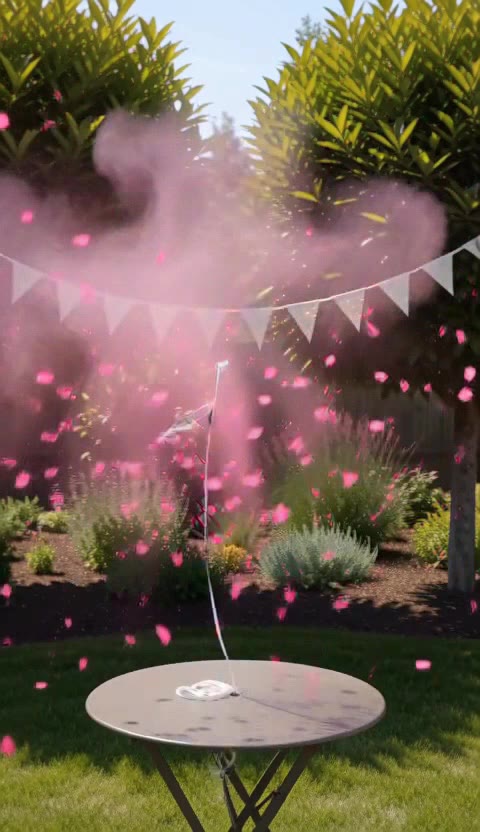 MiniMax H3 Max · Recorded Cicadas sample
Gender Reveal Video Maker
Gender reveal video maker: pick pink or blue and get a 5-second clip with sound: a balloon pop, a cake slice or confetti cannons. 63 credits. No photo needed.
MiniMax H3 Max · from 63 credits
Tested 2026-10-12
 Kling 3.0 Pro · Recorded Cicadas sample
Animate Photo AI
Make a still photo move with animate photo AI: pick one small motion and get a silent 5- or 10-second MP4. Photo to video on Kling 3.0 Pro, price shown first.
Kling 3.0 Pro · from 140 credits
Tested 2026-09-29
More AI video trends
- Hug My Younger Self AI
- Meet Your Older Self AI
- AI Grow Up Video Generator
- AI Hug Video Generator
- AI Birthday Video Maker
- Talking Pet AI
- Pet to Human AI
- Rainbow Bridge AI Video
- AI Age Progression Video
- AI Dog Video Generator
- AI Halloween Video Generator
- Rumpelstiltskin AI video
- AI Santa Video Generator
- AI Diwali Video Generator
- AI Thanksgiving Video
- AI Christmas Video Generator
- AI New Year Video Generator
- Chinese New Year AI Video
- Bulin 47 AI
- Gender Reveal Video Maker
- Raindance AI
- Babydoll Dance AI
- AI dance video
- Gas Station Dance AI
- Hotel Lobby AI
- AI Zombie Trend
- Human Pigeon AI
- Heads Will Roll Dance AI
- Popcorn Volcano AI Video
- AI ASMR video
- AI Bigfoot video
- AI rap video
- All AI video trends