
AI Age Progression Video Generator
AI age progression video from one photo: watch yourself grow old in one take, in a portrait or by a window. 5 seconds is 63 credits. Adults only.
AI Age Progression Video turns one photo of you into a clip in which you grow old in one take: Portrait or By the window. Clips run 5, 10 or 15 seconds. A 5-second clip is 63 credits, about $0.62 on the $9.90 first pack, with the cost shown before you generate. Works on a phone.
- From 63 credits per clip
- From your photos
- 5s / 10s / 15s
- 480P
- Audio available
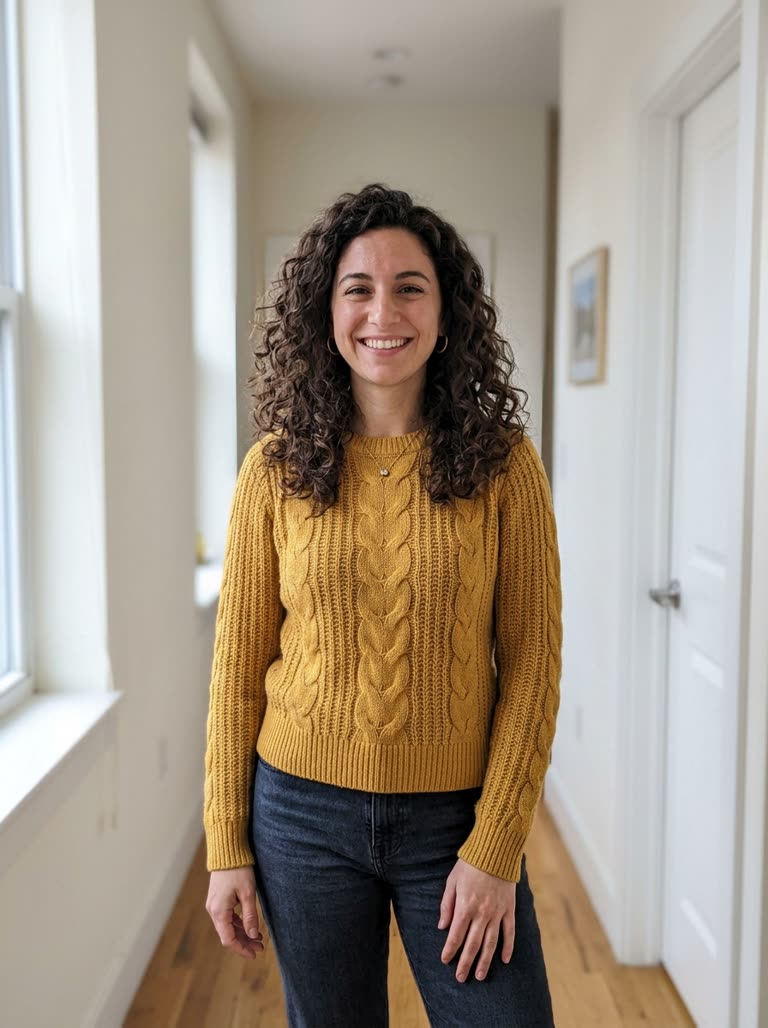 You
Sample result
5s · MP4- You
About AI age progression video on Cicadas
An AI age progression video shows one person growing old in a single take: the hair turns grey and then white and the lines deepen while the face stays the same. Cicadas makes it from one clear photo of you with MiniMax H3 Max: vertical, 5, 10 or 15 seconds. The model draws a new portrait of you from the photo and ages it. It is a drawing, not a forecast and not a forensic tool. A 5-second clip is 63 credits. The page ages adults only: it makes nobody younger and takes no photos of children.
To meet the older person rather than watch the change, see meet your older self; for a child, the grow up video; for the other direction, hug my younger self. The AI muscle video is another change to the person in one photo.
AI age progression video examples made on Cicadas
Portrait: one portrait, growing old in five seconds.
MiniMax H3 Max, 5 seconds with sound, vertical, from one photo of a woman; back in 42 seconds. She faces the camera against a plain backdrop while her dark curls turn grey and then white and lines deepen around her eyes and mouth; by the end she looks about eighty. The yellow jumper, the pose and the framing do not change. Most of the change happens within about one second in the middle. The track is close to silent.
- You
By the window: by the window, the seasons and the years go by.
MiniMax H3 Max, 5 seconds with sound, vertical, from one photo of a man; back in 29 seconds. He sits in an armchair by a window with a cup in his hands; the garden outside turns from green to autumn yellow to snow while his hair and beard go grey and then white, in one continuous shot with a still camera. His jacket and the chair stay the same; houses appear in the winter view that were not there in spring. The sound is a ticking clock.
 You
Why use Cicadas for AI age progression video
Watch yourself age in one take
In our portrait clip the woman from the photo goes from dark curls to grey and then white, and fine lines deepen around her eyes and mouth until she looks about eighty. Her face shape, jumper and pose stay the same and the camera does not move. Most of the change happens within about one second in the middle of the clip.
Two scenes: a portrait, or a life by the window
The portrait is a head-and-shoulders shot against a plain backdrop. By the window, you sit in an armchair with a cup while the garden outside turns from spring to autumn to snow as you age. Both recorded clips are one continuous shot; the portrait is close to silent and the window scene has a ticking clock.
See the price of every clip first
At 480P, 5 seconds is 63 credits, 10 seconds is 125 and 15 seconds is 188; at 768P they are 100, 200 and 300. A failed generation returns its credits.
How to use AI age progression video
- 01
Sign in and add one clear photo of yourself, face visible, alone in the picture.
- 02
Pick the portrait or the window scene, keep 5 seconds, and check the quote.
- 03
Tick the photo confirmation and generate. Save the MP4 from the result or from My videos.
How to pick your photo
Use one well-lit photo of you alone, facing the camera, with your hair and forehead visible: greying hair and deepening lines are what change, so a hat hides much of the progression. A head-and-shoulders photo suits the Portrait scene. By the window redraws you beside a window from the same photo. Compare the face and background before sharing; details can change. Adults only.
Posting an aging video
Age progression clips come out as vertical 9:16 MP4s of 5, 10 or 15 seconds, the format TikTok, Reels and Shorts use, and you download a paid clip from My videos without a watermark. Showing your photo next to the clip makes the change easy to follow: put the photo first and the clip after it in the app's editor.
AI age progression video prompt ideas
Copy one into the prompt box above and adapt it to your shot. Or write your own shot by shot in the prompt generator.
“A head-and-shoulders portrait against a plain warm-grey studio backdrop, vertical. The adult from Image 1 faces the camera with a gentle smile and slowly grows old over the clip: the hair turns grey and then white, fine lines deepen around the eyes and mouth, and by the end they look about eighty. The same person throughout: the same face shape, eyes, clothes and pose. The background does not change. The camera stays still, one continuous shot, no cuts. Sound: quiet room tone, no music, no voices. No text.”
“A medium portrait beside a window, vertical. The adult from Image 1 sits in an armchair by a window with a cup in their hands and slowly grows old over the clip, while the garden outside turns from spring green to autumn gold to winter white: the hair turns grey and then white, lines deepen, and by the end they look about eighty and smile at the camera. The same person, chair and room throughout. The camera stays still, one continuous shot, no cuts. Sound: quiet room tone and a clock ticking, no music, no voices. No text.”
What an age progression video costs
| Credits | In dollars | |
|---|---|---|
| 5 seconds | Credits63 credits | In dollarsAbout $0.62 on the $9.90 first pack, $0.63 on the $15 pack |
| 10 seconds | Credits125 credits | In dollarsAbout $1.24 on the $9.90 first pack, $1.25 on the $15 pack |
| 15 seconds | Credits188 credits | In dollarsAbout $1.86 on the $9.90 first pack, $1.88 on the $15 pack |
At 480P with sound, the setting the page opens on. At 768P the three lengths are 100, 200, 300 credits. The quote shows before you generate, and a failed generation returns its credits. Dollar figures use the packs on the pricing page; the $9.90 pack of 1000 credits is for a first order only.
AI age progression video FAQ
Tested on Cicadas · reviewed 2026-10-12
Recorded on 2026-10-12 with MiniMax H3 Max reference-to-video through fal.ai, each request sent once with the exact scene prompt of this page: 5 seconds, 9:16, 480P with sound, each from one photo. The portrait (a woman) came back in 42 seconds and the window scene (a man) in 29 seconds, each as one continuous shot with a still camera. Portrait: dark curls turn grey and then white, mostly between about 1.5 and 2.7 seconds, and lines deepen until the end; the jumper, pose and backdrop do not change. Window: the garden goes from green to yellow to snow while the man's hair and beard turn grey and then white; houses appear in the winter view that were not there in spring. Sound (two automated listeners): the portrait is close to silent with a brief whoosh, the window scene is a ticking clock, and neither has voices or music. The photos are AI-made and fictional. Real photos, 10 and 15 seconds and 768P were not run. An earlier first-frame test of the same idea aged a man in place while the camera pushed in against the prompt; it is not shown here.
Updated Oct 27, 2026 · How we test
Related tools
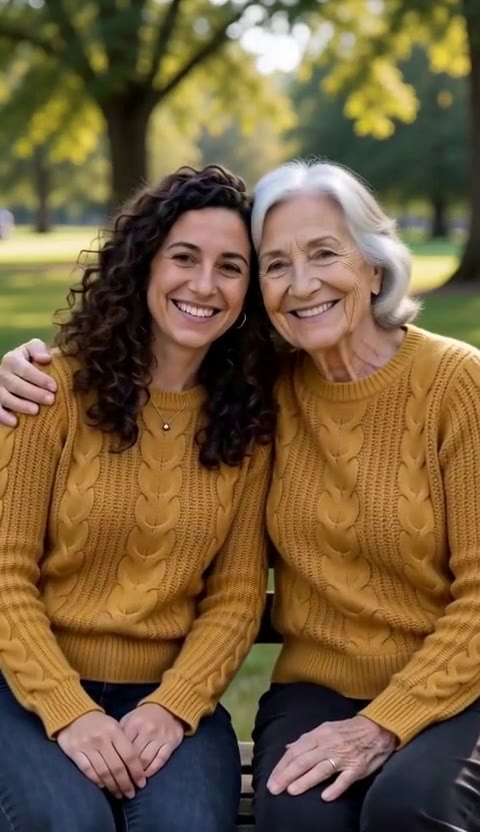 MiniMax H3 Max · Recorded Cicadas sample
Meet Your Older Self AI Video
Meet your older self AI video from one photo: sit on a bench, walk a beach or hug the you of seventy-five. 5 seconds is 63 credits. Adults only.
MiniMax H3 Max · from 63 credits
Tested 2026-10-12
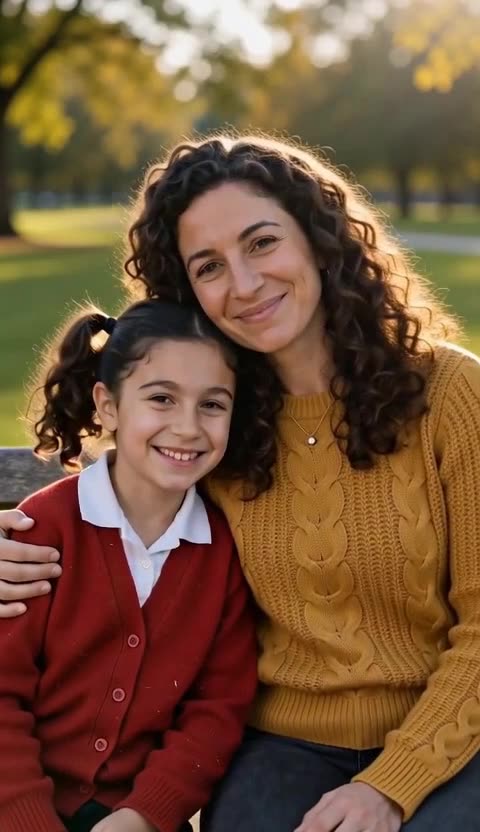 MiniMax H3 Max · Recorded Cicadas sample
Hug My Younger Self AI Video
Make a hug my younger self AI video from two photos, you now and you as a child. A 5-second park-bench hug costs 63 credits. Both photos must be of you.
MiniMax H3 Max · from 63 credits
Tested 2026-10-17
 MiniMax H3 Max · Recorded Cicadas sample
AI Grow Up Video Generator
AI grow up video generator: a photo of your child, or of you as a child, grows up into an adult in a 5-second portrait clip. 63 credits. Fixed scenes only.
MiniMax H3 Max · from 63 credits
Tested 2026-10-12
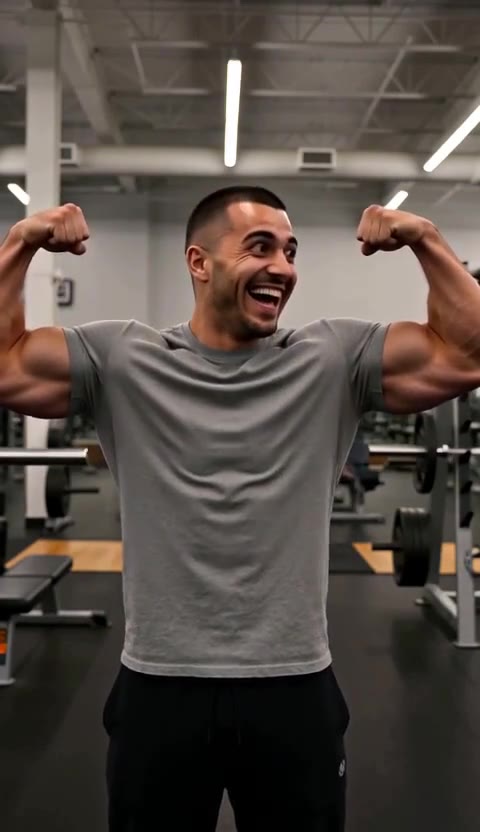 MiniMax H3 Max · Recorded Cicadas sample
AI Muscle Video Generator
AI muscle generator for video: add one photo of yourself and get a 5-second clip of your arms bulking up, in a gym or opening a stuck jar. 63 credits.
MiniMax H3 Max · from 63 credits
Tested 2026-10-17
More AI video trends
- Hug My Younger Self AI
- Meet Your Older Self AI
- AI Grow Up Video Generator
- AI Hug Video Generator
- AI Birthday Video Maker
- Talking Pet AI
- Pet to Human AI
- Rainbow Bridge AI Video
- AI Cat Video Generator
- AI Dog Video Generator
- Gangnam Style AI Dance
- AI Halloween Video Generator
- Rumpelstiltskin AI video
- Cat Jam AI
- AI Pet Halloween Costume
- AI Outfit Change Video
- Caught at the Window AI
- AI Halloween Costume
- Flying Car AI Video
- AI Cat Dance
- Bad Times AI
- AI Muscle Video
- Clapping Cat AI
- AI Couple Video
- AI Santa Video Generator
- AI Diwali Video Generator
- AI Thanksgiving Video
- AI Christmas Video Generator
- AI Elf Video Generator
- AI New Year Video Generator
- Chinese New Year AI Video
- AI Valentine Video Generator
- AI Easter Video
- Mother's Day AI Video
- Father's Day AI Video
- AI Anniversary Video Maker
- AI Graduation Video
- Burning Bridges AI Video
- Tiny Desk AI Video
- Dog Dance AI
- 80s AI Video Generator
- AI Action Figure Video
- Earth Zoom Out AI
- Car Alarm AI Dance
- Bulin 47 AI
- Gender Reveal Video Maker
- Raindance AI
- Babydoll Dance AI
- AI dance video
- Gas Station Dance AI
- Hotel Lobby AI
- AI Zombie Trend
- Zombie Couple Video
- Human Pigeon AI
- Heads Will Roll Dance AI
- Popcorn Volcano AI Video
- AI ASMR video
- AI Bigfoot video
- AI rap video
- All AI video trends