
Christmas Card Video Maker
Christmas card video from one photo: your picture, pet or product becomes a 5-second clip with falling snow or twinkling lights, and you type the greeting over it in your browser. 63 credits.
Christmas Card Video Maker turns one photo into a 5-second holiday clip with MiniMax H3 Max: snow falls, fairy lights twinkle or frost grows over your own picture, and your browser sets the greeting and a name over the result, letter for letter. A 5-second clip is 63 credits, about $0.62 on the $9.90 first pack, with the quote shown before you generate.
- From 63 credits per clip
- Image to video
- 5s / 10s / 15s
- 480P
- Audio available
Sample result
5s · MP4About Christmas card video on Cicadas
A Christmas card video is a short clip you send instead of a paper card: your own photo, moving, with your words on it. This page makes one from a single photo. The photo is the first frame, so the people, the pet or the product in it stay exactly as photographed while snow starts to fall, fairy lights fade in or frost grows across the frame. Cicadas makes the clip with MiniMax H3 Max, 5, 10 or 15 seconds, with its own quiet sound track. The model writes nothing: after the clip is made, you type the greeting and a name, your browser draws that text over the lower part of the picture and gives you a new MP4 to send. The AI Christmas video page is the other route, scenes drawn from text with no photo at all. Use a photo of yourself, of adults who agreed to appear, of your pet or of a product; photos of children are not accepted. A 5-second clip is 63 credits.
Christmas card video examples made on Cicadas
Snowfall: the photo stays, flakes drift down.
MiniMax H3 Max image to video, 5 seconds at 480P, from one 3:4 portrait of a woman in a mustard sweater in a bright hallway; back within about a minute. Small snowflakes begin to drift down in front of her and the light warms a little; her face, curls, sweater and the hallway stay as in the photo, the camera does not move and no lettering appears. The flakes are fine and easy to miss on a small screen, so the lower third stays clear for a greeting. Sound removed for this page.
Use this recipe ↗Fairy lights: a pet photo warms up and twinkles.
MiniMax H3 Max image to video, 5 seconds at 480P, from one square photo of a grey tabby cat sitting on a cream sofa with lights behind it; back within about a minute. The warm lights behind the sofa grow brighter and twinkle, a golden glow spreads over the room and the camera pushes in very slightly; the cat keeps its markings, pose and gaze and no lettering appears. Sound removed for this page.
Use this recipe ↗Why use Cicadas for Christmas card video
Your photo is the card
Upload one JPG or PNG and it becomes the first frame. A vertical photo gives a vertical clip, a square photo a square one: the clip keeps the shape of the picture you send. Faces, colours and framing stay as photographed; the prompts ask the model to add nothing and remove nothing.
Three card motions
Snowfall: small flakes drift down in front of and behind the subject while the light warms. Fairy lights: strings of tiny warm lights fade in along the edges and twinkle, with a golden glow like candlelight. Frosted window: frost crystals grow inward from the corners as if the picture were seen through cold glass. Each prompt is editable.
Type the greeting, letter for letter
Video models misspell words, so the prompts ask for no text. Instead, after your clip is made, press Add a name and greeting under it, type up to 48 characters of greeting and a name of up to 24, and check the preview. Your browser draws the text over the lower part of the clip and exports a new MP4. It uses no credits, nothing is uploaded, and the original clip stays as it was.
See the price first
The first order is a 1,000-credit pack for $9.90. At 480P, 5 seconds costs 63 credits (about $0.62), 10 seconds 125 (about $1.24) and 15 seconds 188 (about $1.86). At 768P, the same lengths cost 100, 200 and 300 credits. Check the exact quote before generating. Failed jobs return their credits; a completed clip you dislike is still charged.
How to use Christmas card video
- 01
Sign in and add one photo: you, adults who agreed to appear, your pet or a product. Photos of children are not accepted.
- 02
Pick Snowfall, Fairy lights or Frosted window, keep 5 seconds or choose 10 or 15, check the quote and generate.
- 03
Under the finished clip press Add a name and greeting, type your words, export the MP4 and send it like any video.
Christmas card video or AI Christmas video?
Both pages run the same model, but they answer different questions. The AI Christmas video page draws a scene from text (a snow globe, a fireside tree, a reindeer) and has three recorded clips to watch. This page starts from your own photo and ends with your own words on the clip. If you have no photo to send, start there.
How to send the card
The result is an ordinary MP4, so it goes wherever a video goes: a chat message, an email attachment, a story or a feed post. A 5-second clip at 480P is a small file. Vertical photos suit stories and phone screens; landscape photos suit email and a television. Keep the greeting short so it stays readable on a phone.
You as a dancing elf instead
For a card with a laugh in it, the elf dance page turns one photo of you into a 5-second clip of you dancing in an elf costume. Add the greeting there the same way after you download it, in your own editor.
Santa in your own room
If the card should show a visitor rather than your family, the Santa page starts from a photo of your room or front door and has Santa walk in; one of its scenes says a name out loud.
Christmas card video prompt ideas
Copy one into the prompt box above and adapt it to your shot. Or write your own shot by shot in the prompt generator.
“The photo is the first frame, and the camera does not move. Soft snow begins to fall gently across the whole picture, small flakes drifting down in front of and behind the subject, while the light grows a little warmer. Everything in the photo stays exactly as it is: the same faces, objects, colours and framing, nothing added or removed. One continuous shot, no cuts. Sound: a quiet winter wind and soft, distant sleigh bells, no music, no voices. No text, no letters, no logos.”
“The photo is the first frame, and the camera pushes in very slowly. Strings of tiny warm fairy lights fade in along the edges of the frame and twinkle, and a soft golden glow spreads over the picture like candlelight. The people, pets or objects in the photo stay exactly as photographed, with the same faces, colours and framing. One continuous shot, no cuts. Sound: a gentle crackle like a fireplace and a faint bell, no music, no voices. No text, no letters, no logos.”
“The photo is the first frame, and the camera does not move. Delicate frost crystals grow slowly inward from the corners of the frame as if the picture were seen through a cold window, a few snowflakes settle on the glass, and the light inside turns warmer. The subject of the photo stays exactly as it is, nothing added or removed. One continuous shot, no cuts. Sound: soft wind and a quiet chime, no music, no voices. No text, no letters, no logos.”
Christmas card video FAQ
Tested on Cicadas · reviewed 2026-10-27
Recorded on 2026-10-27 with MiniMax H3 Max image-to-video through fal.ai, each request sent once with the exact scene prompt of this page: 5 seconds at 480P, the photo as the first frame. Snowfall, from the site’s AI-made 3:4 portrait of a woman in a hallway: fine flakes drift down and the light warms, everything else stays as photographed. Fairy lights, from the site’s square photo of a grey tabby cat on a sofa: the lights behind the sofa brighten and twinkle and the camera pushes in slightly; the cat keeps its markings and pose. Neither clip added lettering, so the lower third stays free for the browser caption overlay verified on the birthday page (drawn in the browser, 0 credits). Frosted window, 10 and 15 seconds and 768P were not run. Both clips are shown without sound.
Updated Oct 27, 2026 · How we test
Related tools
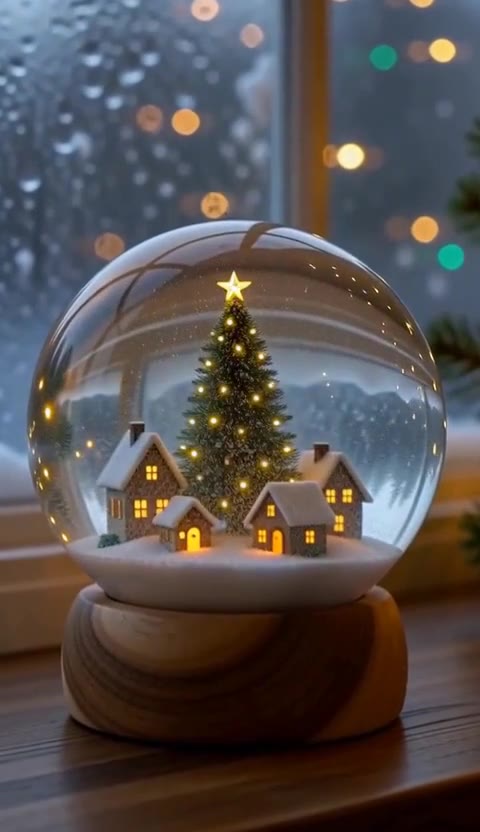 MiniMax H3 Max · Recorded Cicadas sample
AI Christmas Video Generator
AI Christmas video generator: a snow globe, a fireside tree or a curious reindeer as a 5-second vertical clip with sound. 63 credits, no photo needed.
MiniMax H3 Max · from 63 credits
Tested 2026-10-13
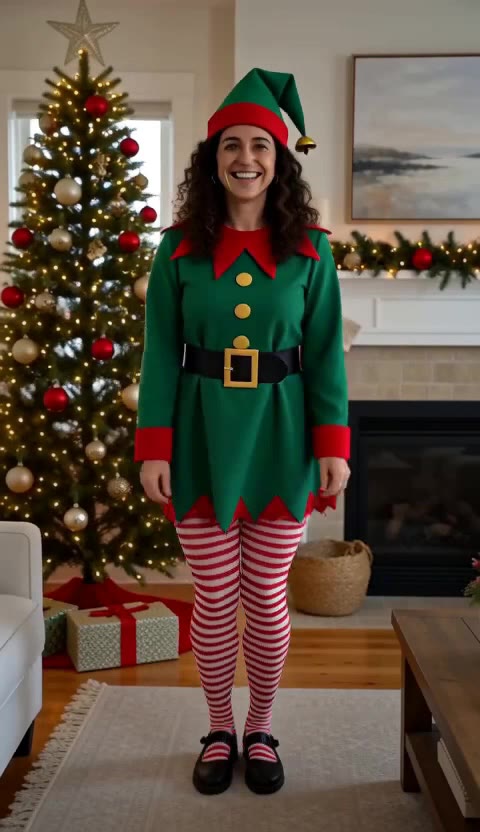 MiniMax H3 Max · Recorded Cicadas sample
Elf Dance AI Video Maker
Elf dance from one photo: you, dressed as a Christmas elf, do a jig by the tree, a snow shuffle or a high-kick line in a 5-second clip with sound. MiniMax H3 Max, 63 credits, adults only.
MiniMax H3 Max · from 63 credits
Tested 2026-10-27
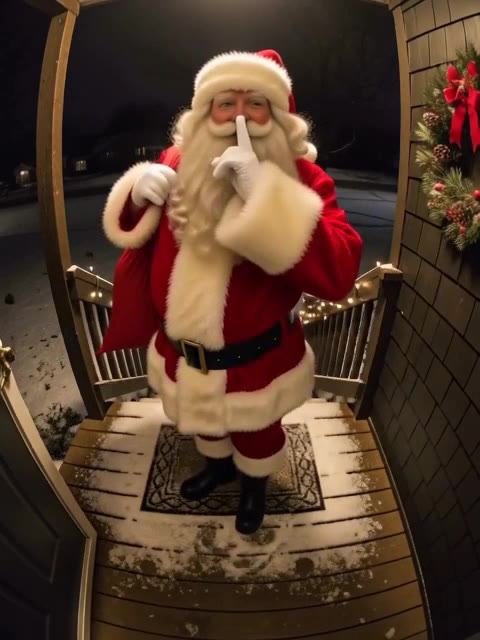 MiniMax H3 Max · Recorded Cicadas sample
AI Santa Video Generator
AI Santa video generator: add a photo of your living room or front door and Santa walks in, leaves a present or says a name. From 63 credits, with sound.
MiniMax H3 Max · from 63 credits
Tested 2026-10-12
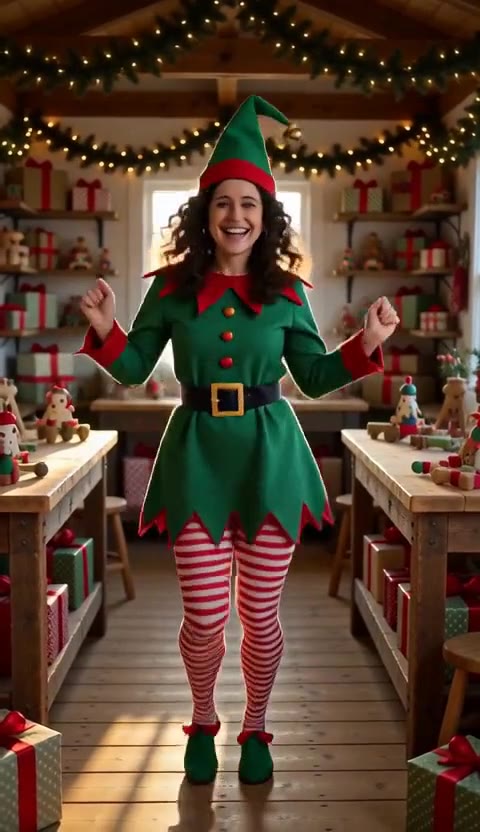 MiniMax H3 Max · Recorded Cicadas sample
AI Elf Video Generator
AI elf video generator: one photo of you becomes a Christmas elf dancing in a toy workshop or wrapping presents, 5 seconds with sound. 63 credits.
MiniMax H3 Max · from 63 credits
Tested 2026-10-14