
Animate Painting AI
Animate a painting: your own canvas or drawing, or the Mona Lisa, The Starry Night, Girl with a Pearl Earring or The Great Wave, moves while the brushwork stays. MiniMax H3 Max, 5 seconds, 63 credits.
Animate Painting AI makes the scene inside a painting move: the painting is the first frame on MiniMax H3 Max, so the brush strokes, the colours and the edges of the canvas stay as painted while the figure turns, the sky swirls or the wave curls over 5 seconds, with a quiet sound track. Bring your own painting or drawing, or start from one of four public-domain masterpieces. A clip is 63 credits, about $0.62 on the $9.90 first pack, quoted before you generate.
- From 63 credits per clip
- Image to video
- 5s / 10s / 15s
- 480P
- Audio available
Sample result
5s · MP4About animate painting on Cicadas
To animate a painting is to leave the paint where it is and let what it shows move: the woman in the portrait turns her head, the stars in the night sky pulse, the wave finishes curling. That is what this page does. You upload a painting, a watercolour, a child's drawing or a photograph of a canvas on your wall, or you choose one of four world-famous paintings offered as presets, and that picture becomes the first frame of a 5-second clip on MiniMax H3 Max. The model is told that the frame stays fixed and that the brushwork, the colours and the cracks of the varnish stay exactly as in the picture; only the scene inside moves, and it makes a quiet sound to go with it. The presets are public-domain works whose painters died more than a century ago, reproduced from Wikimedia Commons. This page does not put a real person's face into a painting, and it does not turn a photo into a painting; that is the opposite direction, and other sites do it. A 5-second clip is 63 credits.
For a photograph of a person rather than a painting, animate a photo adds one small silent motion. The general image to video page lets you run a painting on another model, and the best image to video AI test shows how six of them treated the same picture. With two paintings, first and last frame moves from one to the other; the MiniMax H3 page lists what the model behind this page costs per second.
Animate painting examples made on Cicadas
Mona Lisa: the head turns, the smile widens.
MiniMax H3 Max image to video, 5 seconds at 480P, from the Wikimedia Commons reproduction of the Mona Lisa (public domain, 1024 px). The page's Mona Lisa prompt, sent once. The head turns a little, the eyes follow the viewer and the smile deepens slightly while the painted landscape softens into haze; brushwork and varnish cracks stay as in the painting, nothing added, no text. A quiet result: the motion is small, as the prompt asks. Sound removed for this page.
Use this recipe ↗The Starry Night: the sky turns, the cypress sways.
MiniMax H3 Max image to video, 5 seconds at 480P, from the Commons reproduction of The Starry Night (public domain). The page's Starry Night prompt, sent once. The sky swirls turn slowly, the stars and moon pulse, the village windows flicker and the cypress sways; the thick strokes keep their texture while they move. Nothing added, no text. Sound removed for this page.
Use this recipe ↗Girl with a Pearl Earring: a blink, a turn, a glint.
MiniMax H3 Max image to video, 5 seconds at 480P, from the Commons reproduction of Girl with a Pearl Earring (public domain). The page's Pearl Earring prompt, sent once. She blinks, turns her face further to the viewer and her lips part; the pearl throws a bright glint by the fourth second. The painted surface and the dark background stay as in the picture; nothing added, no text. Sound removed for this page.
Use this recipe ↗The Great Wave: the wave curls, the boats pitch, Fuji stays.
MiniMax H3 Max image to video, 5 seconds at 480P, from the Commons reproduction of The Great Wave off Kanagawa (public domain). The page's Great Wave prompt, sent once. The wave curls forward and its foam fingers break over the boats, which pitch on the swell; Mount Fuji stays still. The flat colours and outlines keep the woodblock look, though the spray turns more painterly than printed in the middle of the clip. Nothing added, no text. Sound removed for this page.
Use this recipe ↗Why use Cicadas for animate painting
Four masterpieces, ready to move
The Mona Lisa turns her head a little and her smile widens while the hazy landscape drifts; the swirls of The Starry Night turn and its stars pulse while the cypress sways; the Girl with a Pearl Earring blinks and turns toward you as the pearl glints; The Great Wave curls forward over the pitching boats while Mount Fuji keeps still. Pick one and the painting and its prompt are filled in for you.
Your own painting, drawing or sketch
A canvas photographed flat under even light, an ink sketch, a pencil drawing, a watercolour, a picture your child painted: upload it and write what should move, or start from the "Your own painting" prompt, which asks for one slow movement of the main figure and a gentle drift in the background and keeps everything else as painted. Glare on varnish and a tilted camera are the two things that spoil the first frame.
What stays and what moves
Every prompt here opens by telling the model that the painting is the first frame and that the framing holds, and closes by forbidding new objects and text. In between it names the few things that move. Keep that shape when you edit: name a movement, not a new scene, and the clip reads as a living painting rather than as a video that happens to start on one.
Price before you generate
At 480P a 5-second clip is 63 credits, about $0.62 on the $9.90 first pack of 1,000 credits; 10 seconds is 125 and 15 seconds is 188, and 768P raises them to 100, 200 and 300. The quote sits on the button. A failed job refunds itself; a finished clip you do not like is still charged.
How to use animate painting
- 01
Sign in and either choose one of the four masterpieces or upload your own painting or drawing, photographed straight on without glare.
- 02
Keep the preset prompt or edit the "Your own painting" prompt to say what should move; leave the first and last sentences, which hold the frame and forbid text. Keep 5 seconds or choose 10 or 15 and read the quote.
- 03
Generate, watch the clip to the end, and download it from My videos. If the model moved more than you asked, run it again with a smaller movement named.
World-famous paintings
Four presets, each with its own prompt that says what moves. Mona Lisa (Leonardo da Vinci, about 1503): the head turns a little, the smile widens, the hazy landscape drifts. The Starry Night (Vincent van Gogh, 1889): the sky swirls turn, the stars pulse, the cypress sways, the village lights flicker. Girl with a Pearl Earring (Johannes Vermeer, about 1665): one blink, a turn toward the viewer, a glint on the pearl. The Great Wave off Kanagawa (Katsushika Hokusai, about 1831): the wave curls forward, the boats pitch, Mount Fuji stays still. All four are public-domain works by artists who died more than 100 years ago; the reproductions are the Wikimedia Commons files. Nothing under copyright is offered as a preset, no real person's face goes into any of them, and The Scream is not on the list because searches for it mean the horror trend.
Animate a painting, or animate a photo?
The animate photo page takes a photograph of a person and adds one small motion on a silent model; its prompts assume skin, hair and a room. This page assumes paint: its prompts hold the frame, name the movement and tell the model to keep the strokes and the colours as they are, and the clip comes with a quiet sound. A photograph of a painting belongs here; a photograph of a person belongs there.
The same painting on another model
This page runs one model, MiniMax H3 Max, because the site has recorded it on its other first-frame pages at 480P and it makes its own sound. The general image to video page takes the same painting and lets you choose Kling or Veo instead, with the price of each shown before you run it; the best image to video AI test shows what six models did with one picture and one prompt.
What to check before posting a living painting
That the edges of the canvas did not move, that no object appeared that was not painted, that no lettering crept into a corner, and that the texture is still paint rather than smoothed into a photograph. If the figure moved more than the prompt asked, name a smaller movement and run it again; if nothing moved, name the movement earlier in the prompt.
Animate painting prompt ideas
Copy one into the prompt box above and adapt it to your shot. Or write your own shot by shot in the prompt generator.
“The painting is the first frame and the frame stays fixed. The woman in the portrait slowly turns her head a little, her eyes follow the viewer and the faint smile widens, while the painted landscape behind her drifts in a slow haze. Brushwork, colours and the fine cracks of the old varnish stay exactly as in the painting; nothing is added, no text. Sound: a quiet gallery room tone, no music, no voices.”
“The painting is the first frame and the framing holds. The swirls of the night sky begin to turn slowly, the stars pulse and glow, the cypress sways gently and the village lights flicker; the thick painted brush strokes keep their texture while they move. No new objects, no text. Sound: a soft night wind, no music, no voices.”
“The painting is the first frame and the frame stays fixed. The girl blinks once, turns her face a little further toward the viewer and her lips part slightly as if about to speak; the pearl catches a glint of light. The painted surface, the colours and the dark background stay as in the picture; nothing added, no text. Sound: a quiet room tone, no music, no voices.”
“The woodblock print is the first frame and the framing holds. The great wave rises and curls forward, its foam fingers reaching over the boats, the boats pitch on the swell and Mount Fuji stays still in the distance; the flat printed colours and outlines keep their woodblock look while they move. Nothing added, no text. Sound: sea wind and the roar of the wave, no music, no voices.”
“The painting is the first frame and the framing holds. The main figure in the painting makes one slow, small movement and the background drifts gently, as if a breeze had passed across the canvas; the brushwork, the colours and the edges of the picture stay exactly as painted. Nothing added, no text. Sound: a quiet room tone, no music, no voices.”
Animate painting FAQ
Tested on Cicadas · reviewed 2026-10-29
Recorded on 2026-10-28 evening (four clips, docs/research/claude-painting-20261029/samples/): MiniMax H3 Max image-to-video, the Commons reproduction as the first frame, 5 seconds at 480P, one request per preset. The Mona Lisa moves little (head, eyes, smile, hazy landscape); the Starry Night sky turns and the village lights flicker; the girl blinks and the pearl glints; the wave curls over the boats while Fuji stays still. Brushwork and outlines stay in all four, though the wave's spray turns more painterly than printed mid-clip. Not run: the visitor's own painting (a photo of a canvas or drawing), 10 and 15 seconds, 768P, text-only prompts.
- MiniMax H3 Max image-to-video API specification
- Wikimedia Commons (public-domain reproductions of the four presets)
Updated Oct 28, 2026 · How we test
Related tools
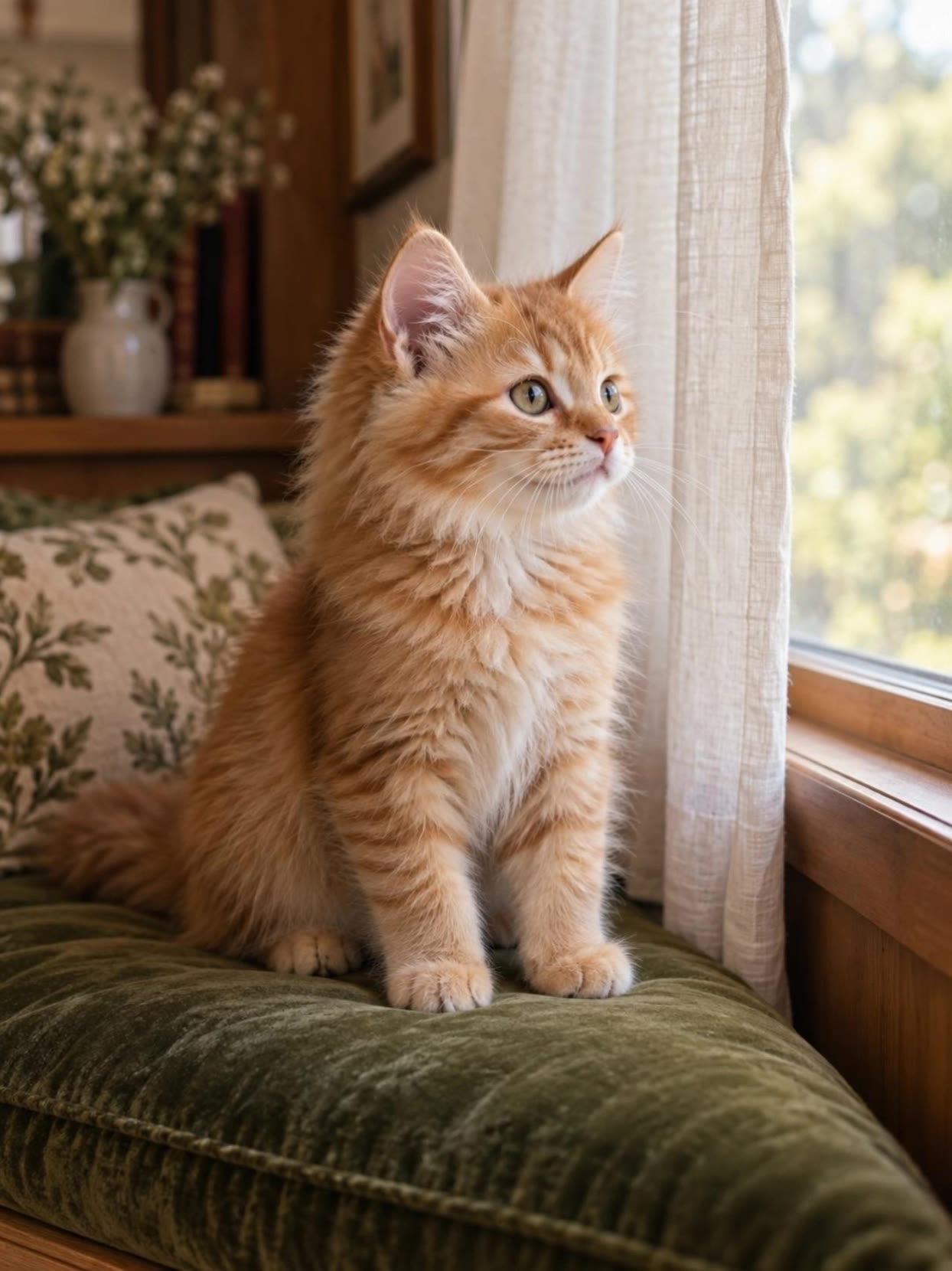 Kling 3.0 Pro · Recorded Cicadas sample
Animate Photo AI
Animate photos with AI: one photo becomes a silent 5- or 10-second MP4 with one small motion you pick. AI photo animation on Kling 3.0 Pro, price shown first.
Kling 3.0 Pro · from 140 credits
Tested 2026-09-29
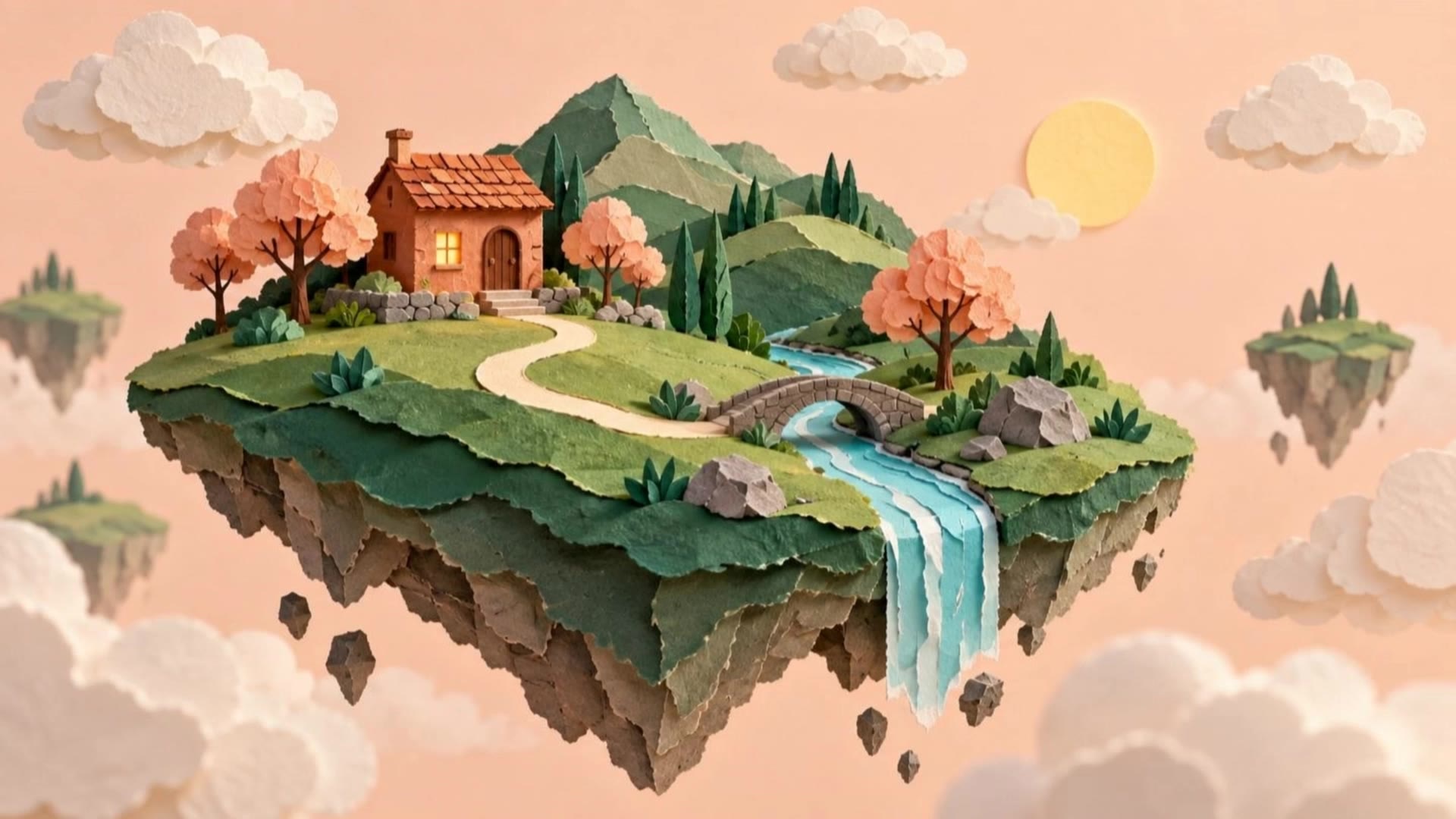 Kling 3.0 Pro · Recorded Cicadas sample
AI Image to Video Generator
Photo to video from one upload: add a JPG, PNG or WebP and get a silent 5-second Kling or 6-second 720p Veo MP4. AI image to video with the price shown first.
Kling 3.0 Pro · from 140 credits
Tested 2026-09-29
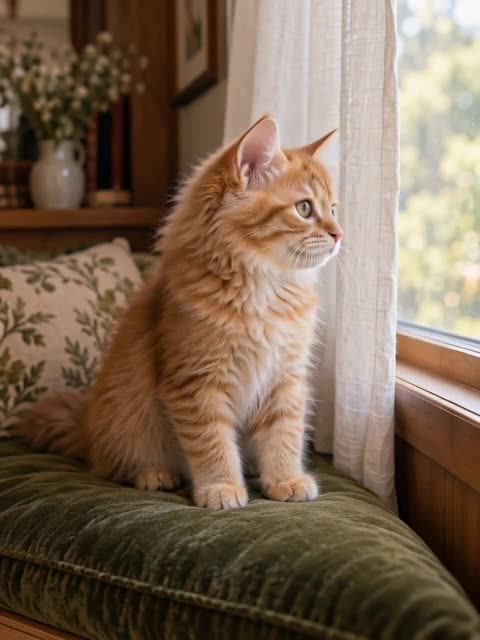 MiniMax H3 Max · Recorded Cicadas sample
Best Image to Video AI, Tested on One Photo
Which image to video AI follows your prompt? We gave one kitten photo and one prompt to 6 models on Cicadas. See every clip and price, then try any of them.
Vidu Q4 · from 57 credits
Tested 2026-10-17
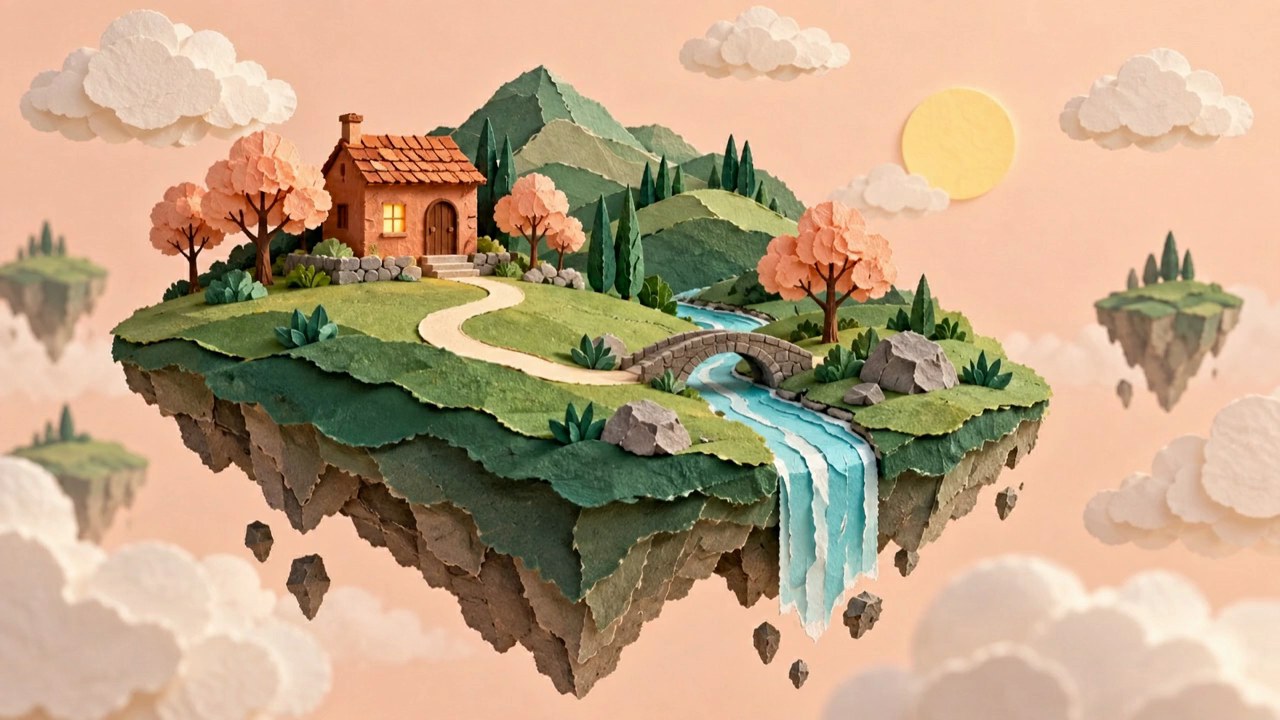 Veo 3.1 Fast · Recorded Cicadas sample
First and Last Frame Video AI
First and last frame AI video generator: add a first and a last frame, describe the move, and Veo 3.1 Fast makes a silent 4, 6 or 8-second MP4 between them.
Veo 3.1 Fast · from 100 credits
Tested 2026-09-29