
Faceless Video GeneratorNew
Paste a script and get a narrated faceless video: an AI voice-over and an AI picture for every scene, word-by-word captions, one MP4. Price shown first.
- ElevenLabs voices + FLUX pictures
- captioned MP4
Preparing your storyboard workspace…
What scene would you like to create?
Choose a scene to fill in the subject, setting and motion. No image upload needed. These are editable prompt drafts, not recorded outputs.
More settings · 9:16 · 5s
Checking generation and private storage configuration.
Your video
5s · MP4Your next video starts here.
Add a prompt or choose an idea above. Your result will appear here.
About faceless video on Cicadas
Paste your script with a blank line between scenes. Choose one of 20 ElevenLabs voices, and in one step Cicadas makes a voice-over for every scene and a FLUX picture for every scene that has no visual yet. Finished voice-overs and pictures drop into their scenes on their own; each scene then ends just after its narration, still pictures get a slow zoom, and word-by-word captions follow the voice. Export one MP4 in 9:16, 16:9 or 1:1. You see the credit price before anything is generated, and you can swap in your own pictures or clips at any time.
Faceless video examples made on Cicadas
Why sunsets turn red
A science short: three scenes narrated by Brian, FLUX pictures and word-by-word captions.
How bamboo grows so fast
A nature fact video: three scenes narrated by Matilda, FLUX pictures and word-by-word captions.
The lighthouse keepers
A history story for YouTube: three scenes narrated by George, FLUX pictures and word-by-word captions.
One minute in Kyoto
A travel guide: three scenes narrated by Lily, FLUX pictures and word-by-word captions.
Three habits that make saving easier
A money tips short: three scenes narrated by Jessica, FLUX pictures and word-by-word captions. The picture descriptions were typed on the page because the automatic pictures drew garbled text.
A morning routine for deep focus
A self-improvement short: three scenes narrated by Chris, FLUX pictures and word-by-word captions. The picture descriptions were typed on the page because the automatic pictures drew garbled text.
Why use Cicadas for faceless video
Your script, scene by scene
Blank lines split the script into scenes (up to 40, 600 characters each). Your words are kept exactly as written: they become the narration and the captions. Edit a scene and only that scene's voice-over is redone.
Voice and pictures in one step
One quote covers every scene that still needs a voice-over or a picture: 5 credits per 200 characters of narration and 2 credits per picture. Each picture is drawn from the scene's line and your video title; rewrite any picture description, generate again, or upload your own picture or clip instead.
Captions timed to the voice
Captions come from the voice-over's own word timings and appear one word at a time, large and centred on vertical video. Exports are free and stay in your saved storyboards, ready to download or open in Studio for detailed timeline edits.
How to use faceless video
- 01
Sign in, paste your script with a blank line between scenes, give the video a title and choose 9:16, 16:9 or 1:1.
- 02
Pick a voice, keep "AI voice-over" and "AI picture" ticked, get the price for all scenes and start. Voice-overs and pictures are added to their scenes as they finish.
- 03
Review each scene (change a picture or a line if you like), then export the MP4 and download it.
Faceless video prompt ideas
Copy one into the prompt box above and adapt it to your shot.
“A minimalist desk at sunrise, coffee steam, laptop closed, slow pan across the room, calm productive mood.”
“An ancient Roman street at night lit by torches, wet stones, distant crowd murmur, slow tracking shot.”
Faceless video FAQ
Tested on Cicadas · reviewed 2026-09-30
Real runs on 2026-09-29 and 2026-09-30: each three-scene script produced ElevenLabs voice-overs and FLUX pictures for 21 credits and rendered as a captioned MP4 (vertical or landscape, 12 to 19 seconds). On 2026-09-30, two of eight advice-style scripts drew garbled poster text into the pictures; typing a picture description for each scene fixed it. Automatic publishing and voice cloning are not included.
- ElevenLabs Multilingual v2 on fal — API specification
- FLUX.1 [schnell] — API specification
- Kling 3.0 Pro (optional B-roll) — provider specification
Updated Sep 29, 2026 · How we test
Related tools

AI UGC Video Generator
Turn a script into a UGC-style ad: an AI presenter speaks each scene in a natural voice, with word captions in one vertical MP4. Price shown first.
Kling 3.0 Pro
Tested 2026-09-29
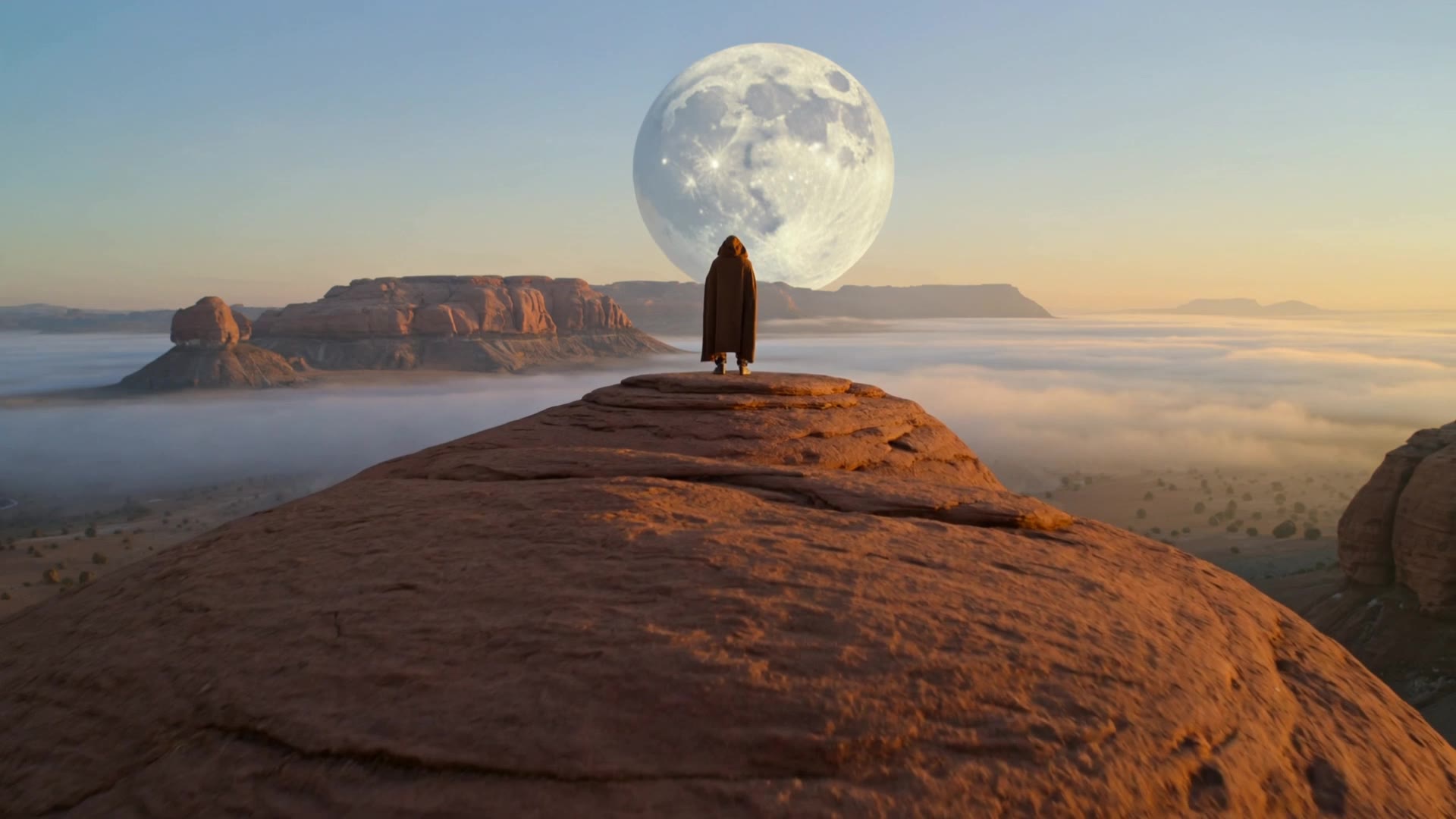 Kling 3.0 Pro · Recorded Cicadas sample
AI Text to Video Generator
Turn one English prompt into a private MP4 with AI text to video. Pick Kling for a silent 5-second clip or Veo for text to video with audio, 6 seconds at 720p.
Kling 3.0 Pro · from 140 credits
Tested 2026-09-30
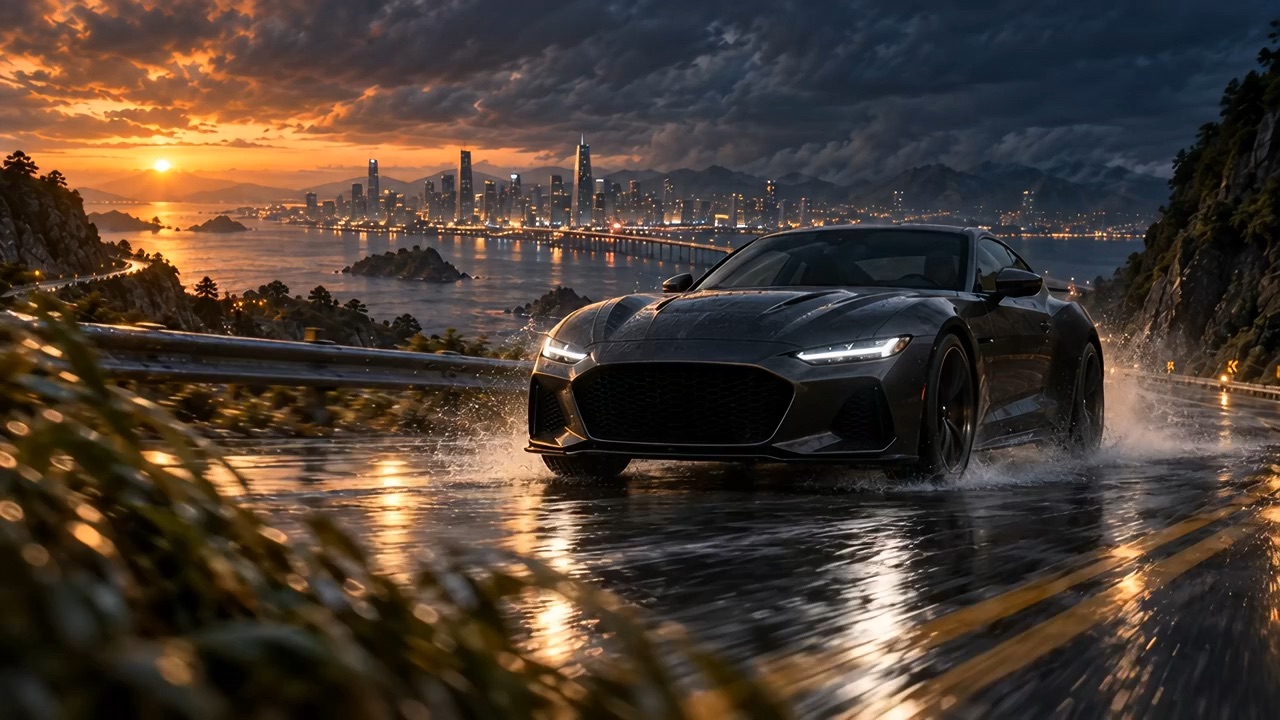 Recorded Seedance 2.5 sample
Seedance 2.5 AI Video Generator
Turn a prompt or one image into a video of up to 30 seconds with Seedance 2.5, at 480p or 720p with optional synced sound. See the credit quote first.
Seedance 2.5 · from 221 credits
Tested 2026-09-29