
Sora 2 Alternative After the Shutdown
OpenAI closed the Sora app on April 26, 2026 and shut down the Sora 2 API on September 24, 2026. This independent workspace lets you rerun the same prompt or permitted image on eight current video models — Veo 3.1 Fast, Kling 3.0 Pro, Seedance 2.5 and 2.0, Wan 3.0 Prime, MiniMax H3 Max, Grok Imagine 1.5 and Gemini Omni Flash — review the exact credit quote first and keep a private MP4. It does not call Sora or promise identical output.
Updated Sep 21, 2026
Your creative workspace
Edit the idea. Choose your settings. Generate when you’re ready.
Text → video
Retest your Sora workflow with Kling and Veo
What scene would you like to create?
Choose a scene to fill in the subject, setting and motion. No image upload needed. These are editable prompt drafts, not recorded outputs.
More settings · 16:9 · 5s
Checking generation and private storage configuration.
Generate charges the displayed quote for the current model, duration and audio choice. Provider or media-validation failures are refunded automatically; a successfully generated take is still charged if you dislike the creative result. Finished clips remain in My videos.
Your video
5s · MP4Your next video starts here.
Add a prompt or choose an idea above. Your result will appear here.
Check the credit quote for this shot before submitting. See plans and credit pricing
Recorded video examples & recipes
A small world wakes up.
Bring a handmade paper landscape to life with drifting clouds and a flowing stream.
Use this recipe ↗Give the scene a sound.
A wide desert shot with generated sound. The recorded audio has footstep-like taps and a low thump; it does not establish exact environmental sound control.
Use this recipe ↗A paper city starts to move.
A red paper tram crosses a cardboard city as the windows light up, with mechanical rattling and rustling in the recorded audio.
Use this recipe ↗Fire, steam and a night market.
Seedance 2.0 at 720p with audio on. Flames and steam read clearly; the recorded audio is a low roar rather than distinct market chatter.
Use this recipe ↗A coast road at golden hour.
MiniMax H3 Max at 768P. Smooth drone-style follow; the model added soft piano-like music on its own.
Use this recipe ↗One step on red sand.
Grok Imagine Video 1.5 at 720p. The walk and dust trail hold together; the prompt asked for wind and footsteps, but the recorded audio is calm music.
Use this recipe ↗Surf on black rock.
Wan 3.0 Prime at 720p with audio on. Spray and late light hold up well; the audio is a loud, continuous roar.
Use this recipe ↗A rainy evening, a sleeping cat.
Gemini Omni Flash 1.1 at 720p. Warm interior light and window rain; the model scored it with soft ambient music instead of rain and thunder.
Use this recipe ↗Workflow and limitations
Rerun the prompts your workflow depends on
Start from one text prompt or one image you are allowed to use. Switch models to compare the options each one really exposes — 4 to 30 seconds, 480p to 1080p, audio that is optional on some models and always on for others — instead of assuming Sora settings carry over.
A starting point for each need
For general scenes with native sound, start with Veo 3.1 Fast; for cinematic motion, Kling 3.0 Pro; for long single takes, Seedance 2.5 (up to 30 seconds); for the lowest cost per second, MiniMax H3 Max. These are starting points from public comparisons and our recorded samples, not a benchmark.
Private files, clear evidence
Every successful job returns one private MP4 you can download and recover from My videos. The playable examples are recorded outputs from these exact models with their settings; they do not prove equivalence with Sora, and existing Sora videos are not imported.
How to use it
- 01
Pick a model, then choose text or image input. For image mode, upload one JPG, PNG or WebP you are allowed to use.
- 02
Paste a representative prompt from your Sora workflow, match the duration, aspect ratio, resolution and audio you need, then review the exact credit quote.
- 03
Generate and inspect the whole MP4 for motion, anatomy, stray text and audio. Compare two models before you migrate a whole project; download the file or recover it later from My videos.
Prompt ideas
Untested prompt drafts. For recorded outputs, use the playable examples and testing record.
“A fictional adult traveler in a rust-colored coat stands on a desert ridge at dawn while thin mist crosses the valley. Slow controlled push-in, realistic cloth and atmospheric motion, one continuous shot.”
“An unbranded ceramic desk lamp on a walnut table turns on as warm light spreads across the surface. Locked camera, restrained realistic motion, stable product shape, one continuous shot.”
“A fictional adult field researcher stands beside a windy coast and says, ‘The tide is turning now.’ Natural synchronized speech, waves and wind, one continuous medium shot.”
FAQ
Evidence, sources and testing scope
Recorded outputs demonstrate this site's Kling and Veo replacement paths, not head-to-head Sora quality. OpenAI's date applies to the Sora 2 models and Videos API; it does not establish the status of every consumer Sora product.
Cicadas.ai testing record · Reviewed 2026-09-22
See samples, methods, costs and limitationsRelated tools
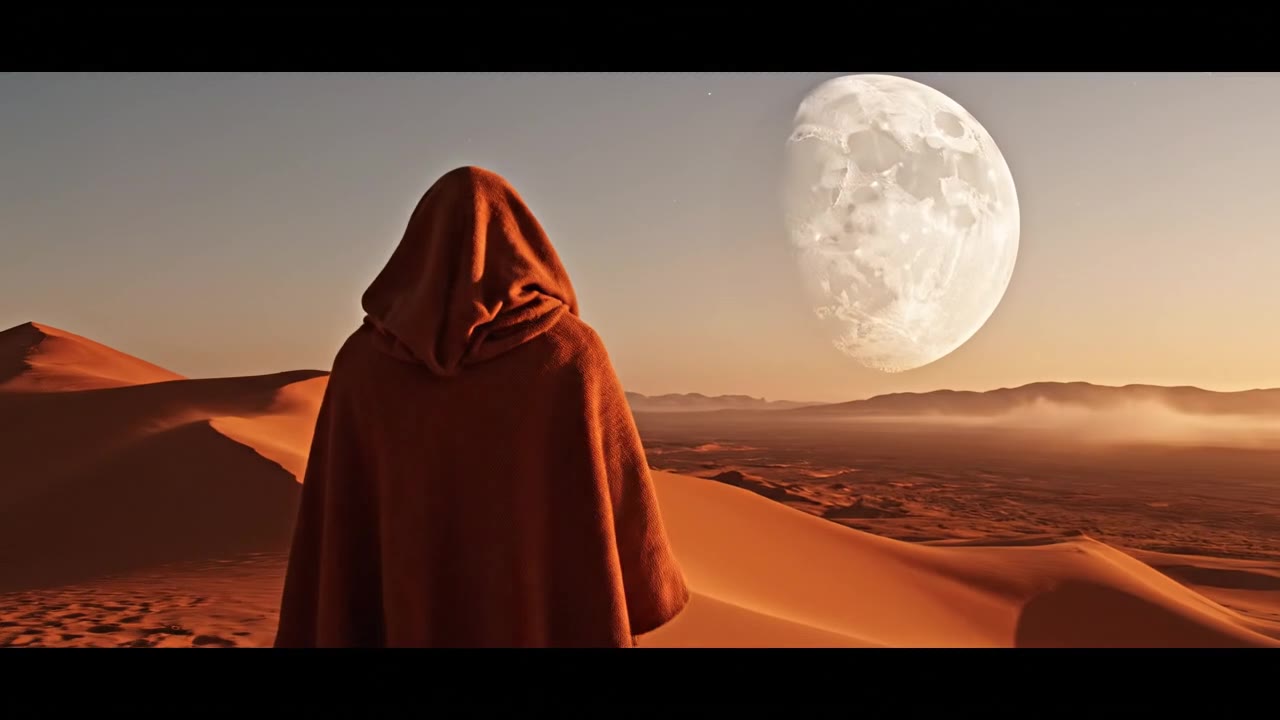 Veo 3.1 Fast · Recorded Cicadas sample
Veo 3.1 Fast Video Generator
Create a private 4–8 second MP4 with Veo 3.1 Fast from text, one image or first and last frames. Review the exact credit quote first.
Veo 3.1 Fast
 Kling 3.0 Pro · Recorded Cicadas sample
Kling 3.0 Pro Video Generator
Create a private 5- or 10-second MP4 from text or one image with Kling 3.0 Pro. Choose optional audio and review the exact credit quote first.
Kling 3.0 Pro
 Recorded Seedance 2.5 sample
Seedance 2.5 AI Video Generator
Create a private 4–30 second Seedance 2.5 MP4 from a text prompt or one image, with 480p/720p output and optional synchronized audio.
Seedance 2.5