
AI Explainer Video Generator: Explain It in Steps, Download an MP4
Free explainer video maker: type a title and two to four steps and get an animated explainer, or have a chat model write a custom one. No watermark, no upload.
- Free
- no watermark
- no upload
Make motion graphics
Free. Rendered in your browser; nothing is uploaded.No AI is involved here: the template arranges your own words and numbers. The preview appears when the required fields are valid.
Real results (2026-10-10, Chrome): each video below is a file this page exported. The companies and products in them are made up.
About AI explainer video on Cicadas
An explainer video shows how something works, one idea at a time. Type a title and two to four steps and this page animates them: the title, each step on its own with a number, then all of them together. Pick 16:9, 9:16 or 1:1 and a colour set, and download an MP4. For an explainer with diagrams, arrows and numbers, switch to the chat-model tab: a prompt has Claude or another model write the scene, and the page draws it. It is free, with no watermark, no upload and no account. In our test on 2026-10-10 in Chrome, a three-step explainer at 1920 × 1080 (16 seconds, 1.5 MB) was ready in about 4 seconds.
Why use Cicadas for AI explainer video
One step on screen at a time
The Steps template gives each step about three seconds alone, with its number and a row of dots showing where you are, and ends on a list of all the steps that holds for three seconds. A three-step explainer runs 16 seconds. That pacing is fixed, so you only decide the words.
Diagrams when you need them
For boxes, arrows, counters and charts, the chat-model tab gives you a prompt to paste into Claude or another model. The two diagram explainers on this page were written that way by Claude Sonnet and are shown unedited. In our test on 2026-10-10, six answers from Claude Opus, Sonnet and Haiku were all valid on the first try; the two from Haiku had layout faults, so use Sonnet or Opus. Other models are untested.
Your wording, not a rewrite
Nothing is paraphrased. The template shows the title and steps exactly as typed, and a chat model is told to use only the facts and numbers you gave. There is no generated footage, so there are no invented visuals to check.
How to use AI explainer video
- 01
Type a title and two to four steps, one per line. Short steps read best: aim for under eight words each.
- 02
Choose the shape and colours and watch the preview.
- 03
Click Make MP4 and download the file.
Example briefs to start from
Choose “Written by a chat model”, then copy an example into step 1 and replace it with your own content. Or fill in a template directly.
“How a URL shortener works: paste a long link; it is stored under a short code; the short link sends visitors on.”
“How our refund works: ask within 30 days; we check the order; the money is back in 5 working days.”
“How compound interest works: put in a principal; each year's interest joins it; after ten years both have grown.”
What it costs
| This page: templates, checking and MP4 export | Free | No account, no watermark, no limit on exports. It runs on your device. |
|---|---|---|
| A chat model to write a custom scene | Whatever plan you already have | The prompt is a normal chat message of about 3,000 characters. We tested Claude Opus, Sonnet and Haiku. |
| Claude Motion (Anthropic, beta) | Team: $20 per seat a month billed annually, 2 seats minimum | Included in Team and Enterprise plans only; counts toward the plan's usage limits. Not on Free, Pro or Max. |
| AI video with generated footage on Cicadas | Credits, shown before each generation | For scenes, people and camera moves rather than text and charts. |
Claude prices are from Anthropic's pricing page as read on 2026-10-10 and can change; check the page before you buy.
AI explainer video FAQ
Tested on Cicadas · reviewed 2026-10-10
Tested on 2026-10-10 in Chrome; not tested in Safari or Firefox or on a real phone. Each of the five templates was filled in through this site's form the way a visitor would and exported: six videos (Steps in English at 1920 × 1080 and in Chinese at 1080 × 1920, Big number at 1080 × 1080, Bar chart at 1920 × 1080, Launch teaser at 1080 × 1920, Quote in Chinese at 1080 × 1080). They run 6 to 16 seconds, took 1 to 5 seconds each to make and weigh 0.17 to 1.5 MB; ffmpeg read each as H.264 at 30 frames per second with no sound track, and no network request was sent while exporting. A half-filled form and a bar line without a number were refused with a message. Every template was also built in all three shapes and all four colour sets by an automated test that checks each result against the scene rules and that nothing is placed outside the frame. The layout warning was run on the six scenes Claude models wrote: it flagged three texts in the two Claude Haiku scenes, the same faults we had seen by eye, and none in the four from Opus and Sonnet. Fonts come from the device, so wrapping can differ elsewhere. The two diagram explainers shown here were written by Claude Sonnet from this site's prompt and are unedited. Whether these videos explain better than another format was not tested.
Updated Oct 10, 2026 · How we test
Related tools
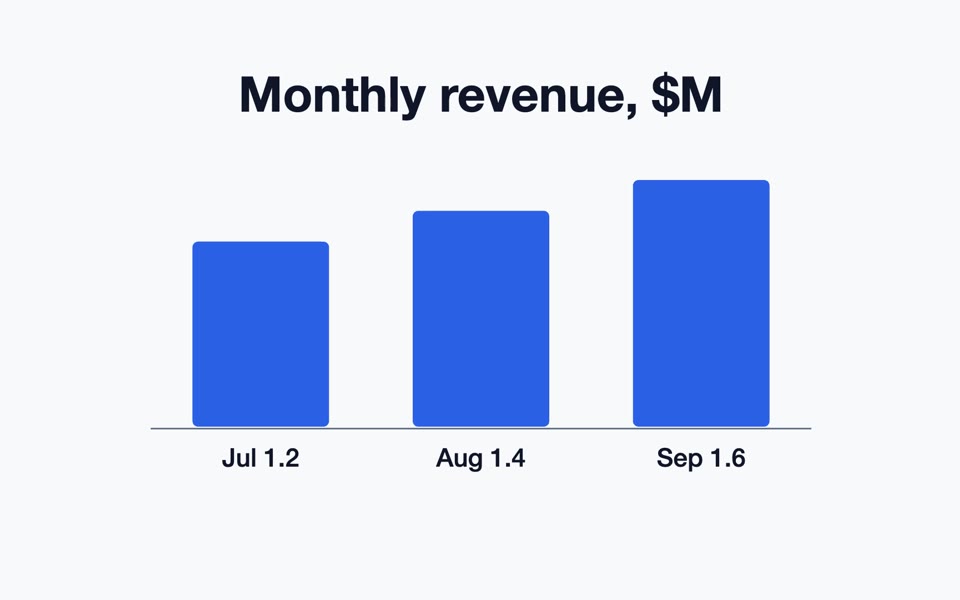 A bar chart made from a template
AI Motion Graphics Generator: Type It, Get an Animated MP4
Free motion graphics generator: fill in a template (steps, big number, bar chart, launch teaser, quote) or let a chat model write the scene. MP4, no watermark.
Free · runs in your browser
Tested 2026-10-10
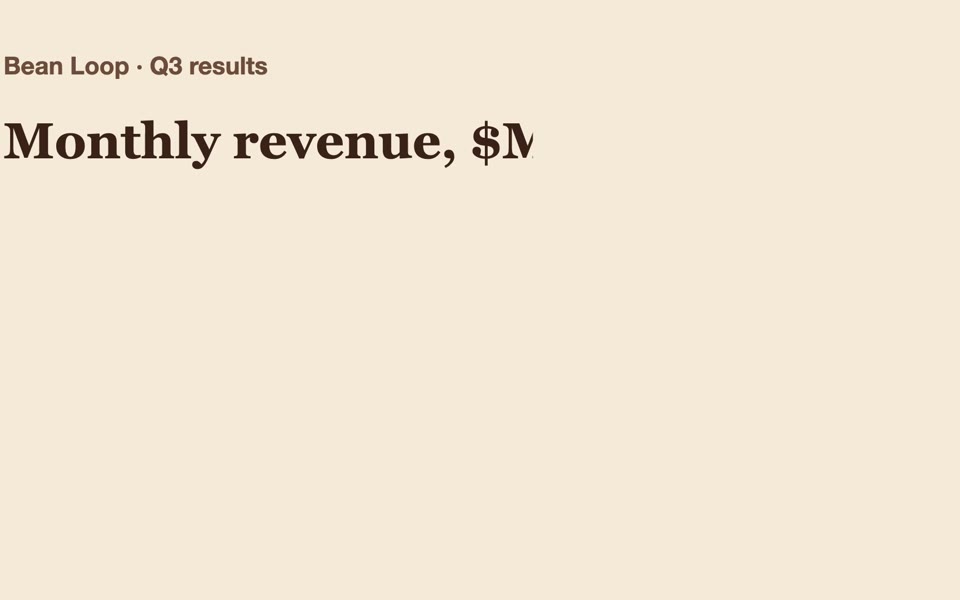 A scene Claude wrote, rendered here
Claude Motion Graphics Without a Team Plan: Prompt In, MP4 Out
Claude Motion is Team and Enterprise only. This free page gives you a prompt that makes Claude on any plan write an animated explainer, then renders it to MP4.
Free · runs in your browser
Tested 2026-10-10
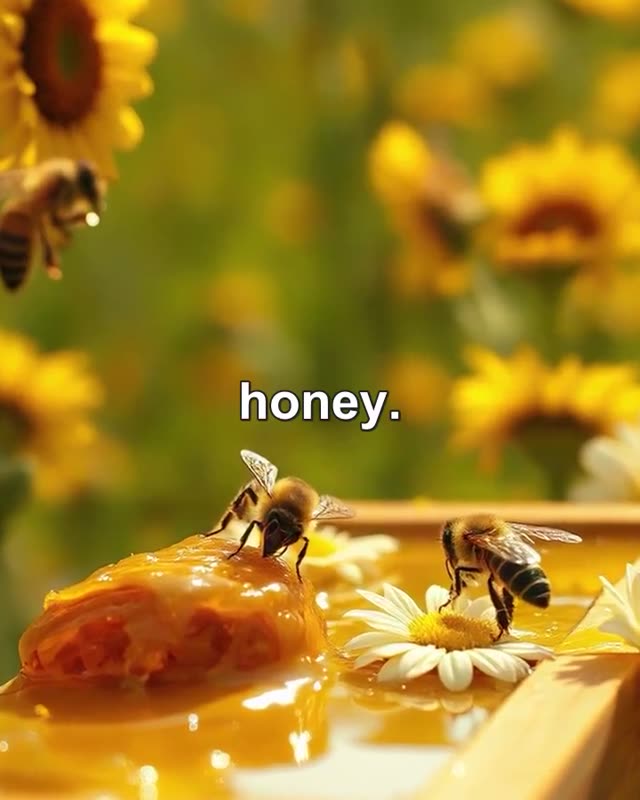
Faceless Video Generator
Paste a script and get a narrated faceless video: an AI voice-over and an AI picture for every scene, word-by-word captions, one MP4. Price shown first.
Kling 3.0 Pro
Tested 2026-09-30
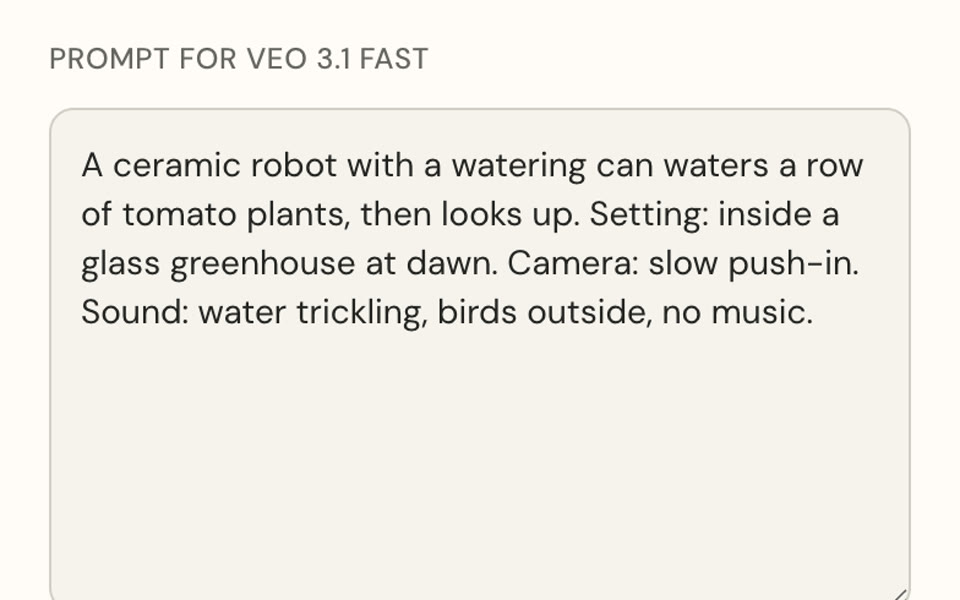 A prompt fitted to a model · no video is made
AI Video Prompt Generator: One Brief, Fitted to the Model
Free AI video prompt generator: fill in subject, action, camera, look and sound, pick a model, get a prompt within its limits and open it in the generator.
Free · runs in your browser
Tested 2026-10-08