
Earth Zoom Out AI
Earth zoom out AI from one photo of you: the camera rises from a park or a rooftop through the city and clouds to the whole Earth. Vertical, 63 credits.
Earth Zoom Out AI turns one photo of you into a camera pull-back: you wave on the grass or on a rooftop, the camera rises over the city, the coastline and the clouds, and the clip ends on the whole Earth floating in space. MiniMax H3 Max draws the whole fall away from one prompt, and the scenes ask for a rising wind sound. The globe is a drawing, not a map. The park scene needs 10 seconds, which is 125 credits; the rooftop scene works at 5 seconds, which is 63 credits, quoted before you generate.
- From 63 credits per clip
- From your photos
- 5s / 10s / 15s
- 480P
- Audio available
Sample result
10s · MP4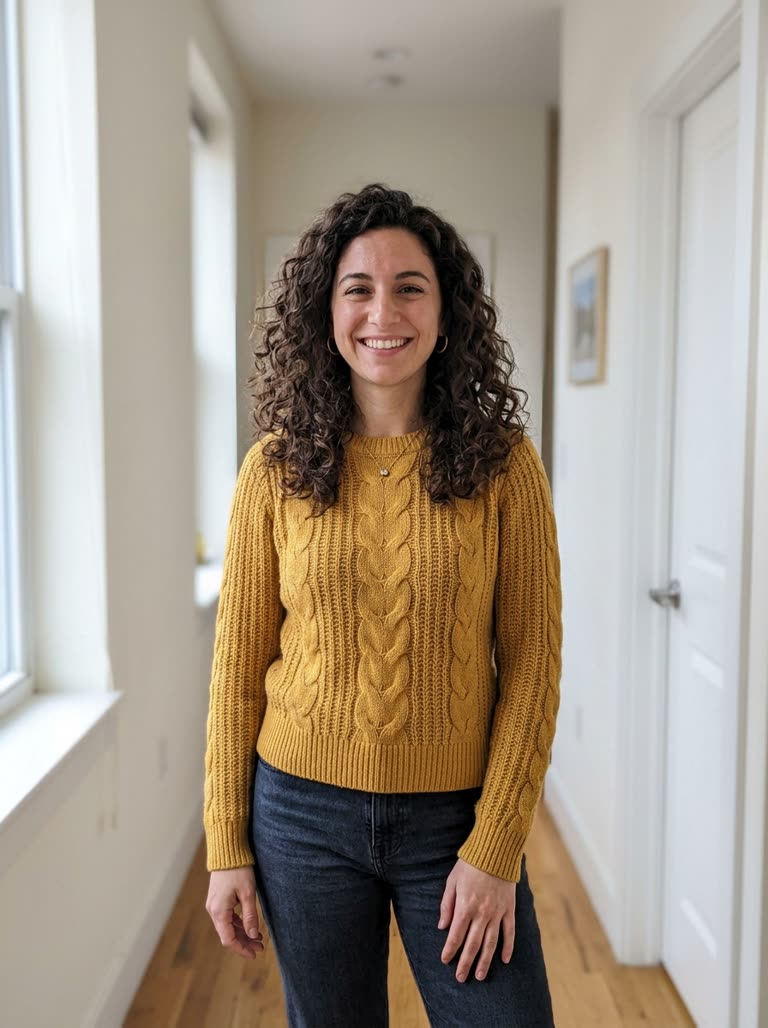 Your photo
About Earth zoom out AI on Cicadas
The earth zoom out effect starts on a person and pulls the camera straight up and away until the whole planet is in frame. On this page one photo of you is a reference, and MiniMax H3 Max draws the rise from a new park or rooftop through the streets and clouds to a globe in black space, in one shot with no cuts. Pick the scene, add one clear photo of yourself, and choose 5 or 10 seconds. It uses no map data, so the continents are invented.
To start from a still image rather than a person, use image to video; to turn one picture into another, the AI morph video. For a change of clothes on a spin, see the AI outfit change video, and to write your own scene around your photo, AI reference to video. The MiniMax H3 page lists what the model behind this page costs per second. The full November round, including the bicep heart pose we cut, is in AI video trends, November 2026: we tested seven from one photo.
Earth zoom out AI examples made on Cicadas
Park to Earth: ten seconds from the grass to space.
MiniMax H3 Max reference to video, 10 seconds at 480P with sound, vertical, from the site's sample photo of a woman. She waves on the grass of a park, the camera rises over the park, the city blocks, a coastline and clouds, and the clip ends on the whole globe in space. It differs from the prompt in two ways: the park turns into a different square between two moments instead of one unbroken pull-back, and the continents on the globe are not real geography. The sound was not listened to.
- Your photo
Rooftop to Earth: five seconds, very fast.
MiniMax H3 Max reference to video, 5 seconds at 480P with sound, vertical, from the site's sample photo of a man. He waves on a rooftop at sunset; the camera passes the rooftop, the streets, a headland and clouds, and ends on the globe. It differs from the prompt in two ways: five seconds makes the middle a blur of streets, and the continents on the globe are approximate. The sound was not listened to.
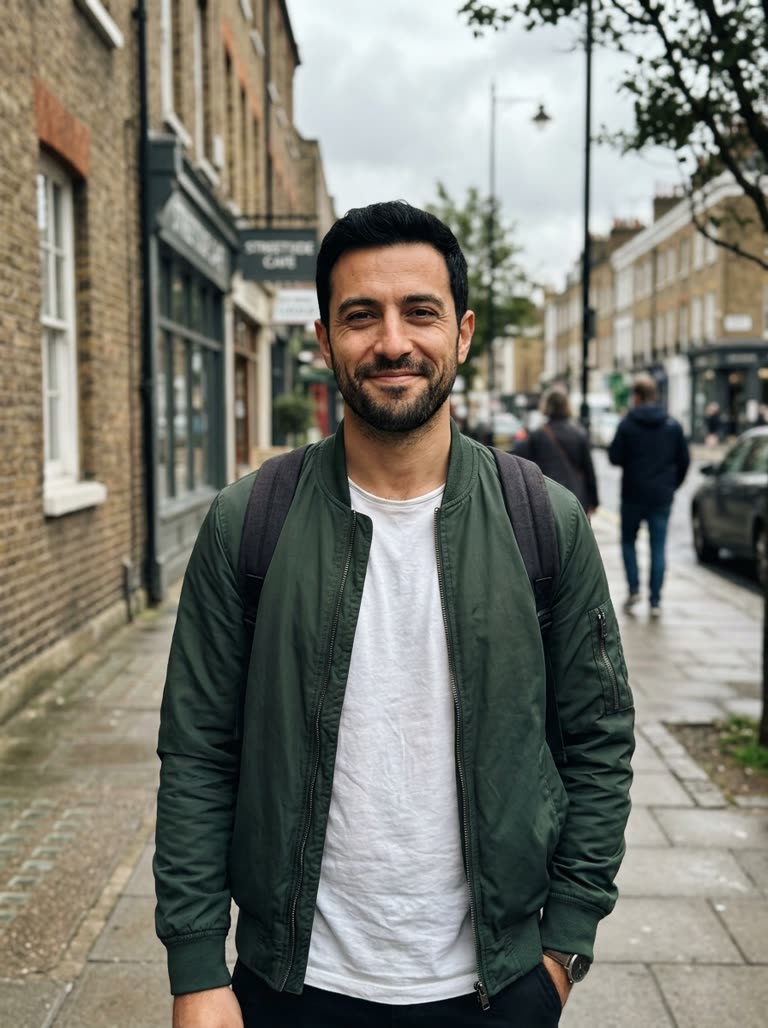 Your photo
Why use Cicadas for Earth zoom out AI
One shot from you to the planet
Both scenes start on you waving, then the camera rises faster and faster: park or rooftop, city blocks, a coastline, thin clouds, the curve of the planet and the whole Earth in space with stars. The scene asks for no cuts and the clip is made in one pass.
The globe is drawn, not mapped
No map or satellite data goes into the clip. In both of our clips the globe is a convincing blue planet whose continents are approximate, not accurate geography, so don't use it where the real place matters. For that, use a map tool.
10 seconds or 5
The park scene is written for 10 seconds, because the pull-back has five steps to pass through. At 5 seconds the rooftop scene still reaches the globe, but the middle becomes a blur of streets. If you have the budget, choose 10 seconds for either scene; 10 seconds costs 125 credits, while the default 5 seconds costs 63.
Price before you generate
The default 5 seconds at 480P is 63 credits, and 10 seconds, which the park scene is written for, is 125; 15 seconds is 188. At 768P they are 100, 200 and 300. The amount appears on the button before you generate, and a job that fails is refunded.
How to use Earth zoom out AI
- 01
Sign in and pick a scene: Park to Earth (written for 10 seconds, 125 credits) or Rooftop to Earth (works at 5 seconds, 63 credits).
- 02
Add one clear photo of yourself, set 5 or 10 seconds to match the scene, and check the quote.
- 03
Tick the photo confirmation, generate, and download the MP4 from My videos; add your own caption in your editor.
Park scene or rooftop scene
The park scene has you on a lawn on a sunny day and passes the whole park, the city blocks, a coastline and clouds on the way up. The rooftop scene puts you on a flat roof at sunset and moves faster. Pick the park for a calmer rise and the rooftop for a shorter, more dramatic one.
Where the effect breaks
Longer pull-backs ask the model to keep one place consistent while the scale changes by orders of magnitude. In our park clip the park became a different square between two moments, and in the 5-second rooftop clip the middle was a blur. You only appear at the start, so check the first second against your photo.
A photo for the first seconds
A sharp, front-facing photo in even light, with your face and clothes clearly visible and nobody else in the frame. The camera leaves you within seconds, so the opening frames are your one chance to look like yourself.
Earth zoom out AI prompt ideas
These are the tested scenes on this page. Each scene is fixed and its prompt is read-only: pick one above, or press “Use this prompt”.
“Vertical, one continuous shot with no cuts. It starts as a medium shot of the person from Image 1 standing on the grass in a city park on a sunny day, looking up at the camera and waving. The camera then rises straight up and away from them, faster and faster: first the whole park with its paths and trees is seen from above, then the surrounding city blocks, then the coastline and thin clouds, then the curve of the planet, and it ends on the whole Earth floating in black space with stars. Keep their face, hair and clothes exactly as in the photo at the start. Sound: a rising whoosh of wind that fades to silence in space, no music. No text, no logos, no map labels.”
“Vertical, one continuous shot with no cuts. It starts as a medium shot of the person from Image 1 standing on a flat city rooftop at sunset, looking up at the camera with one arm raised. The camera then rises straight up and away from them very fast: the rooftop shrinks among the city blocks, the city becomes a patch on the coastline under thin clouds, then the curve of the planet appears, and it ends on the whole Earth floating in black space with stars. Keep their face, hair and clothes exactly as in the photo at the start. Sound: a rising whoosh of wind that fades to silence in space, no music. No text, no logos, no map labels.”
Earth zoom out AI FAQ
Tested on Cicadas · reviewed 2026-11-10
Local implementation, 2026-11-10. Two locked MiniMax H3 Max reference-to-video scenes from one photo, recorded from the site's sample woman (park, 10 seconds, USD 0.50) and sample man (rooftop, 5 seconds, USD 0.25), 480P, vertical, sound on (docs/research/claude-trends-20261110/). Park clip: the park turns into a different square between two moments; both globes have approximate continents; the 5-second rooftop middle is a blur. Not run: 15 seconds, 768P. The audio was measured, not listened to. Uploads of children or public figures are ruled out by the consent tick on the page.
Updated Nov 10, 2026 · How we test
Related guides
Related tools
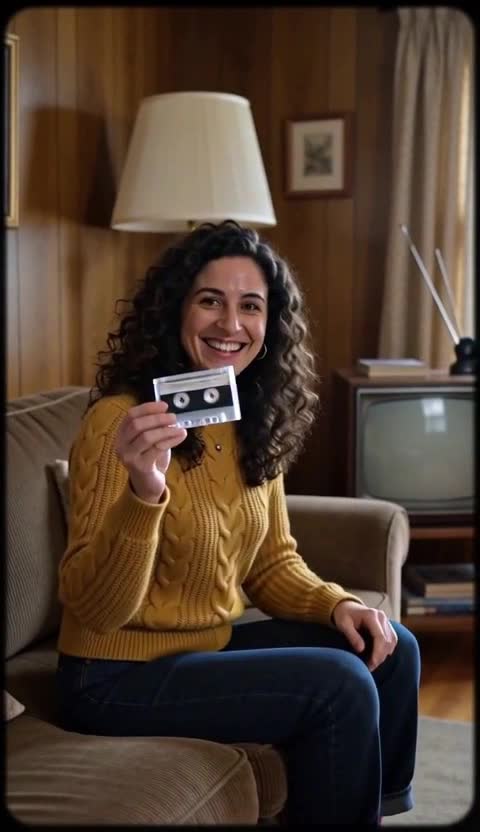 MiniMax H3 Max · Recorded Cicadas sample
80s AI Video Generator
80s AI video from one photo of you: a VHS-style living-room clip or a neon arcade clip, 5 seconds, vertical, with sound. 63 credits, quoted first.
MiniMax H3 Max · from 63 credits
Tested 2026-11-10
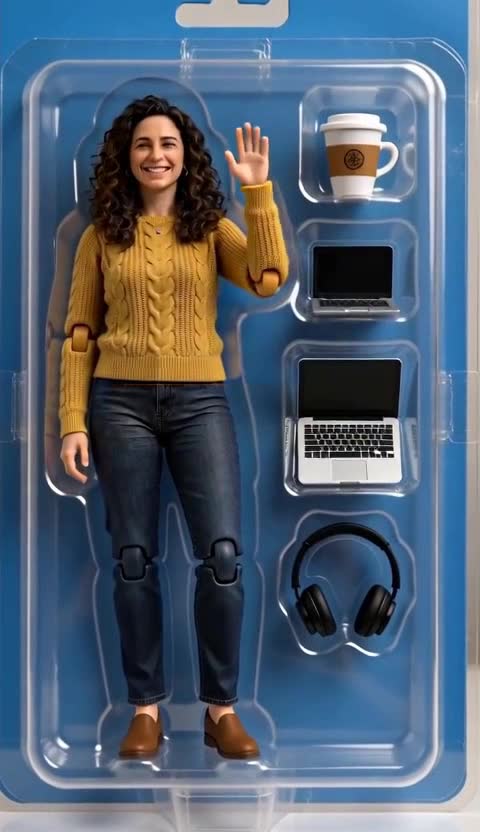 MiniMax H3 Max · Recorded Cicadas sample
AI Action Figure Video
AI action figure video from one photo of you: a toy version of yourself in a blister box or stepping out of a toy box. 5 s vertical with sound, 63 credits.
MiniMax H3 Max · from 63 credits
Tested 2026-11-10
 MiniMax H3 Max · Recorded Cicadas sample
AI Outfit Change Video
AI outfit change from one photo of you or your dog: a spin, a new outfit, a second spin and another look in one 10-second vertical clip. 125 credits.
MiniMax H3 Max · from 63 credits
Tested 2026-11-04
 MiniMax H3 Max · Recorded Cicadas sample
AI Dance Video Generator
AI dance video generator: 1 or 2 photos, pick a scene or edit the prompt, 5 to 15 seconds, vertical. 10 seconds is 125 credits. Adults and pets only.
MiniMax H3 Max · from 63 credits
Tested 2026-10-11
More AI video trends
- Hug My Younger Self AI
- Meet Your Older Self AI
- AI Grow Up Video Generator
- AI Hug Video Generator
- AI Birthday Video Maker
- Talking Pet AI
- Pet to Human AI
- Rainbow Bridge AI Video
- AI Age Progression Video
- AI Cat Video Generator
- AI Dog Video Generator
- Gangnam Style AI Dance
- AI Halloween Video Generator
- Rumpelstiltskin AI video
- Cat Jam AI
- AI Pet Halloween Costume
- AI Outfit Change Video
- Caught at the Window AI
- AI Halloween Costume
- Flying Car AI Video
- AI Cat Dance
- Bad Times AI
- AI Muscle Video
- Clapping Cat AI
- AI Couple Video
- AI Santa Video Generator
- AI Diwali Video Generator
- AI Thanksgiving Video
- AI Christmas Video Generator
- AI Elf Video Generator
- AI New Year Video Generator
- Chinese New Year AI Video
- AI Valentine Video Generator
- AI Easter Video
- Mother's Day AI Video
- Father's Day AI Video
- AI Anniversary Video Maker
- AI Graduation Video
- Burning Bridges AI Video
- Tiny Desk AI Video
- Dog Dance AI
- 80s AI Video Generator
- AI Action Figure Video
- Car Alarm AI Dance
- Bulin 47 AI
- Gender Reveal Video Maker
- Raindance AI
- Babydoll Dance AI
- AI dance video
- Gas Station Dance AI
- Hotel Lobby AI
- AI Zombie Trend
- Zombie Couple Video
- Human Pigeon AI
- Heads Will Roll Dance AI
- Popcorn Volcano AI Video
- AI ASMR video
- AI Bigfoot video
- AI rap video
- All AI video trends