
AI Video Generator with Sound
Describe one visible action and its ambience, effects or dialogue. Veo 3.1 Fast generates a 4–8 second MP4 with audio; review the exact credit quote first, then play, recover and download the result.
Updated Sep 21, 2026
Your creative workspace
Edit the idea. Choose your settings. Generate when you’re ready.
Text → video
Create a short video with scene audio
Veo 3.1 Fast
What scene would you like to create?
Choose a scene to fill in the subject, setting and motion. No image upload needed. These are editable prompt drafts, not recorded outputs.
More settings · 16:9 · 6s · Audio
Checking generation and private storage configuration.
Generate charges the displayed quote for the current model, duration and audio choice. Provider or media-validation failures are refunded automatically; a successfully generated take is still charged if you dislike the creative result. Finished clips remain in My videos.
Your video
6s · MP4Your next video starts here.
Add a prompt or choose an idea above. Your result will appear here.
Check the credit quote for this shot before submitting. See plans and credit pricing
Recorded video examples & recipes
Give the scene a sound.
A wide desert shot with generated sound. The recorded audio has footstep-like taps and a low thump; it does not establish exact environmental sound control.
Use this recipe ↗Workflow and limitations
One sound-first deliverable
Generate one 4, 6 or 8 second Veo 3.1 Fast MP4. The page requires audio and verifies that the delivered MP4 contains an audio track before marking the job successful.
Prompt the picture and sound
Describe visible action plus ambience, effects or exact dialogue. Track presence is validated, but sound meaning, spoken words and synchronization still require your review.
Quote, recovery and download
See the exact credit quote before Generate. Provider or media-validation failures return the job credits; successful private MP4 files remain recoverable in My videos.
How to use it
- 01
Choose text or image input. Describe one shot and name the ambience, sound effects or exact line of dialogue you want.
- 02
Review the 4, 6 or 8 second duration, resolution and exact credit quote. Audio remains required on this page.
- 03
Generate once, then play the complete result with sound. Check meaning and synchronization before downloading or reusing the MP4.
Prompt ideas
Untested prompt drafts. For recorded outputs, use the playable examples and testing record.
“A weather reporter in a raincoat shouting over a storm on a pier, waves crashing, she says "it's getting worse out here".”
“A blacksmith hammering glowing steel in a forge, rhythmic clangs, sparks, deep breathing.”
“A quiet library at night, pages turning, a clock ticking, rain against tall windows.”
FAQ
Evidence, sources and testing scope
One recorded six-second desert output contains a detected non-silent AAC track. New paid results must contain an audio track before delivery. Track presence does not establish sound meaning, dialogue accuracy or synchronization.
Cicadas.ai testing record · Reviewed 2026-09-09
See samples, methods, costs and limitationsRelated tools
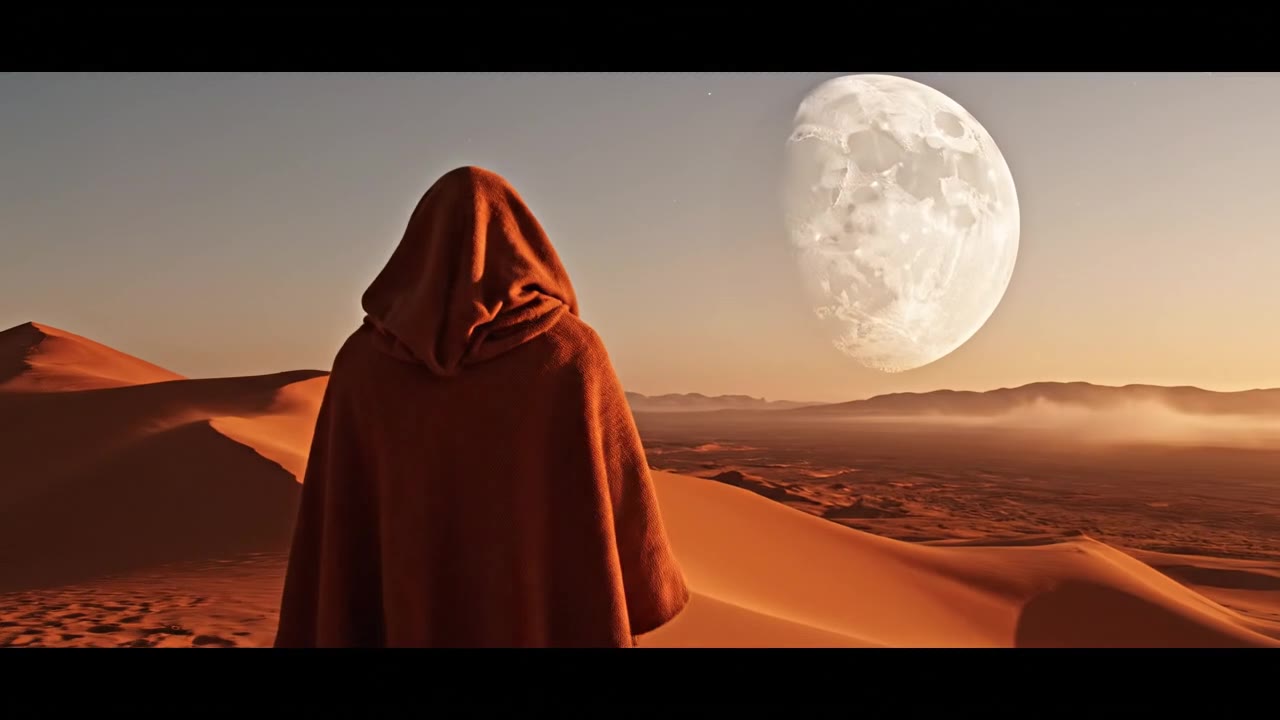 Veo 3.1 Fast · Recorded Cicadas sample
Veo 3.1 Fast Video Generator
Create a private 4–8 second MP4 with Veo 3.1 Fast from text, one image or first and last frames. Review the exact credit quote first.
Veo 3.1 Fast
AI Lip Sync
This ai lip sync tool matches your video's speaking face to replacement audio with Sync Lipsync 2, showing an exact credit quote before you're charged.
Gemini Omni Flash Video Generator
Create a private 4-, 6- or 8-second MP4 with Gemini Omni Flash from text or one image. Every clip includes generated audio; review the exact credit quote first.
Gemini Omni Flash 1.1