
Gemini Omni Flash Video Generator
Turn a prompt or one image into a short video with Gemini Omni Flash 1.1, Google's August 2026 model. See one recorded example, choose duration and resolution, then review the exact credit quote before you submit. Every clip includes generated audio — there is no silent option on this page.
Updated Sep 21, 2026
Your creative workspace
Edit the idea. Choose your settings. Generate when you’re ready.
Start from a recorded example1 recipes
Gemini Omni Flash 1.1
What scene would you like to create?
Choose a scene to fill in the subject, setting and motion. No image upload needed. These are editable prompt drafts, not recorded outputs.
More prompt ideas
More settings · 16:9 · 8s · Audio
Checking generation and private storage configuration.
Your video
8s · MP4Your next video starts here.
Add a prompt or choose an idea above. Your result will appear here.
Check the credit quote for this shot before submitting. See plans and credit pricing
Recorded video examples & recipes
A rainy evening, a sleeping cat.
Gemini Omni Flash 1.1 at 720p. Warm interior light and window rain; the model scored it with soft ambient music instead of rain and thunder.
Use this recipe ↗Workflow and limitations
Start with text or one image
Generate from a written prompt or animate one JPG, PNG or WebP you are allowed to use. Both modes offer 16:9 landscape or 9:16 portrait framing.
Exact options, audio always on
Choose 4, 6 or 8 seconds at 720p or 1080p. Every clip includes generated audio synchronized to the scene, with no way to turn it off on this page. The current selection produces an exact credit quote: 4 seconds at 720p is 100 credits, 8 seconds at 720p is 200 credits and 8 seconds at 1080p is 300 credits.
One recorded example, hosted independently
Google released Gemini Omni Flash 1.1 in August 2026; this page runs a hosted version of it independently and is not affiliated with or endorsed by Google. One recorded output confirms the pipeline produces a real video with audio; it does not cover every duration or resolution offered here.
How to use it
- 01
Choose text or image input. For image mode, upload one JPG, PNG or WebP you are allowed to use.
- 02
Describe one continuous shot, including the sound you expect, then choose 4, 6 or 8 seconds and 720p or 1080p. Review the exact credit quote — audio is always included.
- 03
Generate and inspect the full MP4 for prompt adherence, motion and audio. Download it or recover it later from My videos.
Prompt ideas
Untested prompt drafts. For recorded outputs, use the playable examples and testing record.
“A wooden windmill turns slowly beside a tulip field as a light breeze rustles the flowers and a distant church bell rings. Slow lateral camera move, one continuous shot.”
“A street food cart sizzles under string lights at dusk, oil crackling as steam rises past passing pedestrians. Handheld camera drifting forward, one continuous shot.”
“A canoe glides across a misty lake at sunrise, a paddle dipping rhythmically as birds call from the shoreline. Slow forward camera move, one continuous take.”
FAQ
Evidence, sources and testing scope
No output, latency, quality or 4K export has been verified here for Omni Flash. Its generation control remains disabled.
Cicadas.ai testing record · Reviewed 2026-09-09
See samples, methods, costs and limitationsRelated tools
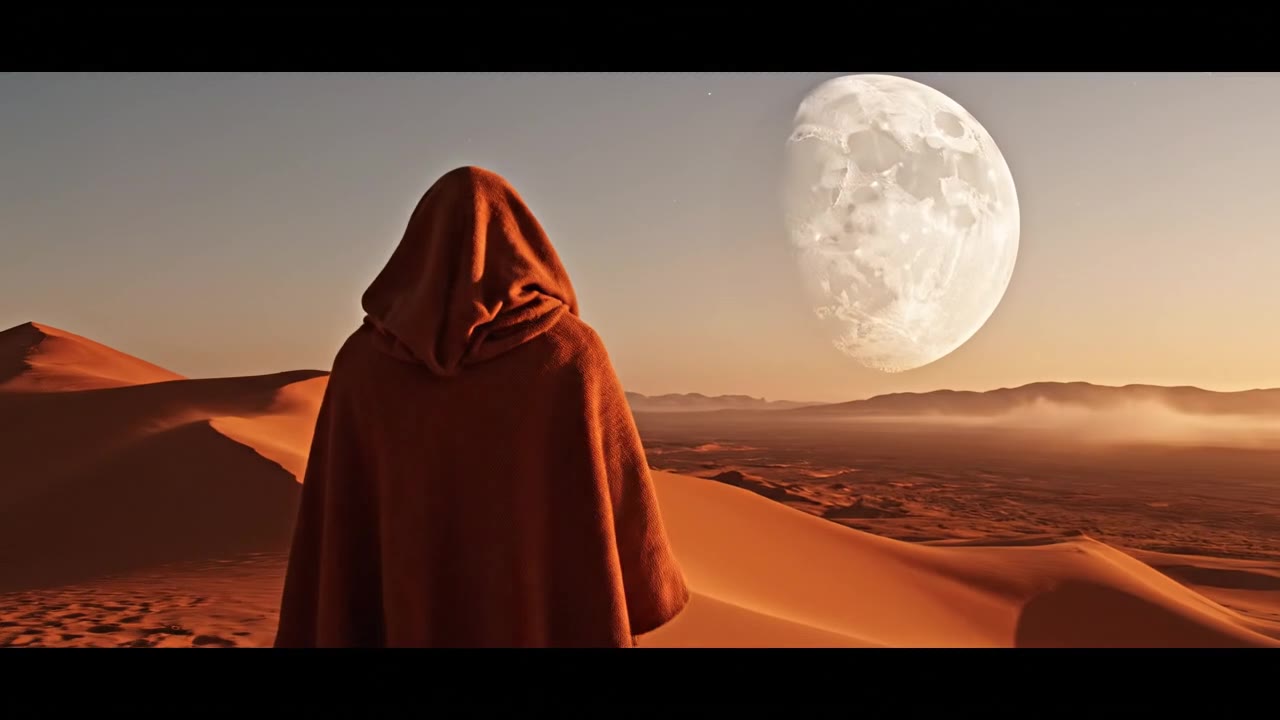 Veo 3.1 Fast · Recorded Cicadas sample
Veo 3.1 Fast Video Generator
Create a private 4–8 second MP4 with Veo 3.1 Fast from text, one image or first and last frames. Review the exact credit quote first.
Veo 3.1 Fast
Wan 3.0 Prime Video Generator
Create a private 5- or 10-second MP4 with Wan 3.0 Prime from text or one image. Choose 720p or 1080p and optional audio, then review the exact credit quote.
Wan 3.0 Prime
AI Video Generator with Sound
Create a 4–8 second Veo 3.1 Fast MP4 with an audio track. Describe action, ambience or dialogue, review exact credits, then recover and download it.
Veo 3.1 Fast