
AI Morph Video
AI morph video from two of your own images: a pet, a room, an object or a painting turns into the second picture in a 5-second clip. 63 credits.
AI Morph Video turns two of your own images into one short clip that starts on the first picture and ends on the second, with the change in between: one pet into another, a room into a painting, one object into another. MiniMax H3 Max makes it; 5 seconds at 480P is 63 credits, about $0.62 on the $9.90 first pack. Both pictures are references, so the first and last frames are redrawn close to them, not pixel-exact. It does not morph people.
- From 63 credits per clip
- From your photos
- 5s / 10s / 15s
- 480P
- Audio available
Sample result
5s · MP4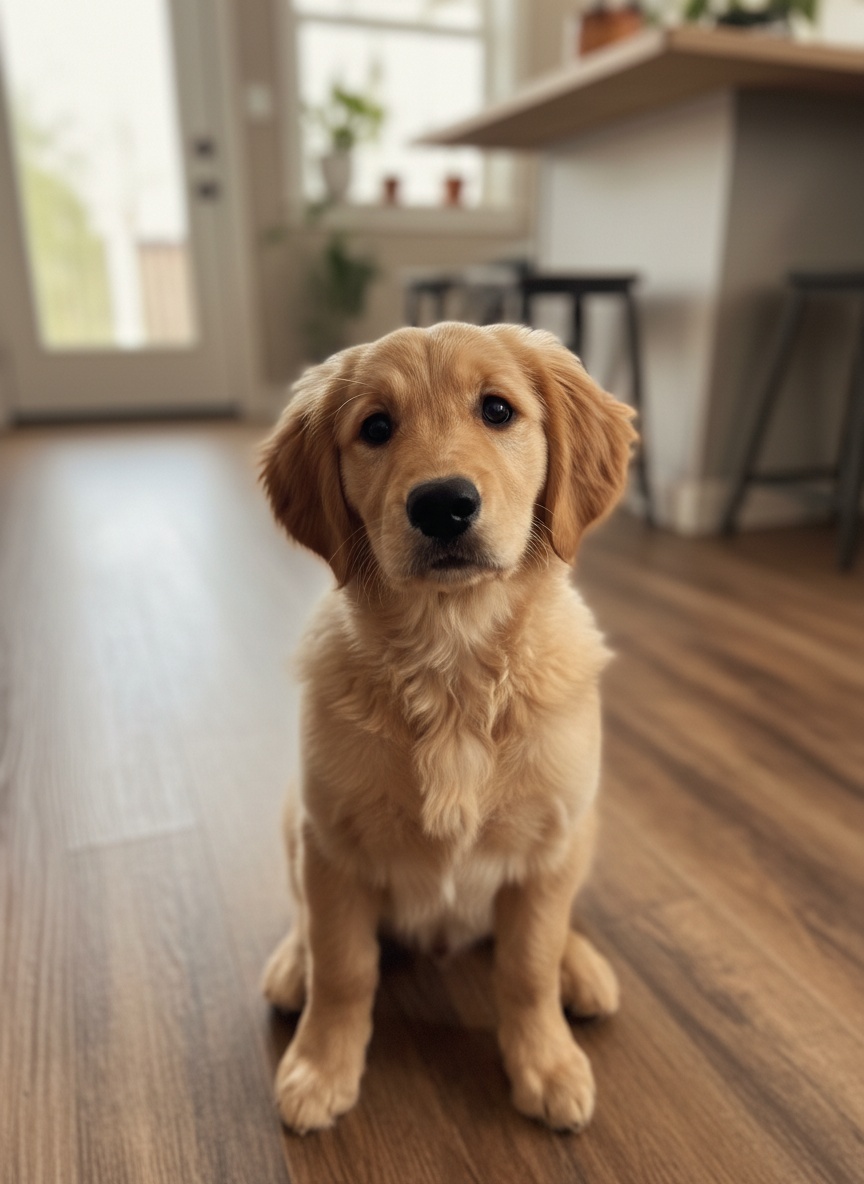 First picture
 Last picture
About AI morph video on Cicadas
An AI morph video starts on one picture and turns into another without a cut. This page makes it from two images you upload: the first is where the clip starts, the second is where it ends. Both pictures are references, so the first and last frames are redrawn close to them, not pixel-exact. Use two pets, two rooms, two objects, or a photo and a piece of artwork. MiniMax H3 Max draws the change in a vertical clip of 5 seconds by default. Photos of people are not taken, so it is never one person turned into another.
With one picture only, animate a painting or use image to video. The first and last frame page runs on Veo 3.1 Fast, which fal marks as deprecated. To change your own or your dog’s outfit rather than the whole picture, see the AI outfit change video; the MiniMax H3 page lists what the model behind this page costs per second.
AI morph video examples made on Cicadas
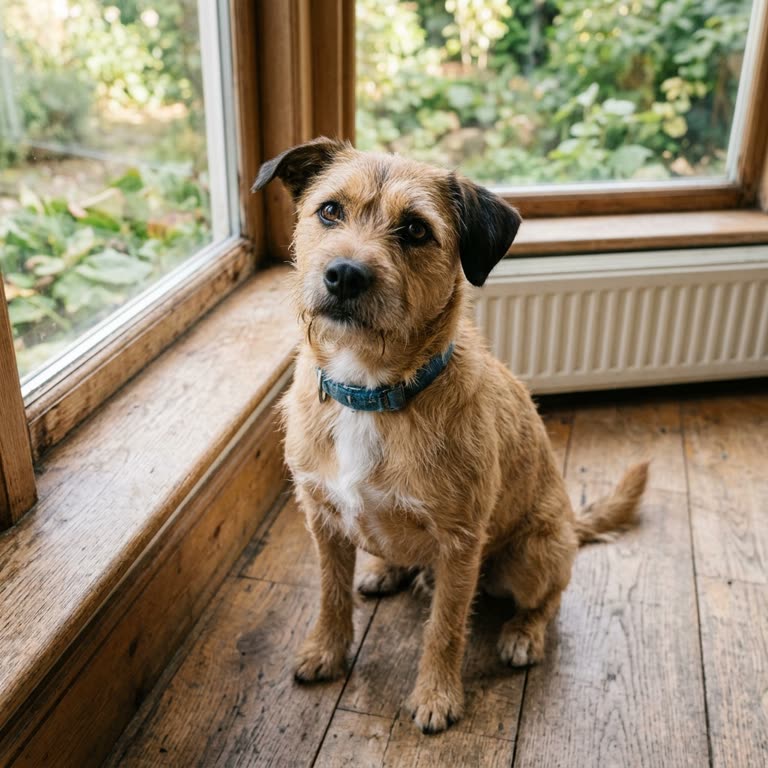
A puppy reshapes into another dog.
MiniMax H3 Max reference to video with two images, 5 seconds at 480P with sound, vertical, from the site's sample photos of a golden puppy and a terrier; back in under a minute. The puppy in the kitchen holds for about a second, then its ears darken and its face and body reshape into the terrier while still in the kitchen; the room then cross-fades to the garden window with a brief double exposure, and the clip ends on the terrier. The sound was not listened to.
- First picture
- Last picture
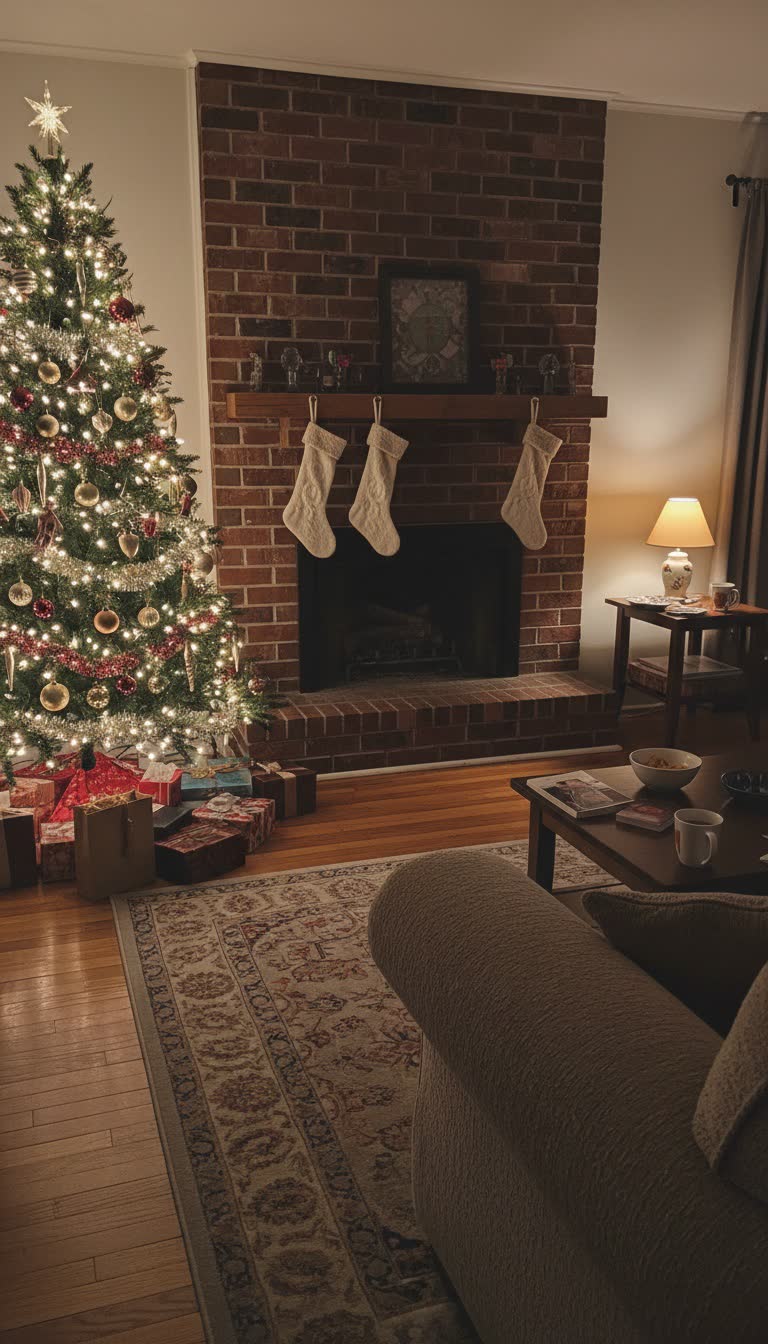
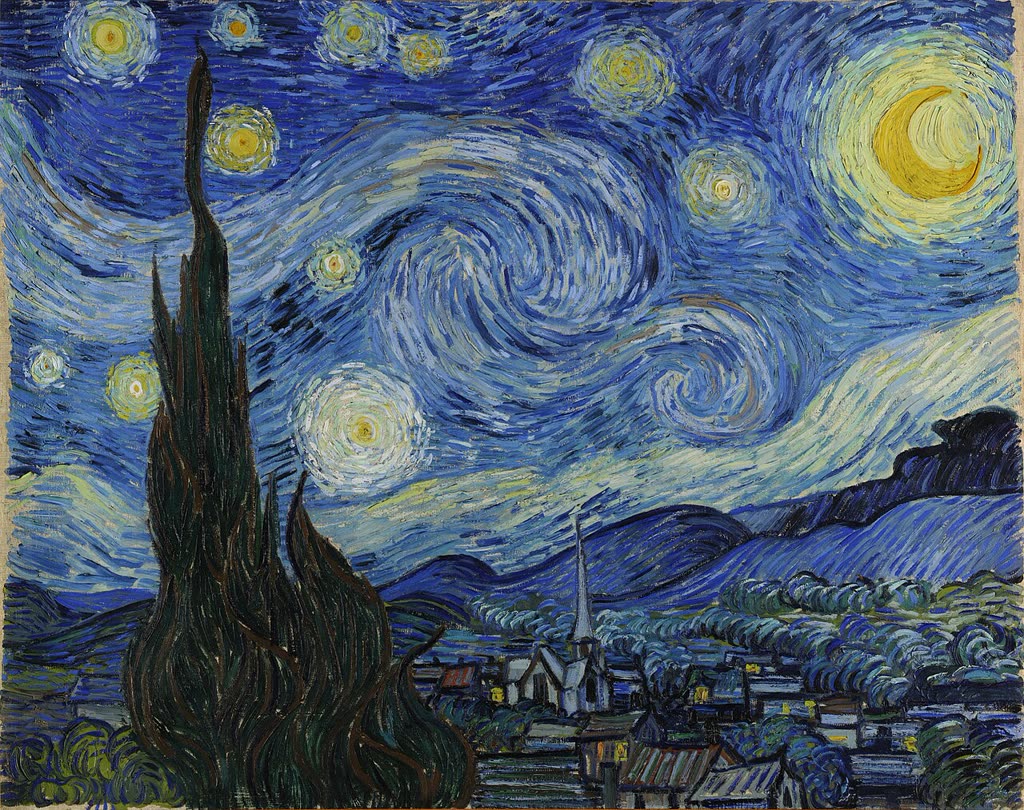
A living room fades into The Starry Night.
MiniMax H3 Max reference to video with two images, 5 seconds at 480P with sound, vertical, from the site's sample photo of a Christmas living room and Van Gogh's The Starry Night (public domain); back in under a minute. The room holds for about two seconds, then the painting fades in over it like a double exposure, its swirls first showing on the chimney, and the rest of the clip is the painting, cropped to vertical. The sound was not listened to.
 First picture
 Last picture
Why use Cicadas for AI morph video
Starts on picture one, ends on picture two
Both pictures are references, not fixed first and last frames, so the opening and closing frames are redrawn close to them, not pixel-exact. In both of our clips the first picture held for one to two seconds, the change took about a second, and the clip ended on the second picture: the puppy became the terrier by the window, and the Christmas living room became The Starry Night.
How the change looks
The change is drawn, not computed point by point, so it varies with the pictures. In our pet clip the puppy's ears darkened and its face and body reshaped into the terrier while still in the kitchen, then the room cross-faded to the garden window with a brief double exposure. In our painting clip the room held still, then the painting faded in over it like a double exposure, starting on the chimney, and took the whole frame.
Pets, places, objects and artwork, no people
The page takes no photos of people, so a face is never morphed into someone else's. Use your own pets, rooms, things you made or artwork you may use; public-domain paintings work, as our Van Gogh sample shows.
Price before you generate
At 480P, 5 seconds is 63 credits, about $0.62 on the $9.90 first pack of 1,000 credits; 10 seconds is 125 and 15 seconds is 188, and 768P raises them to 100, 200 and 300. The quote sits on the button, and a failed job returns its credits.
How to use AI morph video
- 01
Sign in and add two images: the first picture is where the clip starts, the second is where it ends.
- 02
Pick a preset (pet to pet, place into a painting, object to object) or write your own, keep 5 seconds, and check the quote.
- 03
Tick the confirmation, generate, and download the MP4 from My videos.
A room into a painting
Put a photo of a room or a view first and a painting second. In our sample the Christmas living room held still for about two seconds, then The Starry Night faded in over it like a double exposure, swirls first showing on the chimney, and the rest of the clip is the painting, cropped to fit the vertical frame.
Which images morph best
Pictures with the subject at a similar size and position, similar light and a plain background change most smoothly. Our puppy and terrier sat in the same pose, which is why the body could reshape before the room changed.
AI morph video prompt ideas
Copy one into the prompt box above and adapt it to your shot. Or write your own shot by shot in the prompt generator.
“Vertical, one continuous shot. The video opens on the pet from Image 1 as in that photo, same pose and place. Then the whole picture morphs smoothly and continuously into the pet from Image 2 as in that photo: the body, face, ears and coat reshape while the background blends into the background of Image 2 at the same time, and it ends on Image 2. No cut, no fade to black, no extra animals. The camera stays still. Sound: a soft rising shimmer, no music. No people, no text, no logos.”
“Vertical, one continuous shot. The video opens on the place from Image 1 as in the photo. Then its shapes, colours and light slowly melt and swirl into thick painted brushstrokes, and the whole frame morphs continuously into the artwork from Image 2, ending on that artwork as it is. No cut, no fade to black. The camera stays still. Sound: a soft airy whoosh, no music. No people, no text, no logos.”
“Vertical, one continuous shot. The video opens on the object from Image 1 as in that photo, same angle and background. Then it morphs smoothly and continuously into the object from Image 2 as in that photo: its shape, colours and surface reshape while the background blends into the background of Image 2 at the same time, and it ends on Image 2. No cut, no fade to black, no hands, no extra objects. The camera stays still. Sound: a soft rising shimmer, no music. No people, no text, no logos.”
AI morph video FAQ
Tested on Cicadas · reviewed 2026-11-02
2026-11-02: two samples recorded (docs/research/claude-outfit-morph-20261102/samples/, owner cap USD 2.00 shared with /ai-outfit-change-video, USD 0.25 each at list price; first versions re-recorded from the generic presets after review, USD 1.00 in all for this page): MiniMax H3 Max reference to video with two images, 5 seconds at 480P, vertical, sound on. Pet to pet (sample puppy, then sample terrier) reshaped the puppy’s ears, face and body into the terrier in the kitchen, then cross-faded the room to the garden window with a brief double exposure; Place into a painting (sample living room, then The Starry Night, public domain) held the room for about two seconds, faded the painting in over it like a double exposure and ended on the painting, cropped vertical. Not run: the object preset, 10 and 15 seconds, 768P, any photo of a person (not accepted). The audio was measured, not listened to.
- MiniMax H3 Max reference-to-video API specification
- Morphic: morph videos (format description, read 2026-11-02)
Updated Nov 3, 2026 · How we test
Related tools
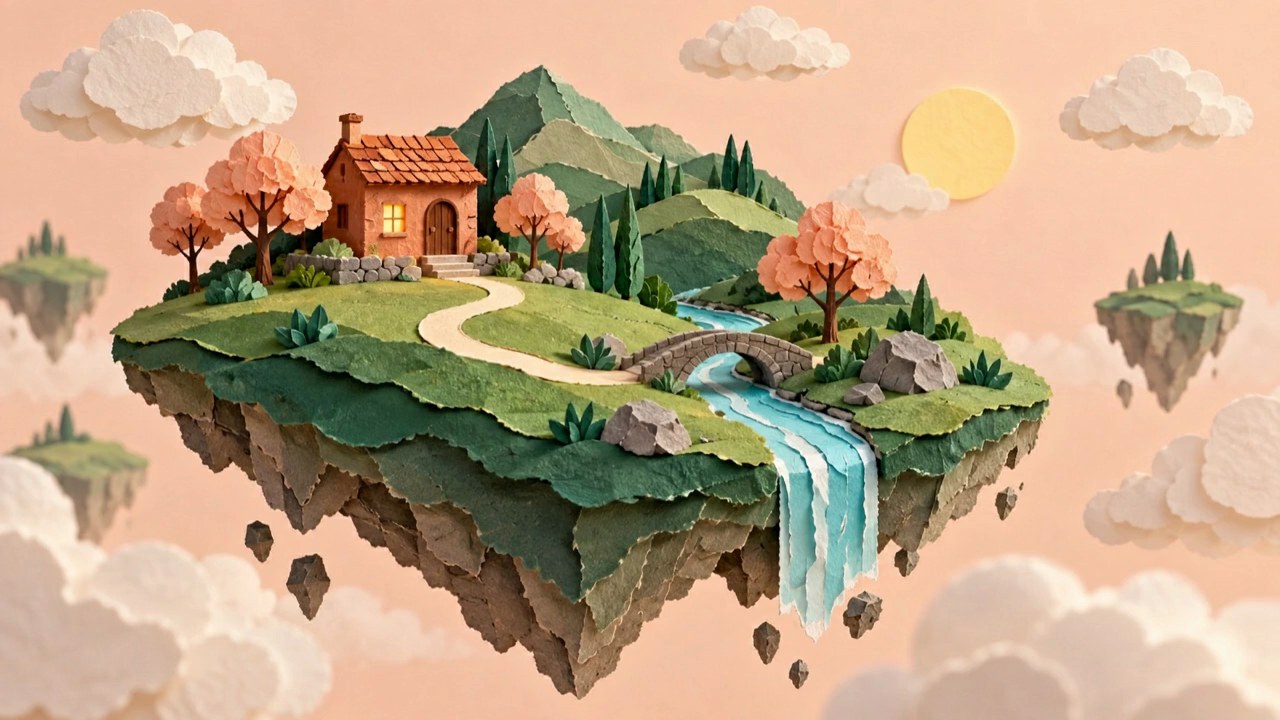 Veo 3.1 Fast · Recorded Cicadas sample
First and Last Frame Video AI
First and last frame AI video generator: add a first and a last frame, describe the move, and Veo 3.1 Fast makes a silent 4, 6 or 8-second MP4 between them.
Veo 3.1 Fast · from 100 credits
Tested 2026-09-29
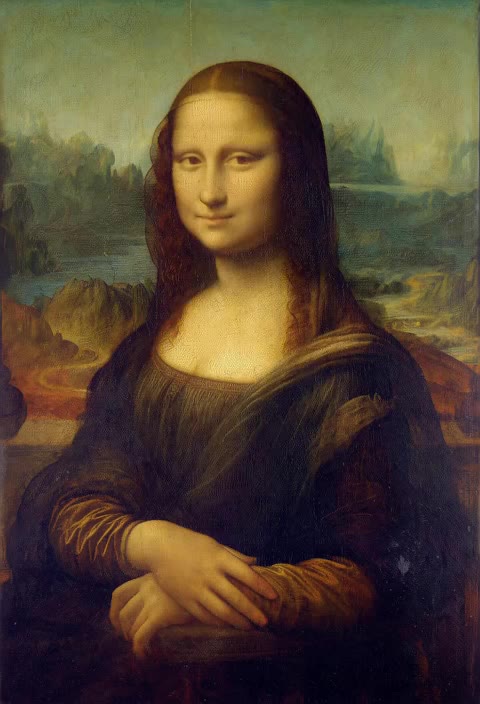 MiniMax H3 Max · Recorded Cicadas sample
Animate Painting AI
Animate a painting: your own canvas or drawing, or the Mona Lisa, The Starry Night, Girl with a Pearl Earring or The Great Wave, moves while the brushwork stays. MiniMax H3 Max, 5 seconds, 63 credits.
MiniMax H3 Max · from 63 credits
Tested 2026-10-29
AI Reference to Video: Consistent Characters
AI Reference to Video: Consistent Characters. Make a 5–15 second clip with MiniMax H3 Max. Start at 63 credits; inspect the quote and download from My videos.
MiniMax H3 Max · from 63 credits
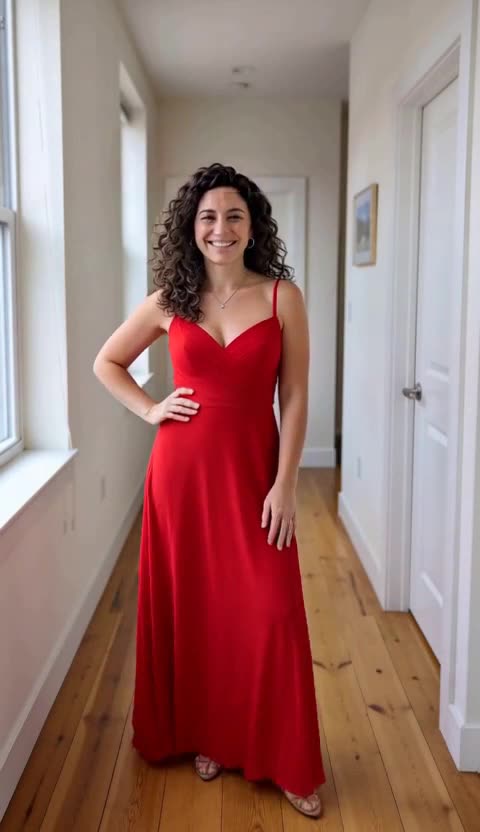 MiniMax H3 Max · Recorded Cicadas sample
AI Outfit Change Video
AI outfit change from one photo of you or your dog: a spin, a new outfit, a second spin and another look in one 10-second vertical clip. 125 credits.
MiniMax H3 Max · from 63 credits
Tested 2026-11-02