
AI Wedding Invitation Video Maker
Animate your couple photo and add exact names, date and venue. Make a save-the-date MP4. Eligible free 5s 480p watermarked trial.
MiniMax H3 Max costs 63 credits for 5s at 480p, 125 for 10s and 188 for 15s; 768p costs 100/200/300. Eligible new accounts may use one free 5s 480p watermarked trial, subject to availability and verification.
- From 63 credits per clip
- From your photos
- 5s / 10s / 15s
- 480P
- Audio available
Your video
5s · MP4Your next video starts here.
Add a prompt or choose an idea above. Your result will appear here.
About AI Wedding Invitation Video Maker on Cicadas
Animate your couple portrait, then add exact names, date and venue to a short invitation MP4 in your browser. Choose Save the Date or You’re Invited. The trial is 5 seconds, 480p and watermarked; text export uses no additional credits.
Why use Cicadas for AI Wedding Invitation Video Maker
An original short clip
Animate your couple portrait, then add exact names, date and venue to a short invitation MP4 in your browser. Choose Save the Date or You’re Invited. The trial is 5 seconds, 480p and watermarked; text export uses no additional credits.
See the quote before Generate
The server checks trial eligibility and billing. Technical failures refund credits through the existing service; a completed result you dislike is still charged.
Download and retrieve your MP4
Finished clips stay in the account-owned My videos flow, so you can return after signing in. Review AI changes before sharing.
How to use AI Wedding Invitation Video Maker
- 01
Sign in and upload a clear photo you have permission to use.
- 02
Choose a scene, confirm photo rights and review trial eligibility and the credit quote.
- 03
Generate, play and download your MP4; return to My videos to retrieve it.
Save the date or wedding invitation
Save the Date needs your names and date; an invitation also needs the venue. Enter names, date and venue in the generator. After the clip finishes, choose Add invitation text; the editor renders your spelling directly into a new MP4, rather than asking the AI model to draw letters.
Share a short invite
Use 9:16 for phones or 16:9 for a wider screen. Keep names, date and venue concise. Browser text export supports clips up to 15 seconds and needs a compatible modern browser. Review every letter, the watermark and audio before sharing via WhatsApp, email or Instagram.
Retention and privacy support
Account projects and media are retained for retrieval; there is no blanket 30-day photo deletion promise. Browser draft expiry does not delete account media. Providers have separate policies. Use the contact in our Privacy Policy for privacy requests or abuse reports.
AI Wedding Invitation Video Maker prompt ideas
These are the tested scenes on this page. Each scene is fixed and its prompt is read-only: pick one above, or press “Use this prompt”.
“The two consenting adults in Image 1 stand together in an elegant floral garden. Gentle smiles, soft petals falling, slow camera drift, preserve both faces and outfits. Romantic but fully clothed. No written text, no logos, no music or speech.”
“The two consenting adults in Image 1 hold hands in golden hour light with a subtle camera move. Preserve both faces and outfits. Fully clothed. No written text, no logos, no music or speech.”
“The two consenting adults in Image 1 smile together against a simple light background with generous empty space below. Very subtle natural motion, preserve both faces and outfits. Fully clothed. No written text, no logos, no music or speech.”
AI Wedding Invitation Video Maker FAQ
Related tools
AI Kissing Video Generator
Make a gentle couple kiss from two adult portraits, or an air kiss from one selfie. Eligible free 5s 480p watermarked trial; consent required.
MiniMax H3 Max · from 63 credits
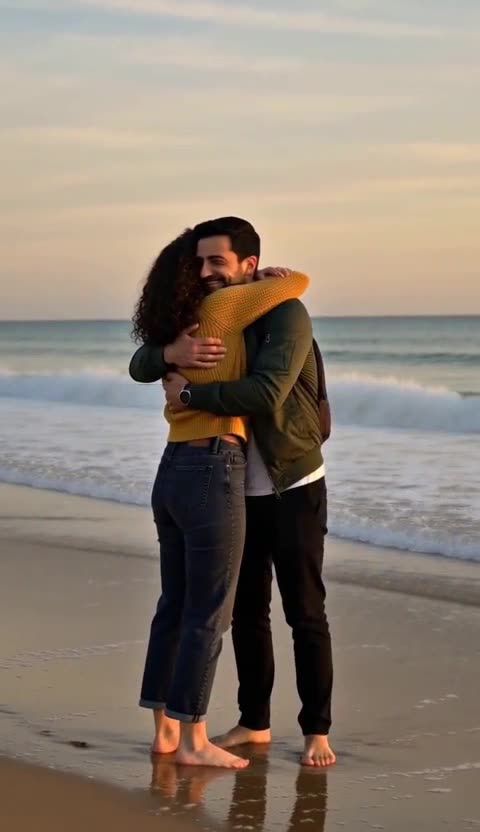 MiniMax H3 Max · Recorded Cicadas sample
AI Couple Video Generator
AI couple video generator: add a photo of you and one of your partner and get a 5-second clip of you two on a beach or slow dancing at home. 63 credits.
MiniMax H3 Max · from 63 credits
Tested 2026-10-16
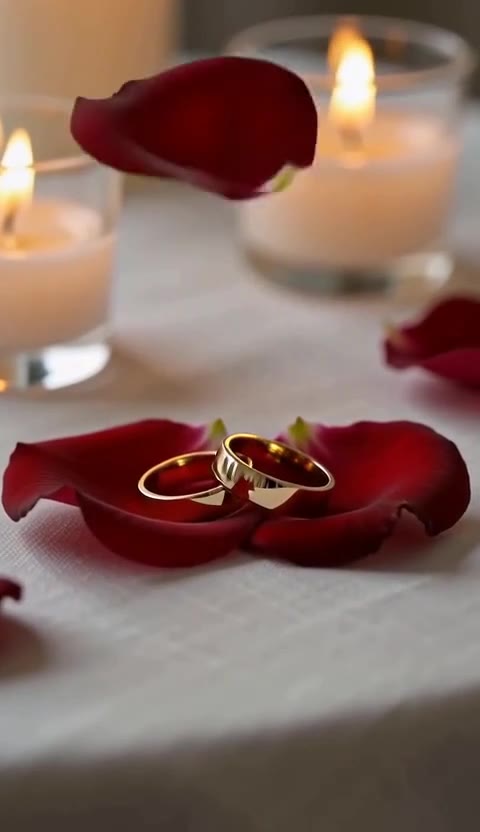 MiniMax H3 Max · Recorded Cicadas sample
AI Anniversary Video Maker
AI anniversary video maker: wedding rings on rose petals, a sunset table for two or two lanterns rising, as a 5-second clip with sound. 63 credits.
MiniMax H3 Max · from 63 credits
Tested 2026-10-14