
AI Christmas Video Generator
AI Christmas video generator: a snow globe, a fireside tree or a curious reindeer as a 5-second vertical clip with sound. 63 credits, no photo needed.
- From 63 credits per clip
- Text to video
- 5s / 10s / 15s
- 480P
- Audio available
Sample result
5s · MP4About AI Christmas video on Cicadas
This AI Christmas video generator draws a short festive clip from text alone. Pick a scene: snow settles inside a glass globe by a frosted window, a tree glows beside a crackling fire with stockings on the mantel, or a reindeer in a red collar walks up through the snow and sniffs the lens. Cicadas makes it with MiniMax H3 Max as a vertical clip of 5, 10 or 15 seconds with its own sound track. Nothing is uploaded. The scenes ask for no people and no writing, so add "Merry Christmas" and your names in your phone's editor and send it as a video card. A 5-second clip is 63 credits.
AI Christmas video examples made on Cicadas
Snow settles inside a snow globe.
MiniMax H3 Max, 5 seconds with sound, vertical, from text alone; back in 20 seconds. A glass snow globe on a plain wooden base stands by a frosted window at night. Inside are small houses with lit windows and a Christmas tree with a star; the snow swirls and settles while the camera pushes in and coloured lights blur behind the glass. Nothing is written on the base. This is our second take: the first had lettering-like marks engraved on its base. The clip is quiet, a low rumble and a soft bubbling sound, with no speech or music.
Use this recipe ↗A tree, a fire and plain red stockings.
MiniMax H3 Max, 5 seconds with sound, vertical, from text alone; back in 34 seconds. A living room on Christmas Eve: a tall tree with warm lights and red and silver baubles, wrapped presents with red ribbons, a stone fireplace with a fire burning and plain red stockings on the mantel under a garland, and snow falling outside the window. The camera pushes in slowly. Nobody is in the room and nothing is written anywhere. The sound is the fire crackling and popping, with no speech or music.
Use this recipe ↗A reindeer walks up and sniffs the lens.
MiniMax H3 Max, 5 seconds with sound, vertical, from text alone; back in 19 seconds. In a snowy forest clearing at blue hour, under a string of warm lights between two pines, a reindeer with a red collar and brass bells walks straight to the camera until its nose and antlers fill the frame. The camera stays still at its eye level. The sound is quick rustling and a short low grunt; the listeners did not report bells. No speech or music.
Use this recipe ↗Why use Cicadas for AI Christmas video
Three scenes: snow globe, fireside, reindeer
Snow globe: a tiny village and a lit tree inside the glass, with snow swirling and settling while the camera pushes in. Fireside: a decorated tree, wrapped presents, plain red stockings and a fire, with snow falling outside the window. Reindeer: it walks toward you between two pines strung with lights, bells on its collar, until its nose fills the frame. Each has a recorded clip on this page.
A video card with room for your own words
The scenes ask for no names, no greeting and no people, so a clip works as the moving background of a card: add the text and a song where you edit or post it. The first snow globe we recorded had lettering-like marks engraved on its base; the scene now asks for a plain wooden base, and the clip on this page has one.
See the price of every clip first
At 480P, 5 seconds is 63 credits, 10 seconds is 125 and 15 seconds is 188; at 768P they are 100, 200 and 300. A failed generation returns its credits.
How to use AI Christmas video
- 01
Sign in and pick a scene: snow globe, fireside or reindeer.
- 02
Edit the prompt if you like, keep 5 seconds or choose 10 or 15, and check the quote.
- 03
Generate. Save the MP4, then add your greeting and names in your phone's editor.
AI Christmas video prompt ideas
Copy one into the prompt box above and adapt it to your shot. Or write your own shot by shot in the prompt generator.
“A glass snow globe on a plain, smooth, round wooden base with no carving, on a wooden table by a frosted window at night, vertical. Inside the globe is a tiny village with a lit Christmas tree and warm windows; the snow inside swirls as if it was just shaken and slowly settles, while fairy lights blur in the background. The camera pushes in slowly, one continuous shot, no cuts. Sound: quiet wind outside and a faint tinkle of glass, no music, no voices. No people, no text, no letters, nothing engraved on the base.”
“A cosy living room on Christmas Eve, vertical. A decorated Christmas tree glows with warm lights beside a crackling fireplace hung with plain red stockings, wrapped presents sit under the tree and snow falls outside the window. The camera pushes in slowly, one continuous shot, no cuts. Sound: the fire crackling, no music, no voices. No people, no text.”
“A snowy forest clearing at blue hour with a string of warm lights between two pines, vertical. A reindeer in a red harness with small brass bells walks up to the camera, sniffs the lens, snorts a cloud of breath and shakes the snow from its antlers. The camera stays still at its eye level, one continuous shot, no cuts. Sound: small bells jingling and snow crunching, no music, no voices. No people, no text.”
AI Christmas video FAQ
Tested on Cicadas · reviewed 2026-10-13
Recorded on 2026-10-13 with MiniMax H3 Max text-to-video through fal.ai, each request sent once with the exact scene prompt of this page: 5 seconds, 9:16, 480P with sound. Snow globe: back in 20 seconds; snow swirls and settles around a tiny village and a lit tree in a globe on a plain wooden base. Fireside tree: 34 seconds; a decorated tree, presents, a fire and plain red stockings, with snow outside the window. Curious reindeer: 19 seconds; a reindeer with a red collar and brass bells walks up until its nose fills the frame. The snow globe was recorded twice: the first prompt returned a base engraved with marks that look like lettering, so the scene now asks for a plain base with nothing engraved, and the page shows that second take. We looked at eleven frames of each clip, three of them at full size, and saw no people, no readable lettering and no logo in the three clips shown. Sound (two automated listeners, not human listening): a low rumble and a soft bubbling or pouring sound in the globe clip; a crackling fire; quick rustling and a short low grunt from the reindeer, with no bells reported. Neither reports speech, singing or music. Not tested: 10 and 15 seconds, 768P, other shapes, other scenes, and prompts that ask for words or a carol.
Updated Oct 13, 2026 · How we test
Related tools
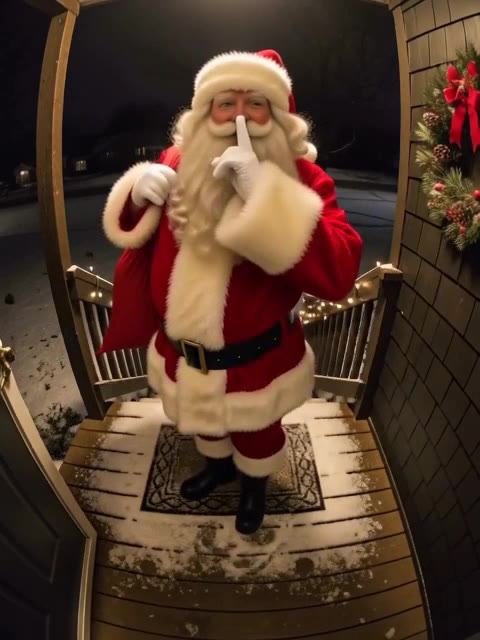 MiniMax H3 Max · Recorded Cicadas sample
AI Santa Video Generator
AI Santa video generator: add a photo of your living room or front door and Santa walks in, leaves a present or says a name. From 63 credits, with sound.
MiniMax H3 Max · from 63 credits
Tested 2026-10-12
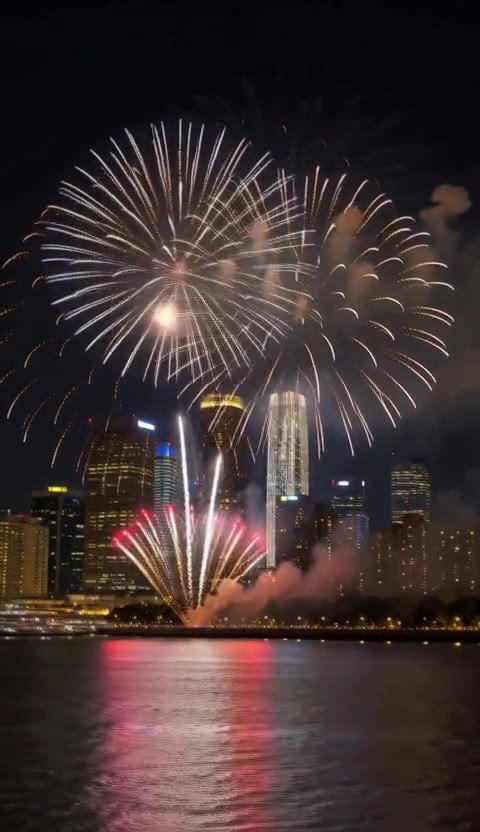 MiniMax H3 Max · Recorded Cicadas sample
AI New Year Video Generator
AI New Year video generator: skyline fireworks, a champagne toast or a sparkler at midnight as a 5-second vertical clip with sound. 63 credits, no photo.
MiniMax H3 Max · from 63 credits
Tested 2026-10-13
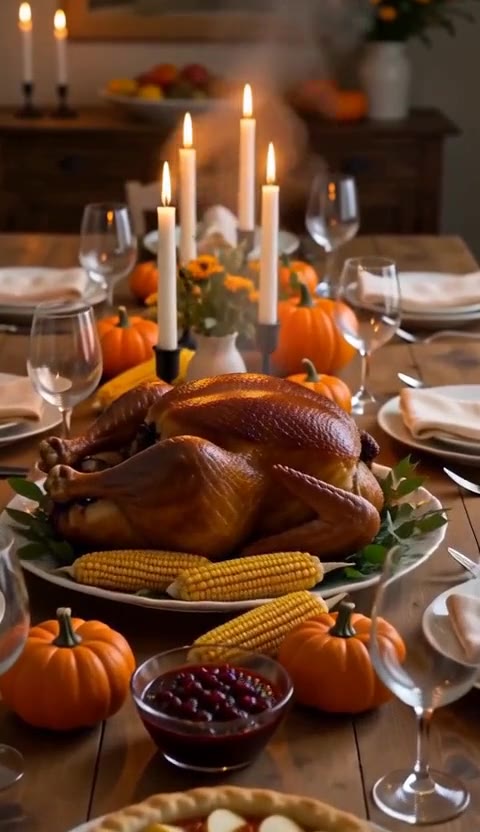 MiniMax H3 Max · Recorded Cicadas sample
AI Thanksgiving Video Generator
AI Thanksgiving video: a candle-lit dinner table, a strutting turkey in a pilgrim hat or swirling autumn leaves, as a 5-second clip with sound. 63 credits.
MiniMax H3 Max · from 63 credits
Tested 2026-10-13
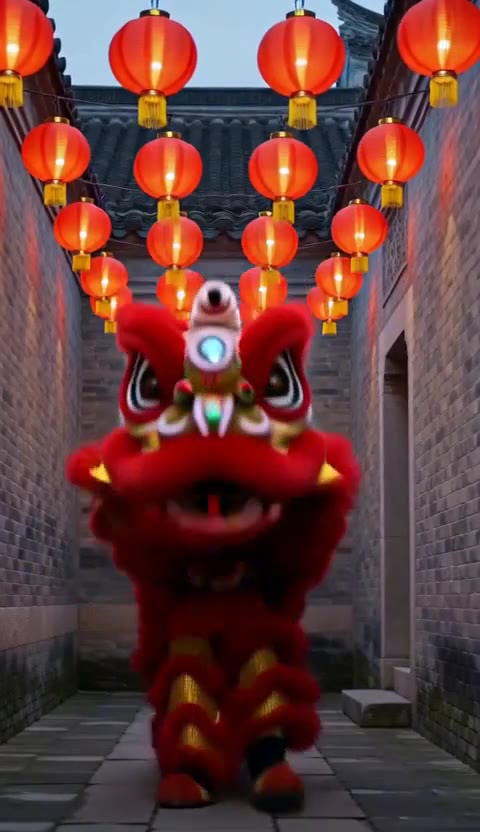 MiniMax H3 Max · Recorded Cicadas sample
Chinese New Year AI Video Generator
Chinese New Year AI video: a lion dance, a lantern lane with firecrackers or a reunion dinner as a 5-second vertical clip with sound. 63 credits, no photo.
MiniMax H3 Max · from 63 credits
Tested 2026-10-13
More AI video trends
- Hug My Younger Self AI
- Meet Your Older Self AI
- AI Grow Up Video Generator
- AI Hug Video Generator
- AI Birthday Video Maker
- Talking Pet AI
- Pet to Human AI
- Rainbow Bridge AI Video
- AI Age Progression Video
- AI Cat Video Generator
- AI Dog Video Generator
- AI Halloween Video Generator
- Rumpelstiltskin AI video
- AI Santa Video Generator
- AI Diwali Video Generator
- AI Thanksgiving Video
- AI New Year Video Generator
- Chinese New Year AI Video
- Bulin 47 AI
- Gender Reveal Video Maker
- Raindance AI
- Babydoll Dance AI
- AI dance video
- Gas Station Dance AI
- Hotel Lobby AI
- AI Zombie Trend
- Human Pigeon AI
- Heads Will Roll Dance AI
- Popcorn Volcano AI Video
- AI ASMR video
- AI Bigfoot video
- AI rap video
- All AI video trends