
AI Mukbang Video Generator
AI Mukbang Video Generator. Make a 5–15 second clip with MiniMax H3 Max. Start at 63 credits; inspect the quote and download from My videos.
AI Mukbang Video Generator on Cicadas turns text or one image into a 5, 10 or 15 second video with MiniMax H3 Max, at 480P or 768P, with sound. A clip costs from 63 credits, and the exact quote shows before you generate.
- From 63 credits per clip
- Text to video / Image to video
- 5s / 10s / 15s
- 480P
- Audio available
Your video
5s · MP4Your next video starts here.
Add a prompt or choose an idea above. Your result will appear here.
About AI Mukbang Video Generator on Cicadas
Generate a fictional food close-up or an adult tasting a small bite. Use text for an invented meal, or animate a food photo you own. The model creates picture and sound together; it does not supply a recorded meal or nutrition advice.
Why use Cicadas for AI Mukbang Video Generator
Food texture and gentle ASMR
Describe one safe bite, steam or a utensil moving. Ask for a simple crunch or table ambience. Mouth motion, hands and food contact may fail; exact chewing or sound synchronization is not guaranteed.
Start with one clear action
Use clear media you have rights to use and choose an editable scene below. Generated details and likeness can drift. These scene prompts are starting points without new paid output tests in this package.
Check credits before generating
At 480P, MiniMax H3 Max costs 63 credits for 5 seconds, 125 for 10 or 188 for 15; at 768P the prices are 100, 200 and 300. The generator shows the current quote before submission. Failed jobs return credits; an unwanted successful result is still charged.
How to use AI Mukbang Video Generator
- 01
Choose Text to video, or switch to Image to video and upload your own image.
- 02
Load a scene and edit its action. Check length, resolution and the credit quote.
- 03
Generate, watch the whole result and download. Return to My videos with the same account to recover it; generating again creates a new charged job.
Food texture and gentle ASMR
Describe one safe bite, steam or a utensil moving. Ask for a simple crunch or table ambience. Mouth motion, hands and food contact may fail; exact chewing or sound synchronization is not guaranteed.
Choose the right next step
Use a related workflow when your input or intended result is different.
AI Mukbang Video Generator prompt ideas
Copy one into the prompt box above and adapt it to your shot. Or write your own shot by shot in the prompt generator.
“Close-up of a small bowl of noodles on a wooden table, steam rising as chopsticks gently lift a few strands. No person visible. One continuous static shot. Sound: soft utensil and bowl sounds, no speech or music.”
“An invented adult food host takes one small bite from a crisp apple at a tidy kitchen table, then sets it down and smiles. Static medium shot, warm daylight. Sound: a gentle crunch and room ambience. No excessive eating, no text.”
AI Mukbang Video Generator FAQ
Related tools
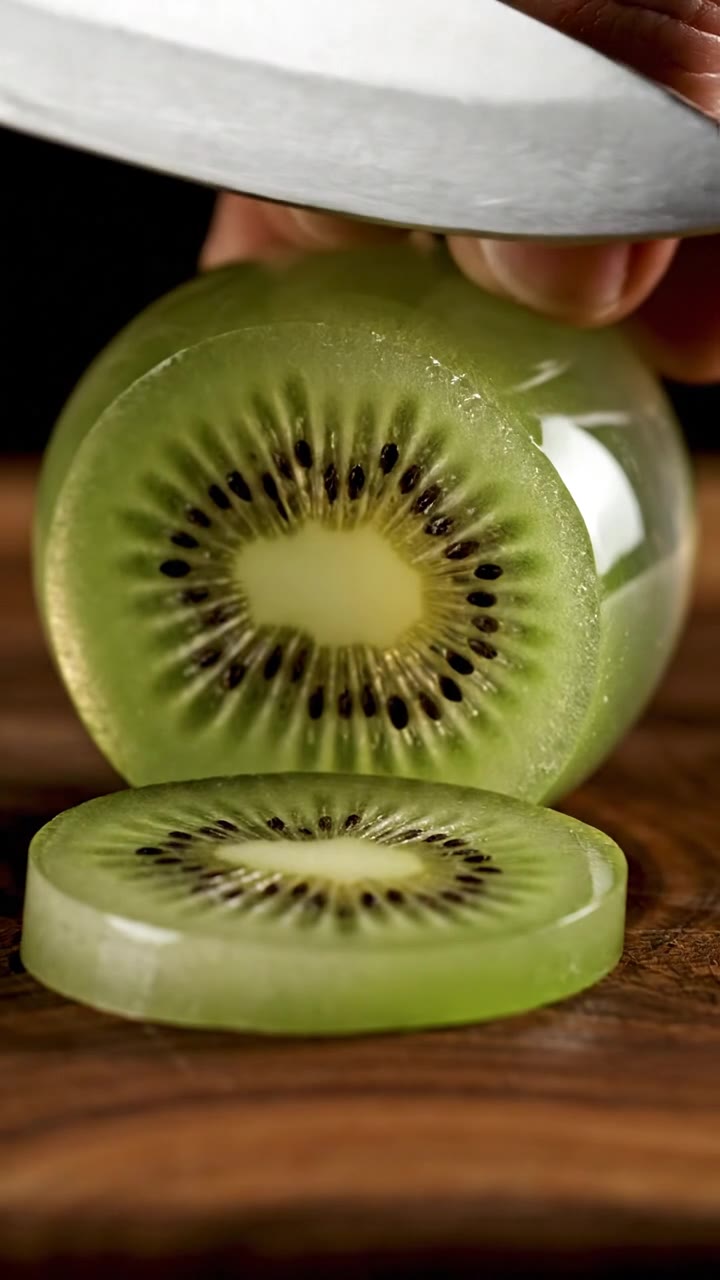 Veo 3.1 Fast · Recorded Cicadas sample
AI ASMR Video Generator
Make an AI ASMR video: glass fruit cutting, kinetic sand or soap carving with crisp sound, in a vertical 8-second Veo 3.1 Fast clip. See the quote first.
Veo 3.1 Fast · from 100 credits
Tested 2026-10-01
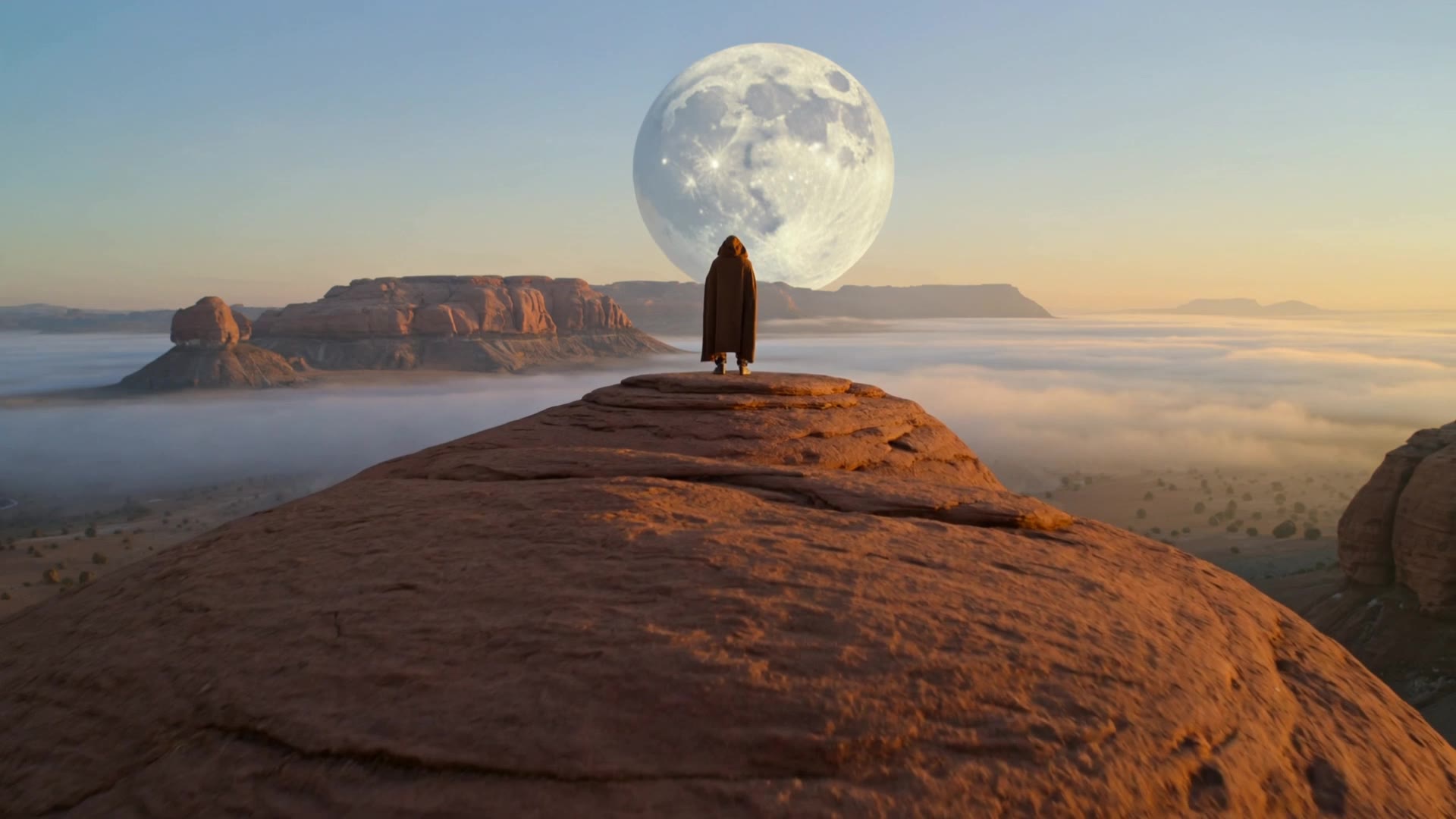 Kling 3.0 Pro · Recorded Cicadas sample
AI Text to Video Generator
Turn one English prompt into a private MP4 with AI text to video. Pick Kling for a silent 5-second clip or Veo for text to video with audio, 6 seconds at 720p.
Kling 3.0 Pro · from 140 credits
Tested 2026-09-30
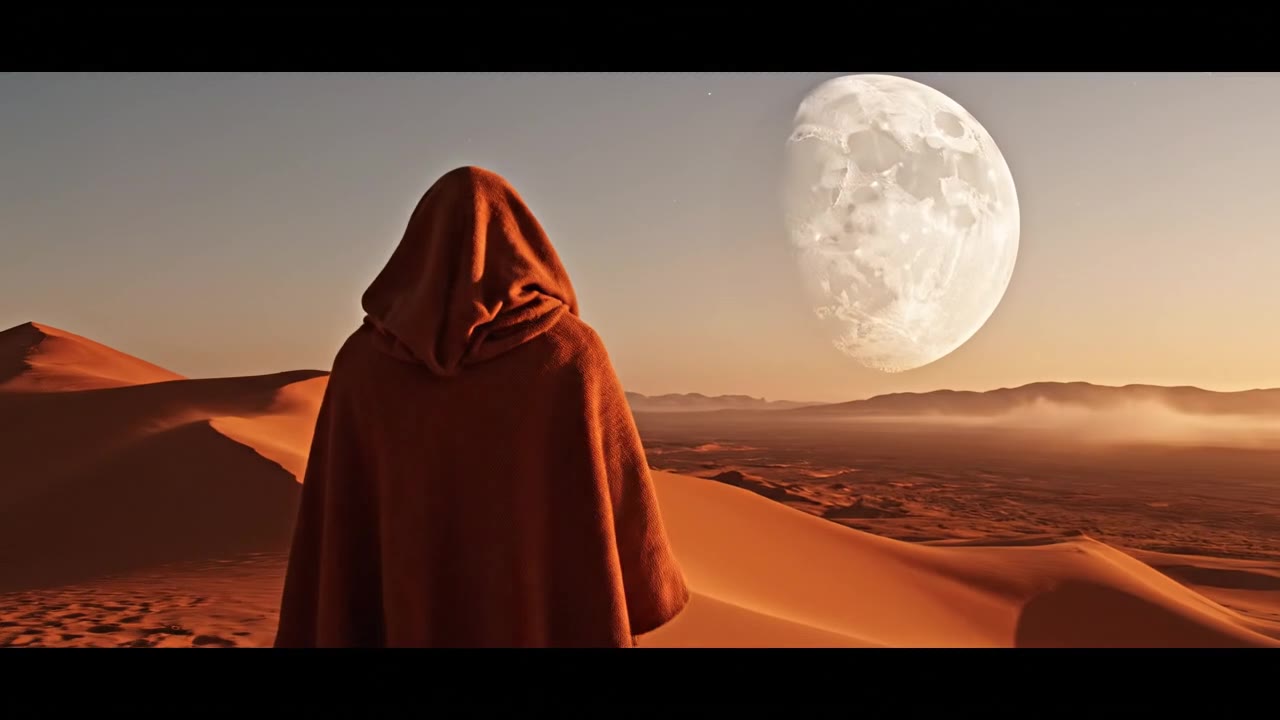 Veo 3.1 Fast · Recorded Cicadas sample
AI Video Generator with Sound
Describe the action and the sound, and get a 4, 6 or 8 second Veo 3.1 Fast MP4 with an audio track. AI video with sound effects, ambience or dialogue.
Veo 3.1 Fast · from 100 credits
Tested 2026-09-30