
AI Reference to Video: Consistent Characters
AI Reference to Video: Consistent Characters. Make a 5–15 second clip with MiniMax H3 Max. Start at 63 credits; inspect the quote and download from My videos.
AI Reference to Video: Consistent Characters on Cicadas turns your own photos into a 5, 10 or 15 second video with MiniMax H3 Max, at 480P or 768P, with sound. A clip costs from 63 credits, and the exact quote shows before you generate.
- From 63 credits per clip
- From your photos
- 5s / 10s / 15s
- 480P
- Audio available
Your video
5s · MP4Your next video starts here.
Add a prompt or choose an idea above. Your result will appear here.
About AI Reference to Video: Consistent Characters on Cicadas
Use one to three reference photos to guide who or what appears in a newly generated scene. Name each subject as Image 1, Image 2 or Image 3. References guide appearance across the shot; they do not lock identity or make the uploaded image the first frame.
Why use Cicadas for AI Reference to Video: Consistent Characters
Reference subjects, not a starting frame
Use reference mode when the same adult or object should appear in a different setting. Use Image to video when you want the actual composition of one photo to start the clip. Neither guarantees perfect character consistency.
Start with one clear action
Use clear media you have rights to use and choose an editable scene below. Generated details and likeness can drift. These scene prompts are starting points without new paid output tests in this package.
Check credits before generating
At 480P, MiniMax H3 Max costs 63 credits for 5 seconds, 125 for 10 or 188 for 15; at 768P the prices are 100, 200 and 300. The generator shows the current quote before submission. Failed jobs return credits; an unwanted successful result is still charged.
How to use AI Reference to Video: Consistent Characters
- 01
Upload the reference photos, confirm your rights and identify each subject by its image number.
- 02
Load a scene and edit its action. Check length, resolution and the credit quote.
- 03
Generate, watch the whole result and download. Return to My videos with the same account to recover it; generating again creates a new charged job.
Reference subjects, not a starting frame
Use reference mode when the same adult or object should appear in a different setting. Use Image to video when you want the actual composition of one photo to start the clip. Neither guarantees perfect character consistency.
Choose the right next step
Use a related workflow when your input or intended result is different.
AI Reference to Video: Consistent Characters prompt ideas
Copy one into the prompt box above and adapt it to your shot. Or write your own shot by shot in the prompt generator.
“The adult or object in Image 1 appears in a sunlit art studio. Preserve the referenced subject as closely as possible, with a small natural movement and a slow camera slide. Sound: quiet room ambience. No writing or music.”
“Place the main subject from Image 1 in a quiet garden, with the subjects from Image 2 and Image 3 nearby. Keep them distinct without merging their features. Still camera and a gentle breeze. Sound: outdoor ambience, no speech or music.”
AI Reference to Video: Consistent Characters FAQ
Related tools
 Kling 3.0 Pro · Recorded Cicadas sample
AI Image to Video Generator
Photo to video from one upload: add a JPG, PNG or WebP and get a silent 5-second Kling or 6-second 720p Veo MP4. AI image to video with the price shown first.
Kling 3.0 Pro · from 140 credits
Tested 2026-09-29
 MiniMax H3 Max · Recorded Cicadas sample
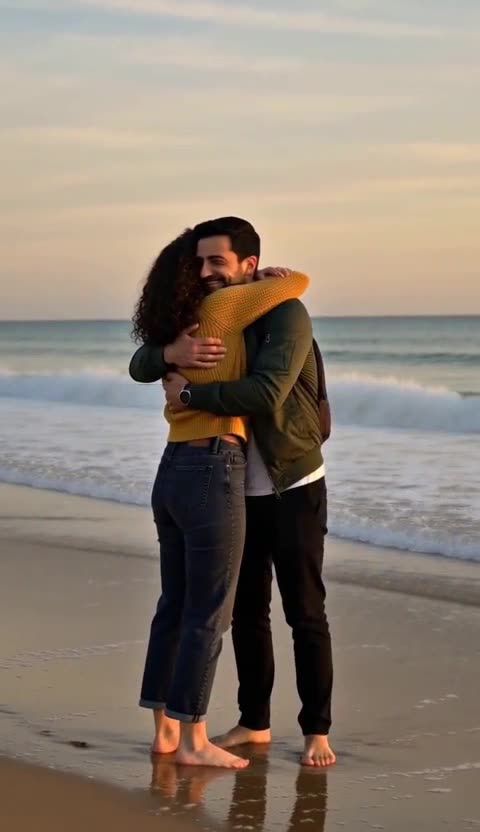
AI Couple Video Generator
AI couple video generator: add a photo of you and one of your partner and get a 5-second clip of you two on a beach or slow dancing at home. 63 credits.
MiniMax H3 Max · from 63 credits
Tested 2026-10-16
 MiniMax H3 Max · Recorded Cicadas sample
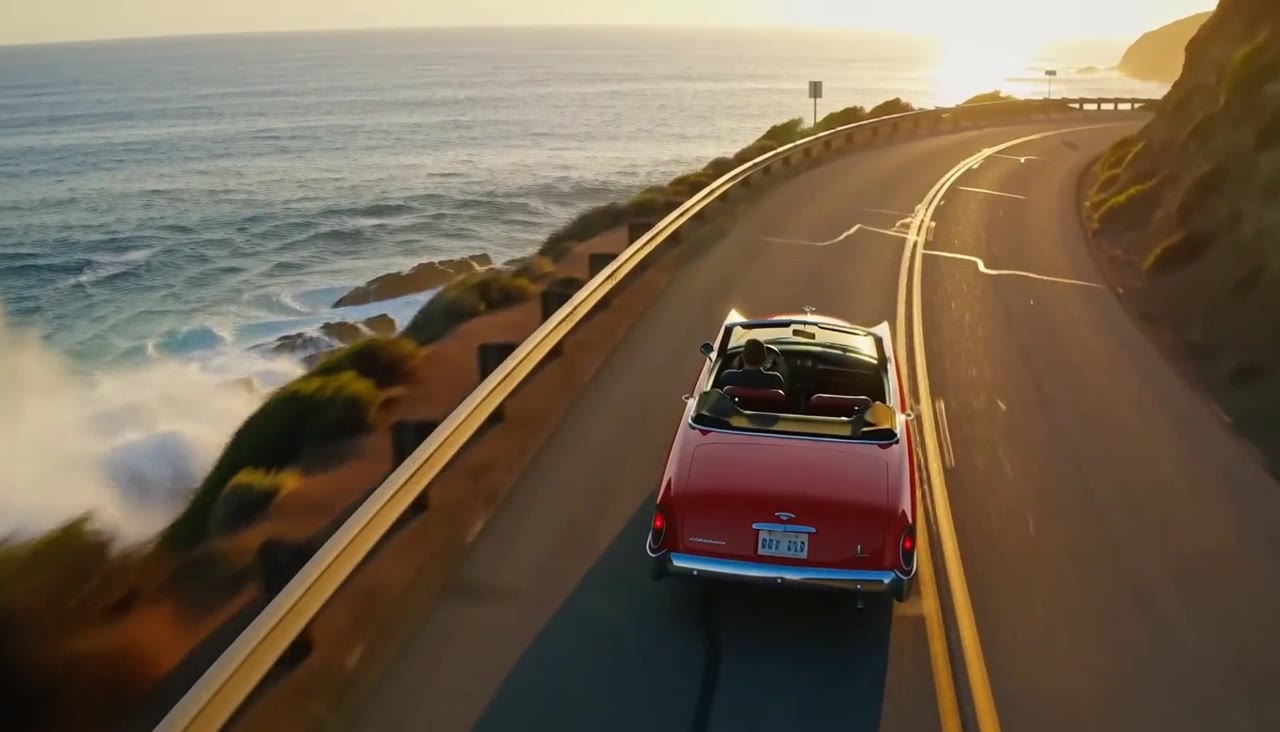
MiniMax H3 Max AI Video Generator
Turn text or one image into a 5, 10 or 15-second video with sound. MiniMax H3 Max, a MiniMax video generator from 63 credits, shows the quote first.
MiniMax H3 Max · from 63 credits
Tested 2026-09-30