
PixVerse v6 AI Video GeneratorNew
Make a PixVerse v6 video from text or one image: 540p to 1080p, 5 to 15 seconds, sound optional. 5 seconds at 540p is 44 credits, our lowest price.
- From 44 credits per clip
- Text to video / Image to video
- 5s / 8s / 10s / 15s
- 720p
- Audio available
PixVerse v6
What scene would you like to create?
Choose a scene to fill in the subject, setting and motion. No image upload needed. These are editable prompt drafts, not recorded outputs.
More prompt ideas
More settings · 16:9 · 5s
Checking generation and private storage configuration.
Sample result
5s · MP4About PixVerse v6 on Cicadas
PixVerse v6 is the latest video model from PixVerse. Write a prompt or upload one image, choose 5, 8, 10 or 15 seconds at 540p, 720p or 1080p, and switch sound on if you need it. It costs less per second than any other model on Cicadas, and our two 5-second test clips each finished in under a minute. You see the credit quote before anything is charged, and a failed generation returns its credits.
PixVerse v6 examples made on Cicadas
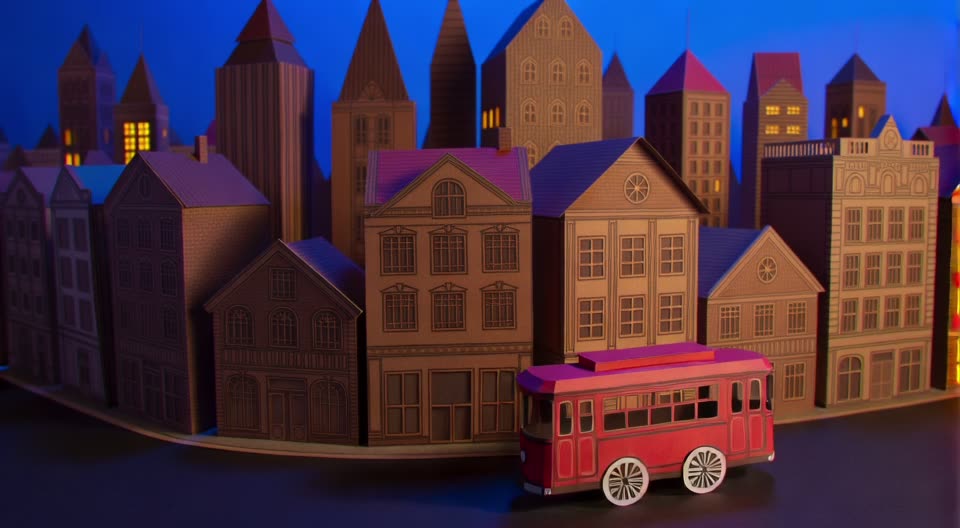
The paper city, on PixVerse v6.
PixVerse v6 at 540p with sound (the file is 1024 × 576), with the same prompt as the Seedance and Vidu paper-city clips. The red tram crosses the whole frame, but the windows are lit from the first frame instead of turning on one by one; the sound is a soft rustle.
Use this recipe ↗The kitten, on PixVerse v6.
PixVerse v6 at 720p, silent, from the kitten photo and prompt of the Kling and Vidu kitten clips. The paws stay planted, but the kitten turns its whole head to the window rather than tilting it a few degrees, and the framing creeps closer although the prompt asked for a locked camera.
Use this recipe ↗Why use Cicadas for PixVerse v6
PixVerse v6 text to video and image to video
Start from a prompt or from one image; image to video keeps the image's frame shape. Text to video offers 16:9, 9:16, 1:1, 4:3, 3:4 and 21:9.
The lowest price per second on Cicadas
540p is 8.75 credits a second, 720p 11.25 and 1080p 22.5, so 5 seconds at 540p is 44 credits and 15 seconds at 1080p is 338. Sound adds about a third.
Sound is a switch, off by default
PixVerse v6 can add music, sound effects and speech to the picture. Switch sound on when you need it, and listen to the result before you publish.
How to use PixVerse v6
- 01
Write one scene, or upload an image you have the right to use.
- 02
Pick the length, resolution and aspect ratio, and turn sound on or off.
- 03
Check the quote, generate, then download the MP4 from My videos.
PixVerse v6 prompt ideas
Copy one into the prompt box above and adapt it to your shot.
“A handcrafted paper city at blue hour. A small red paper tram glides past layered cardboard buildings while warm window lights turn on one by one. Gentle paper-wheel sounds and a soft city ambience, locked wide camera, one continuous shot, no people, no brands, no text.”
“The ginger kitten blinks once and slowly tilts its head a few degrees toward the window as if listening. Gentle natural breathing and a tiny ear twitch. Both front paws stay planted on the green cushion; body remains seated. Locked camera. Preserve face, fur pattern, whiskers and exact kitten anatomy. Calm natural movement, no extra limbs, no mouth opening, no cuts, no added objects.”
PixVerse v6 FAQ
Tested on Cicadas · reviewed 2026-10-01
Recorded on Cicadas on 2026-10-01: a 5-second text-to-video clip at 540p with sound (59 credits; the file is 1024 × 576), using the same prompt as our Seedance and Vidu paper-city clips, and a 5-second image-to-video clip at 720p, silent (57 credits), from the kitten photo and prompt of our Kling and Vidu kitten clips. Both finished in under a minute. The tram crossed the frame with a rustling sound, but the windows were lit from the start; the kitten turned its whole head and the framing crept closer. 1080p, clips longer than 5 seconds and speech were not tested.
- PixVerse v6 text to video on fal — API specification
- PixVerse v6 image to video on fal — API specification
Updated Oct 1, 2026 · How we test
Related tools
 Vidu Q3 · Recorded Cicadas sample
Vidu Q3 AI Video Generator
Make a Vidu Q3 video from text or one image, up to 16 seconds at 540p, 720p or 1080p, with native sound. Vidu Q3 clips start at 88 credits for 5 seconds.
Vidu Q3 · from 88 credits
Tested 2026-09-30
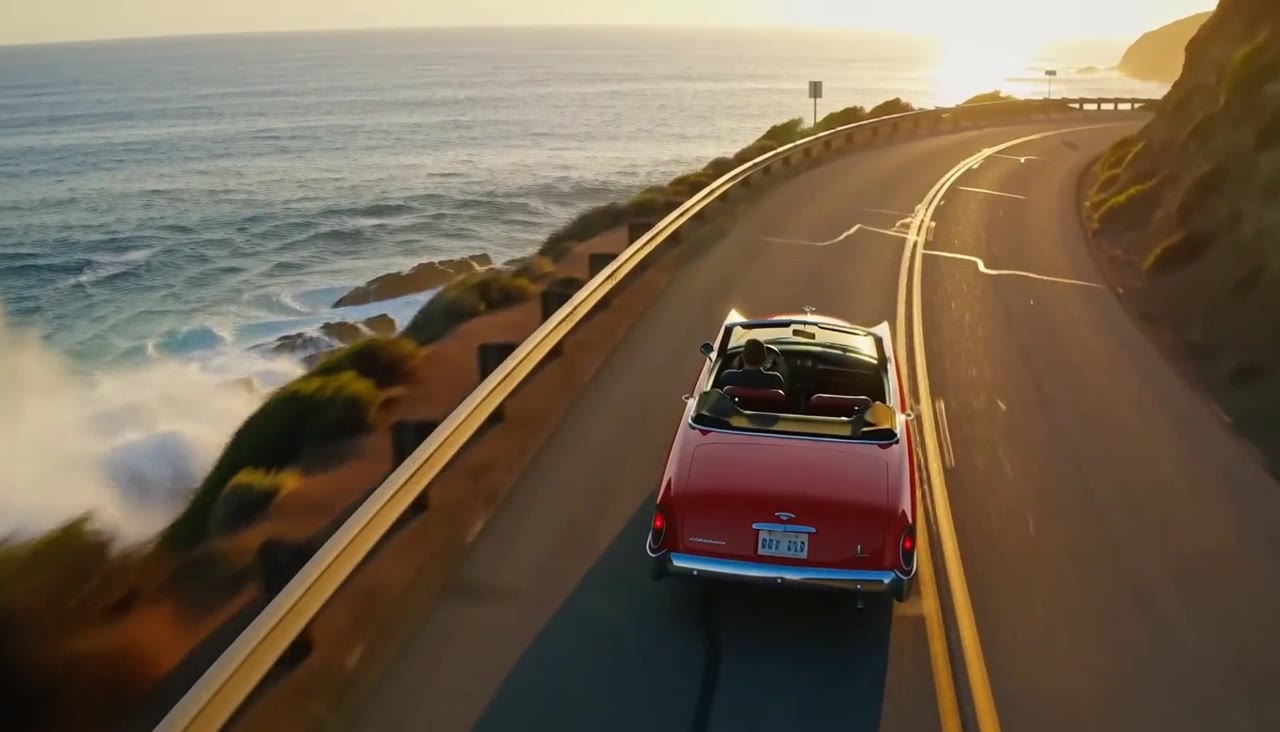 MiniMax H3 Max · Recorded Cicadas sample
MiniMax H3 Max AI Video Generator
Turn text or one image into a 5, 10 or 15-second video with sound. MiniMax H3 Max, a MiniMax video generator from 63 credits, shows the quote first.
MiniMax H3 Max · from 63 credits
Tested 2026-09-30
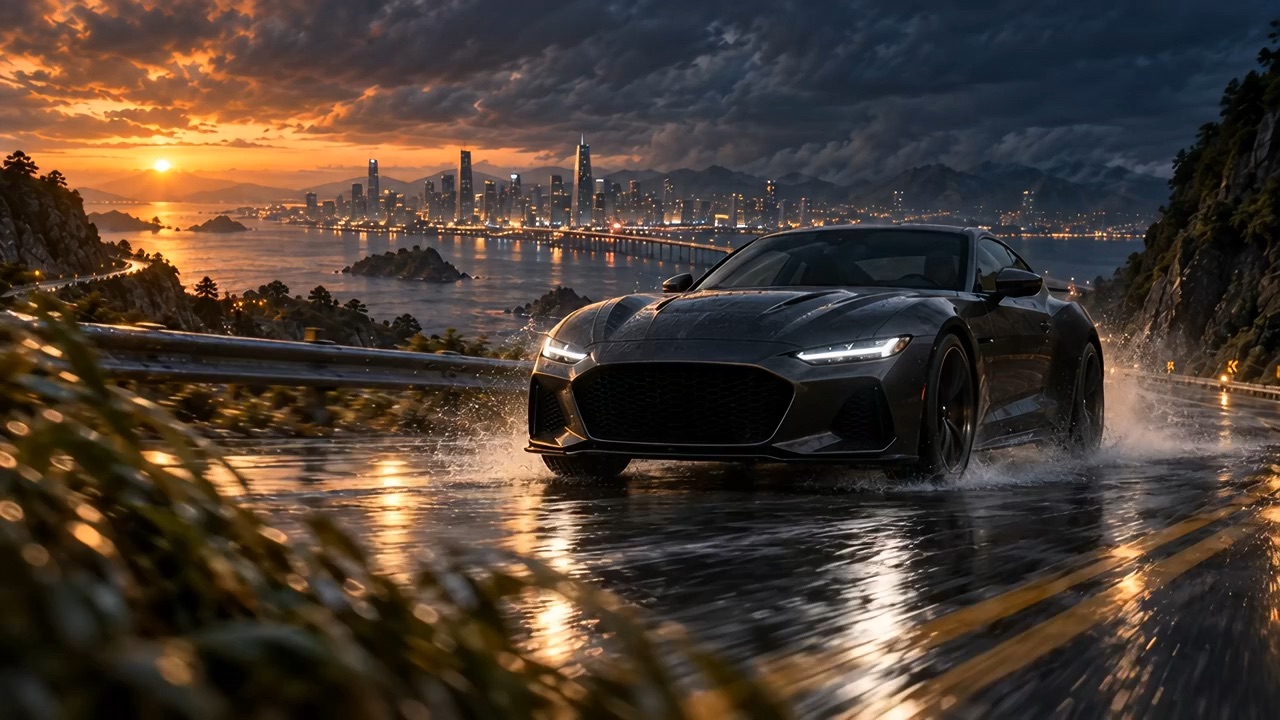 Recorded Seedance 2.5 sample
Seedance 2.5 AI Video Generator
Turn a prompt or one image into a video of up to 30 seconds with Seedance 2.5, at 480p or 720p with optional synced sound. See the credit quote first.
Seedance 2.5 · from 221 credits
Tested 2026-09-29