
Model updates
Eleven v4 Audio Tags: How to Write Them, Which Ones Exist, and How to Use the Voice in a Video
An independent guide to ElevenLabs' Eleven v4 audio tags: how to write [whispering] and other tags, the categories ElevenLabs lists, what v4 and v4 Turbo are, what the free plan gives, and how to put the voice-over into a video. Tested on Cicadas, checked 2026-11-05.
Video examples here were generated on Cicadas and keep their model, settings and date. Cicadas earns money when you generate with these models. How we test
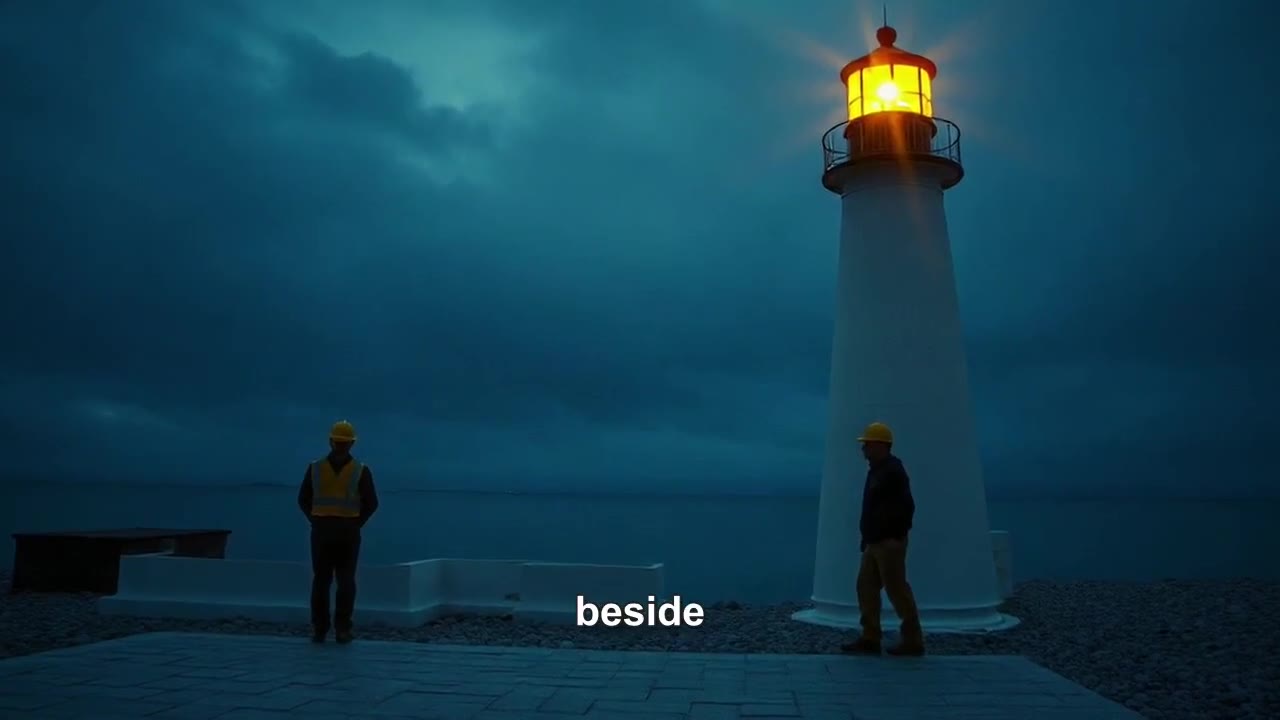
Short answer: an Eleven v4 audio tag is a word in square brackets inside your script, like [excited] or [whispering], that changes how the words after it are said. Tags are not read aloud, and ElevenLabs says there is no fixed list: its examples cover emotion, delivery and volume, pacing, human reactions, accents and characters, and sound effects, and you can write your own. Eleven v4 and the faster v4 Turbo arrived on 2026-09-28. On ElevenLabs the Free plan gives 10,000 credits a month for non-commercial use; on Cicadas you can run v4 without an ElevenLabs account on the Eleven v4 text to speech page, from 1 credit a line.
We make Cicadas, an independent site that runs Eleven v4 and v4 Turbo through fal.ai. We are not ElevenLabs and this is not its documentation. Facts about ElevenLabs' plans, tags and limits come from its pages and from reports we read on 2026-11-05, and we say whose words they are. Everything we say about how a tag sounded comes from voice-overs we generated on our own page, kept with their request IDs.
1. What Eleven v4 is
- Two models. Eleven v4 (
eleven_v4) for narration, audiobooks and voice-overs, and Eleven v4 Turbo (eleven_v4_turbo) for fast and real-time use such as voice agents. Most reports date the launch to 2026-09-28; fal has offered both since that day. - Languages and length. ElevenLabs' model docs list 90-plus languages for v4. Reports put ElevenLabs' own limit at 10,000 characters per request, twice v3's; through fal a request takes up to 5,000, and the Cicadas page sends up to 3,000 (1,000 in Chinese, Japanese or Korean).
- Tags carry over. Scripts written for v3 still work in v4, but ElevenLabs warns the delivery can change.
2. How to write an audio tag
- Square brackets, inside the text. Put the tag right before the words it should change:
[excited] Meet the mug that keeps your coffee hot for six hours. - A new tag changes the delivery from that point. On our page,
[excited] … [whispering] …came back as an enthusiastic first sentence and a whispered second one. - Plain words work. ElevenLabs says you can describe a delivery in natural language and combine cues, such as
[whispering, nervous]. - One change at a time. A tag before every few words gives the model more to follow and more to get wrong; change the delivery where a person would.
- Experimental tags vary by voice. ElevenLabs says so, and an independent developer write-up says v4 follows directions beyond the published examples, with less predictable results. Generate twice before you trust a new tag.
3. Audio tag examples by category
| Category (ElevenLabs' grouping) | Examples from ElevenLabs' pages | Use it for |
|---|---|---|
| Emotion | [curious], [crying], [mischievously] | Changing the mood of a line |
| Delivery and volume | [whispers], [shouts] | Quiet asides, calls across a room |
| Pacing | [pause], [long pause] | A beat before a reveal |
| Human reactions | [laughs], [clears throat], [sighs] | Making a read sound unscripted |
| Accents and characters | Described in your own words | Character voices in a story |
| Sound effects | Listed as experimental by ElevenLabs | Short effects inside the read |
On our page we tested [excited] and [whispering], the form ElevenLabs' own example [whispering, nervous] uses; we have not tested every tag in this table. A listener that was not shown the script described our tagged line as enthusiastic, then whispered.
4. What our four Eleven v4 voice-overs showed
All four were made on the Eleven v4 page on 2026-10-02 and are on that page to play.
| Script | Model, voice | Length | Credits |
|---|---|---|---|
[excited] mug line, then [whispering] | v4, Aria, 126 characters | 7.0 s | 3 |
| Lighthouse story line, no tags | v4, George, 117 characters | 8.0 s | 3 |
| Three-step instructions, no tags | v4 Turbo, Jessica, 112 characters | 9.4 s | 2 |
| One line of Mandarin Chinese | v4, Aria, 36 characters | 6.4 s | 1 |
A listener model that was not shown the scripts wrote down every word of all four correctly. A short line was ready to play 8 to 12 seconds after the click on both models; a 3,000-character English script came back as about 3 minutes 10 seconds of speech after 47 to 48 seconds.
5. Is Eleven v4 free?
On ElevenLabs, as its pricing page read on 2026-11-05 states:
- Free: $0 with 10,000 credits a month, non-commercial use with attribution.
- Starter: $6 a month with 30,000 credits and a commercial license.
- Creator: $22 a month with 121,000 credits ($11 for the first month).
ElevenLabs does not say on the pages we read how many v4 characters a credit buys, so we do not convert credits into minutes.
On Cicadas there is no free plan and no ElevenLabs account to make. Eleven v4 is 20 credits per 1,000 characters and v4 Turbo is 10, rounded up to a whole credit: a 500-character script is 10 credits on v4 (about $0.10 on the $9.90 first pack of 1,000 credits) and 5 on Turbo. The price shows before you click, a failed voice-over returns its credits, and the one free watermarked 5-second 480P sign-up video a new account gets is a video, not a voice-over. Voice cloning and your own ElevenLabs voices are not available on Cicadas; the Eleven v4 page offers 20 preset voices.
6. From voice-over to video
| You have | Do this | Page |
|---|---|---|
| A video of someone speaking, and a new voice-over | Upload both; the mouth is fitted to your audio with Sync Lipsync 2, 12.5 credits per second, quote first | AI lip sync |
| A script and no footage | Paste the script; it makes narration with 20 ElevenLabs voices, a picture per scene and word-by-word captions | Faceless video generator |
| A photo that should say one line, voice not important | The video model speaks the line itself; no MP3 needed | AI talking photo |
| A pet that should talk | The same idea with lines written for animals | Talking pet |
One catch: the faceless video generator uses ElevenLabs' earlier Multilingual v2 model, so v4 tags belong on the Eleven v4 page, not in a faceless script. The cover of this post is from that generator: a 16-second history short narrated by the George voice, made on 2026-09-30 for 21 credits. If you would rather direct a voice in sentences than in tags, Gemini TTS takes a separate delivery note such as "slow, low and a little mysterious" and returns a WAV.
7. A script template that uses tags well
[warm] This is the lighthouse my grandfather kept for thirty years.
[pause] Every night at dusk, he climbed one hundred and twelve steps.
[whispering] And every night, he counted them out loud.
Three tags, each where a narrator would change their voice; [warm] is written in plain words as ElevenLabs suggests, and we have not generated this exact script. Paste it into the Eleven v4 page, try it on v4 Turbo first (half the price), and switch to v4 only if the read needs more expression.
Questions people ask
What are Eleven v4 audio tags?
Words in square brackets inside the script, such as [excited] or [whispering], that tell Eleven v4 how to say the words after them. They are not read aloud. ElevenLabs says there is no complete list: its published tags are examples, and you can write your own in plain language.
Which audio tags does Eleven v4 support?
ElevenLabs groups its examples into emotion, delivery and volume, pacing, human reactions, accents and characters, and sound effects. Examples from its own pages include [curious], [crying], [mischievously], [whispers], [shouts], [laughs], [clears throat], [sighs], [pause] and [long pause]. It warns that experimental tags work less consistently across voices.
Do Eleven v3 audio tags work in v4?
ElevenLabs says v3 tags still work in v4 and v4 Turbo, though the delivery may come out differently, so listen again before you reuse an old script.
Is Eleven v4 free?
ElevenLabs' own Free plan is $0 with 10,000 credits a month, for non-commercial use with attribution, according to its pricing page as we read it on 2026-11-05. Paid plans start at $6 a month. On Cicadas there is no free plan: Eleven v4 costs 20 credits per 1,000 characters and v4 Turbo 10, and a 120-character line costs 3 credits.
What is the difference between Eleven v4 and v4 Turbo?
v4 is meant for narration and audiobooks, v4 Turbo for fast, real-time use such as voice agents. Through fal, Turbo costs half as much. On short lines in our tests both were ready to play 8 to 12 seconds after the click.
How do I put an Eleven v4 voice-over into a video?
Download the MP3 and add it in your editor, or on Cicadas upload it with a video of a speaking face to the lip sync page, which fits the mouth to your audio. The faceless video generator makes its own narration with ElevenLabs voices on an earlier model, so write v4 tags only on the Eleven v4 page.
How we checked
On 2026-11-05 we read ElevenLabs' audio tags list post, its Eleven v4 model and product guide pages and its pricing page through search results, plus reports on the v4 launch (eesel, Versely, OpenRouter) and a developer write-up on tags in a voice agent (Micdrop). Where reports disagreed, as on the launch date and the language count, we used ElevenLabs' own figure or left the fact out. The voice-overs were generated on Cicadas on 2026-10-02 and are kept with their request IDs; Cicadas prices come from our price table. We did not use ElevenLabs' own app for this guide. Method: how we test.