
Video to Anime Converter
Turn a video into anime with AI: upload an MP4 of up to 14.5 seconds, pick anime, painted or manga style, see the exact price and download an MP4 with sound.
- FLUX 3 Edit
- MP4 with sound
- 8 credits per second
Turn your video into anime
Upload an MP4 → pick a style → check the exact price → download the MP4.
Checking availability…
Sign in to upload and recover your resultsThe style instruction is fixed; the model keeps your clip’s movement, framing and timing and redraws how it looks. Faces are redrawn in the style, so a person will not look exactly like themselves. Results need a visual check.
3. Your result
Your anime video will appear here. Recent jobs are saved to your account below.
Real results (2026-10-11): each is one run of this tool on one of this site’s own AI-generated clips, shown next to its source. Phone footage has not been tested yet.
About video to anime on Cicadas
This video to anime converter redraws your own clip as animation. Upload an MP4, choose one of three styles (anime, painted film or black-and-white manga), and FLUX 3 Edit keeps the movement, framing and timing of your video while it changes how every frame is drawn. The sound track stays. It costs 8 credits per second of your clip, the exact price is shown before anything is charged, and a job that fails is refunded in full.
Why use Cicadas for video to anime
Convert video to anime without losing the motion
The tool does not generate a new scene. It takes your MP4 (1 to 14.5 seconds, up to 48 MB) and redraws it, so poses, camera movement and timing follow the source. In our runs a 5.04-second clip came back as 5.04 seconds and a 10.14-second dance as 10.04 seconds, both at 24 frames a second with their sound.
Three styles: anime, painted film and manga
Anime gives clean line art and flat cel shading. Painted film gives watercolour backgrounds and soft colour. Manga gives black-and-white ink with screentone shading. The style instruction is fixed and written by us, so you choose a style instead of writing a prompt.
See the video to anime price before you pay
The server measures your clip and quotes 8 credits per second: about 40 credits for 5 seconds and 80 for 10. The quote holds for 5 minutes, nothing is charged until you confirm, and a failed job or a result of the wrong length returns every credit.
How to use video to anime
- 01
Sign in and upload your own MP4: 1 to 14.5 seconds, up to 48 MB. Trim longer videos first.
- 02
Pick anime, painted film or manga, confirm you may use the video, and get the exact credit quote.
- 03
Confirm, wait about a minute (61 to 85 seconds in our runs), then download the MP4 or reopen it later from Recent jobs.
What it costs
| This page: video to anime | 8 credits per second of your clip | About 40 credits for 5 seconds and 80 for 10; every style costs the same. A job that fails, or returns a clip of the wrong length, is refunded in full. Needs an account. |
|---|---|---|
| Credits | See the pricing page | One account and one credit balance for every tool on this site. |
| 3D cartoon, comic book, clay and sketch styles | 8 credits per second | Four more styles of the same tool, on the video to cartoon page. |
| New anime shots from text or a picture | Credits, shown before each generation | For when you have no footage: it generates a new shot and does not take your video. |
The quote on the page is what counts: the server measures your clip first, shows the exact credits, and charges only when you confirm.
Video to anime FAQ
Tested on Cicadas · reviewed 2026-10-11
Real runs on 2026-10-11 with FLUX 3 Edit, all on this site's own AI-generated clips. Through this page's paid path: a 5.04-second portrait (anime, 41 credits, 61 seconds), a 10.14-second dance with sound (painted film, 82 credits, 67 seconds, delivered as 10.04 seconds), a 6-second walking selfie (manga, 48 credits) and a 10.14-second clip with two people (anime, 82 credits, 85 seconds). Poses, framing and sound were kept; faces, hair and background details were redrawn. Phone footage, three or more people, cuts between shots and clips over 10 seconds have not been tested.
Updated Oct 12, 2026 · How we test
Related tools
 Kling 3.0 Pro · Recorded Cicadas sample
AI Anime Video Generator
AI anime video generator: describe an anime scene or upload your own art and get a silent 5- or 10-second anime video in one original shot, price shown first.
Kling 3.0 Pro · from 140 credits
Tested 2026-09-30

Motion Control AI: Character Image + Reference Video to MP4
Make your character move like a reference video with Kling motion control. This motion control AI returns a silent MP4 and bills only delivered seconds.
Tested 2026-09-29
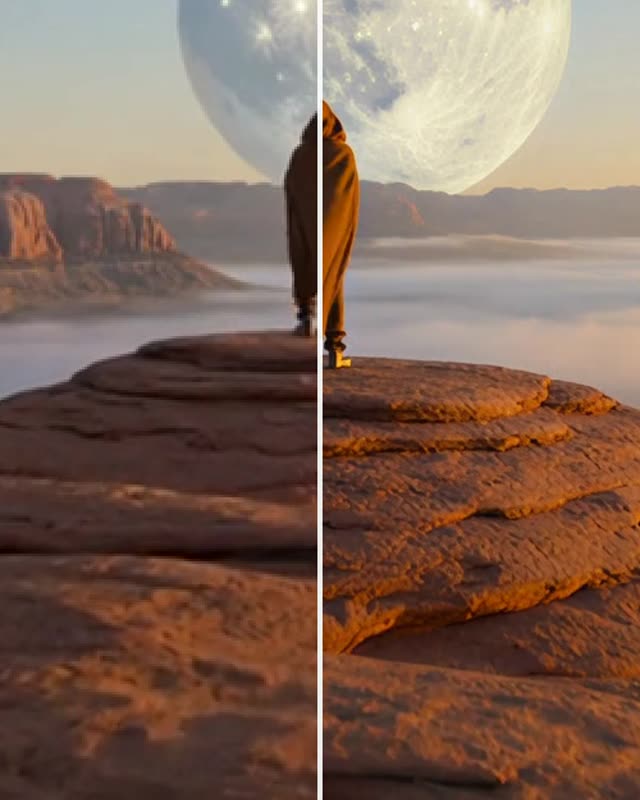
AI Video Upscaler
Upscale video to twice its width and height and get a private silent MP4. This AI video upscaler runs SeedVR2 at 0.25 credits per output megapixel.
Tested 2026-09-29

Video Background Remover
Remove the background from video clips of up to 10 seconds and download a transparent WebM. This video background remover shows the exact credit quote first.
Tested 2026-09-29