
Trend tutorials
How to Turn Yourself Into a Cartoon Video With AI (Photo or Clip)
"Make me a cartoon" means two different jobs: a photo that becomes a short cartoon-style clip, or a clip you filmed redrawn as a cartoon. Which Cicadas page does which, what it costs, what stays the same.
Video examples here were generated on Cicadas and keep their model, settings and date. Cicadas earns money when you generate with these models. How we test
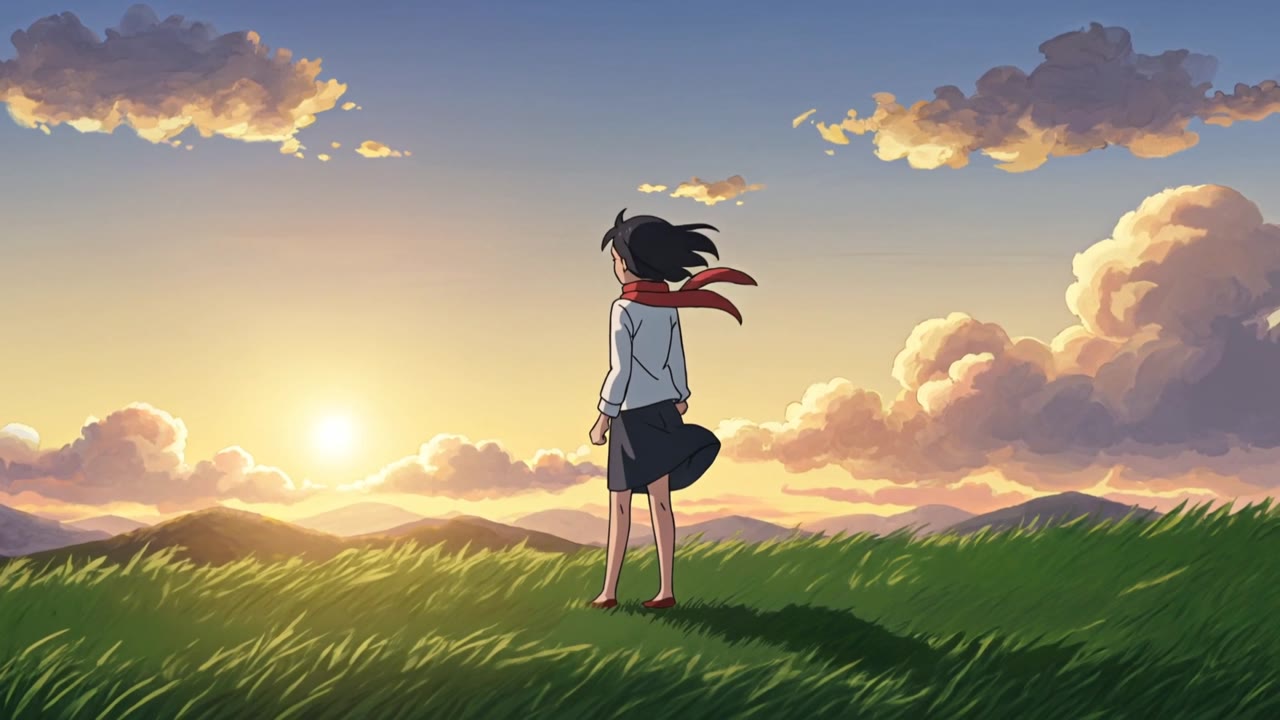
Short answer: if you have a photo, use the AI anime video generator: one photo plus a prompt becomes a 5-second anime-style clip (63 credits, about $0.62 on the $9.90 first pack). If you have a clip you filmed, use the video to cartoon page: it redraws the clip in a cartoon style and keeps your movement. Neither is a face filter.
We make Cicadas. Photo-to-cartoon apps that draw a still caricature are a third thing; this guide covers the two video routes.
Route 1: one photo → a short cartoon-style clip
- Open the AI anime video generator, sign in and add your photo.
- Describe the scene and the style: "anime style, the person from the photo turns and smiles on a hilltop, wind in the hair, soft evening light".
- Choose 5, 10 or 15 seconds and 480P or 768P, read the quote, generate, download.
What you get: a new drawn clip inspired by the photo. The likeness is approximate; clothing colours and the pose carry over best.
Route 2: a clip you filmed → the same clip as a cartoon
- Open the video to cartoon page, sign in and upload your clip (a few seconds is enough for a first try).
- Pick a style (cartoon, comic, clay, sketch) and read the quote, which is priced per second of your clip.
- Generate and download. Motion, framing and poses stay; faces are stylised, backgrounds simplified.
What you get: your own video redrawn. In our tests the camera moves and poses were kept; fine details such as curls or a beard sometimes changed.
Which one is "make me cartoon"?
Most people searching that phrase want a picture of themselves as a cartoon, which is a photo app's job. If you want to post a moving clip, start with route 1 for a photo and route 2 for a video.
Rights
Use your own photo or clip, or one the person agreed to. Paid clips download without a watermark.