
Trend tutorials
How to Make a Wedding Dance AI Video From a Photo
The wedding-party dance clip with AI: an original dance from one photo, or the exact routine from a clip you filmed with motion control. Steps, what stays the same, cost, no songs included.
Video examples here were generated on Cicadas and keep their model, settings and date. Cicadas earns money when you generate with these models. How we test
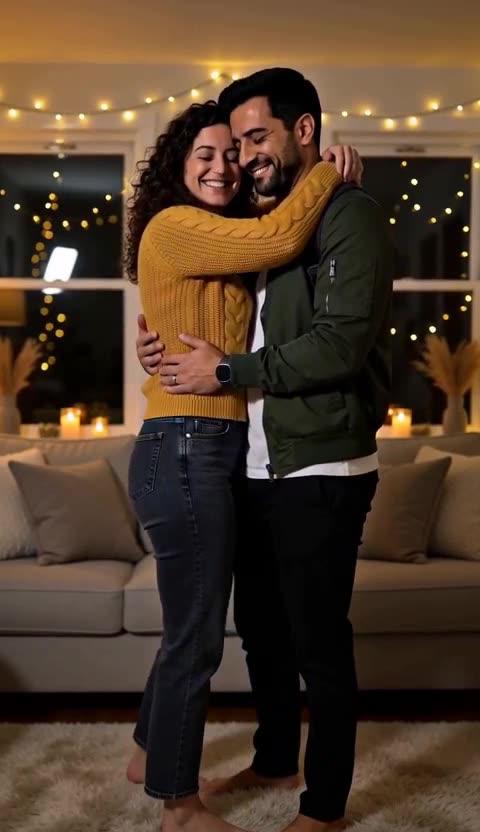
Short answer: for an original wedding-party dance from one photo, use the AI dance video generator (63 credits for 5 seconds, about $0.62 on the $9.90 first pack). For the exact routine everyone is copying, film it and use the motion control page: one photo plus your 3–30 second reference clip becomes a silent MP4 of you doing those moves. No celebrity footage or songs are included.
We make Cicadas; both routes below are ours.
Route 1: an original dance from one photo
- Open the AI dance video generator, sign in, add a full-body photo in the wedding outfit.
- Prompt the scene: "wedding reception dance floor, warm lights, the person from the photo does an upbeat celebratory dance, arms up, spins once".
- Choose 5, 10 or 15 seconds, read the quote, generate, download. Add the song afterwards.
For two people, the AI couple video generator places both of you from your own photos into one scene.
Route 2: the exact routine with motion control
- Film the routine yourself: one person, straight on, full body, fixed phone, 5–10 seconds, moderate speed.
- Open the motion control page, upload the reference clip and one photo, choose follow the video, confirm you may use both.
- Read the maximum quote (a 5-second reference was quoted 159 credits in a 2026-09-28 test and charged 85 for 2.7 delivered seconds), generate, download the silent MP4.
What stays the same
Route 1 keeps the outfit, the face and the setting from the photo and invents the moves. Route 2 keeps the face and outfit from the photo and follows your clip's moves; the result can be shorter than the reference because only continuous, visible motion is kept.
Rights
Use your own photos and a reference clip you filmed or may use. Wedding guests in the photo must have agreed.