
Trend tutorials
How to Make the Vanish Effect With AI From One Photo
The vanish effect without After Effects: one photo, a prompt that keeps the background still, and a 5-second clip where you dissolve into particles or fade out. Prompts, photo tips, cost.
Video examples here were generated on Cicadas and keep their model, settings and date. Cicadas earns money when you generate with these models. How we test
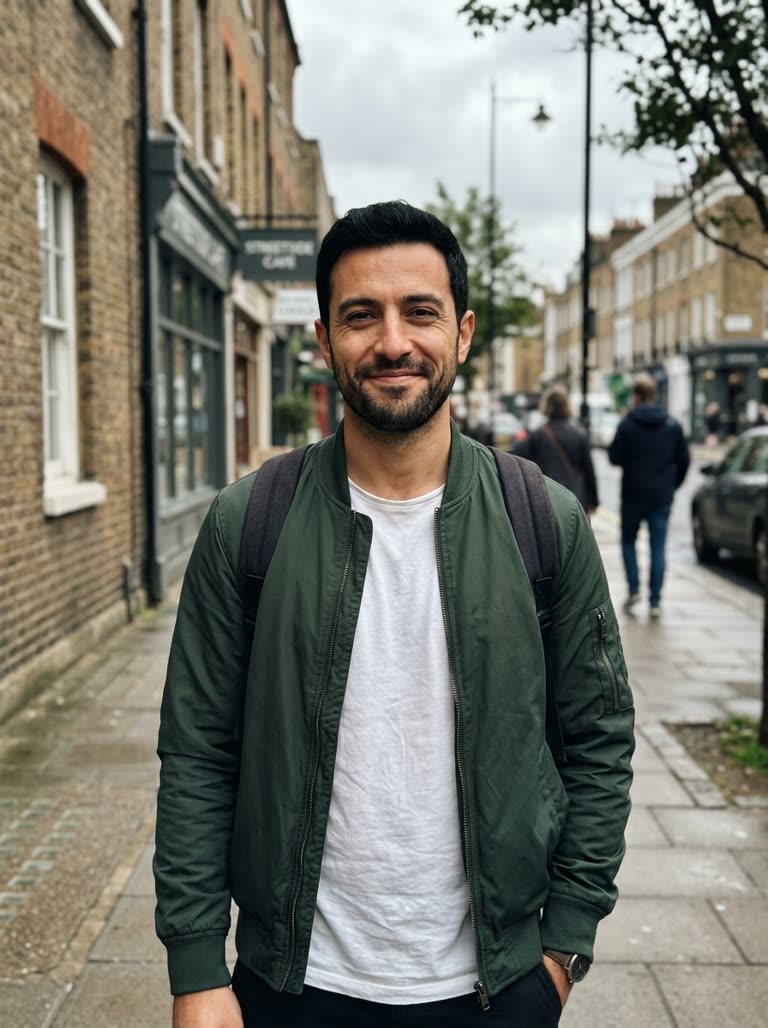
Short answer: the manual vanish effect means masking yourself out in After Effects or Filmora frame by frame. From one photo, the vanish effect AI page does it in one generation: the photo is the first frame, the prompt says how you disappear and that the background stays, and MiniMax H3 Max returns a 5-second clip for 63 credits (about $0.62 on the $9.90 first pack).
We make Cicadas, so this guide is about that workflow. It cannot edit a clip you already filmed; for that, use a video editor or the object removal page.
1. Pick the photo
- One person, standing or seated, the whole figure inside the frame.
- Good contrast between the person and the wall or floor; even light.
- Simple background. Busy scenes drift more while the figure dissolves.
- Vertical photo for a vertical 9:16 clip.
2. Choose the disappearance
Three prompts are on the page; pick the one that matches the look you want:
- Particles: the body breaks into thousands of small glowing particles that drift upward and fade.
- Fade: the person slowly becomes fully transparent.
- Empty outfit: the person vanishes and the clothes drop to the floor in a heap.
Each ends with the same line that keeps the scene still: the background, floor and lighting stay exactly as in the photo, fixed camera, one continuous shot.
3. Generate
- Sign in on the vanish effect AI page, add the photo and pick a prompt.
- Choose 5, 10 or 15 seconds and 480P or 768P; read the quote.
- Generate and download the MP4 from My videos.
What to expect
The scene starts exactly as photographed because the photo is the first frame. The figure then animates; small background drift can happen on busy scenes, which is why a plain wall works best. The clip has the model's ambient sound and no music.
Rights
Use only your own photo or one the person agreed to.