
Subway Singing AI Video Generator
Subway singing AI: one photo of you in a train seat plus a recording of you singing become a 5-second clip of you belting it out on the subway. Your own voice, no song included. 63 credits.
Subway singing AI on Cicadas turns one image into a 5, 10 or 15 second video with MiniMax H3 Max, at 480P or 768P, with sound. A clip costs from 63 credits, and the exact quote shows before you generate.
- From 63 credits per clip
- Image to video
- 5s / 10s / 15s
- 480P
- Audio available
Your video
5s · MP4Your next video starts here.
Add a prompt or choose an idea above. Your result will appear here.
Real results (2026-10-26)
Each clip was produced once by this page's tool from a public AI-made sample photo on this site, not retried; the captions say what sound was used.
About Subway singing AI on Cicadas
The subway singing clip is the one where someone in a train seat belts out "Ain't No Mountain High Enough" while the carriage ignores them. This page makes your version from your own voice: the photo is the first frame, and with your recording attached MiniMax H3 Max moves your mouth while the recording plays, with a little sway. The song is not included; you record yourself singing it or anything else, and the mouth follows the recording loosely, not word by word.
Why use Cicadas for Subway singing AI
Your voice, your mouth
Attach a recording of yourself singing, an MP3, WAV or M4A of at least 2 seconds and up to 15 MB, and it becomes the clip's sound exactly. The mouth opens and closes with the singing and keeps moving for about half a second after it stops.
No song inside
This page does not include "Ain't No Mountain High Enough" or any other track. Sing it yourself, or sing anything you like; use only recordings you made or may use.
See the price of every clip first
At 480P, 5 seconds is 63 credits, 10 seconds 125 and 15 seconds 188; at 768P they are 100, 200 and 300. About $0.62 for 5 seconds on the $9.90 first pack. A recording does not change the price, and a failed generation returns its credits.
One photo, your own face
The photo is the first frame, so the clip keeps your face, clothes and the carriage from the photo. Upload only a photo of yourself or someone who agreed.
How to use Subway singing AI
- 01
Sign in and add one photo of yourself sitting in a train or subway seat, face to the camera.
- 02
Attach your own singing recording (MP3, WAV or M4A, at least 2 seconds) and tick that it is yours; the clip length follows the recording, and you can change it.
- 03
Check the quote, generate, and download the MP4 from My videos.
Which photo works
One person seated, face and mouth clear, a bit of the carriage visible for the joke. Even light helps; a vertical photo makes a vertical clip for TikTok, Reels and Shorts.
Recording tips
Sing one line or a chorus, 5 to 10 seconds, with a beat of silence at the end. Belting with exaggerated expression reads better than a quiet hum, because the mouth movement follows the loudness of the recording.
Subway singing AI prompt ideas
Copy one into the prompt box above and adapt it to your shot. Or write your own shot by shot in the prompt generator.
“The person in the photo sits in a subway seat and sings along to the voice on the soundtrack, mouth opening and closing with the singing, swaying slightly, eyes closed at the high notes. Keep the face, clothes and the train interior as in the photo. One continuous shot, no other people added, no text.”
“The person in the photo sits in a subway seat and sings along to the voice on the soundtrack with big expression, leaning forward and raising one hand at the loud parts, mouth opening and closing with the singing. Keep the face, clothes and the train interior as in the photo. One continuous shot, no other people added, no text.”
Subway singing AI FAQ
Related tools
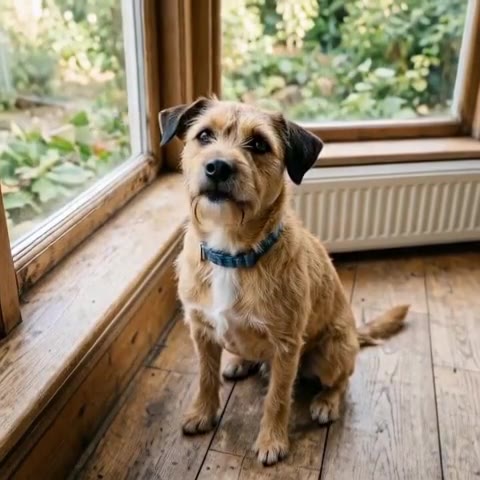 MiniMax H3 Max · Recorded Cicadas sample
Bad Times AI Video Generator
Bad Times AI for pets: one photo of your dog or cat and a recording of your own voice become a clip of your pet talking back. No song included. 63 credits.
MiniMax H3 Max · from 63 credits
Tested 2026-10-18

AI Lip Sync
Make a talking-head video match new speech and get a private MP4 back. This AI lip sync tool runs Sync Lipsync 2 and costs 12.5 credits per second of video.
Tested 2026-09-29
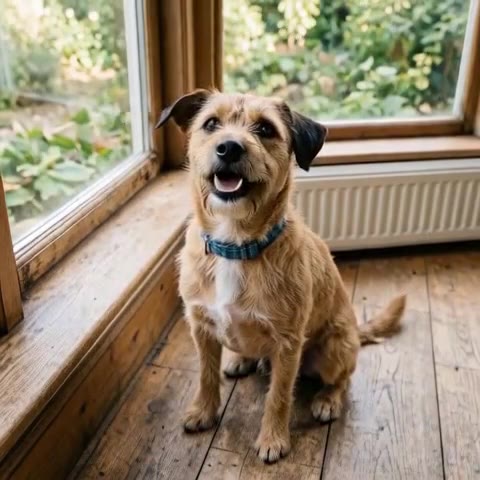 MiniMax H3 Max · Recorded Cicadas sample
Talking Pet AI Video Generator
Talking pet AI: add one photo of your pet, write a line, and it says it in a short video with a voice. From 63 credits on MiniMax H3 Max. Pets only.
MiniMax H3 Max · from 63 credits
Tested 2026-10-18
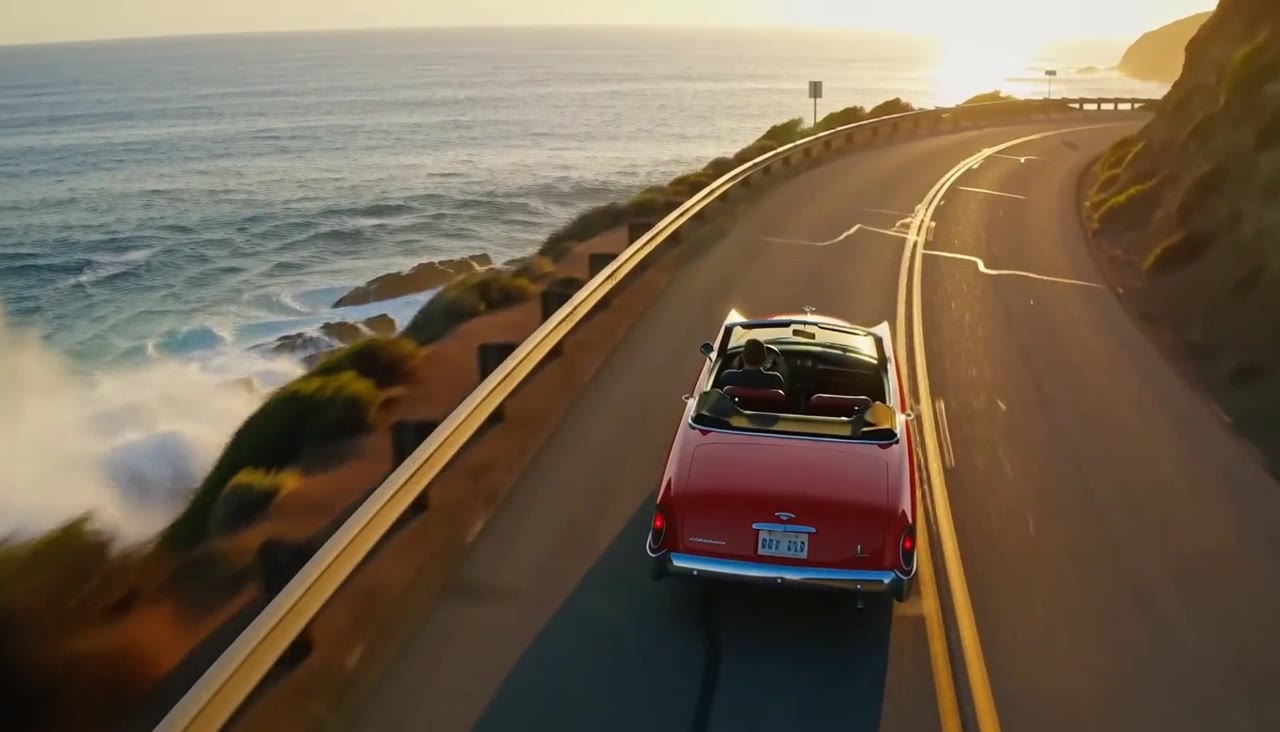 MiniMax H3 Max · Recorded Cicadas sample
MiniMax H3 Max AI Video Generator
Turn text or one image into a 5, 10 or 15-second video with sound. MiniMax H3 Max, a MiniMax video generator from 63 credits, shows the quote first.
MiniMax H3 Max · from 63 credits
Tested 2026-09-30